AI Interior Design Rendering from 3D Screenshots in Seconds
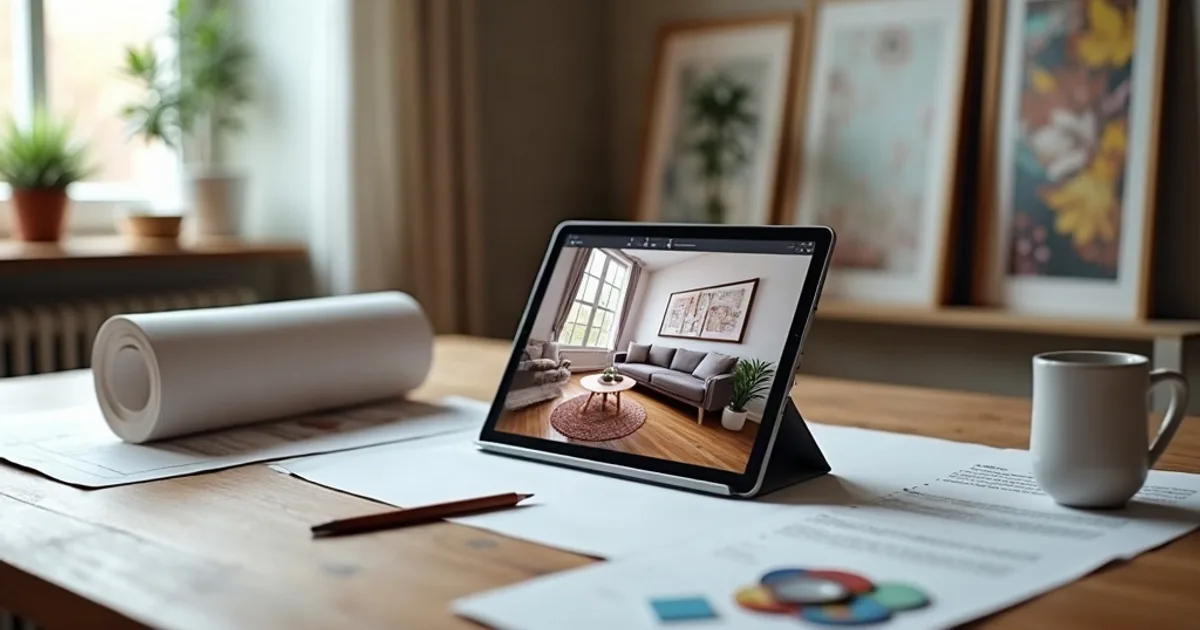
Turn a SketchUp, Revit, Blender, AutoCAD, or other 3D viewport screenshot into a photorealistic interior render in seconds. Keep the modeled camera angle and room layout, test materials and lighting, and export a 4K image for client presentations: no rendering plugin required.
- How it works: Screenshot Your Interior Model → Upload and Set Interior Options → Download Your 4K Render.
- Key benefits: Works With Any 3D Software, Multiple Lighting Styles, Material and Finish Control.
- What 3D software can I use for AI interior design renders? PromptRender works with any 3D software that lets you take a viewport screenshot: SketchUp, Revit, Blender, AutoCAD, Vectorworks, ArchiCAD, 3ds Max, and others.
How it works
- Screenshot Your Interior Model — Open your 3D software, set up your interior scene, and take a viewport screenshot. Any 3D software works: SketchUp, Revit, Blender, AutoCAD, or others.
- Upload and Set Interior Options — Upload the screenshot to PromptRender, select 'Interior', choose your lighting style (natural, warm, evening) and optionally describe materials, finishes, or mood.
- Download Your 4K Render — Receive a photorealistic interior design render in 4K within seconds. Your original camera angle and room layout are preserved exactly as modeled.
Why Designers Use AI for Interior Rendering
Works With Any 3D Software
SketchUp, Revit, Blender, AutoCAD, Vectorworks, ArchiCAD, 3ds Max: if you can take a viewport screenshot, PromptRender can render it.
Multiple Lighting Styles
Choose from natural daylight, warm evening, golden hour, or night lighting to show your interior in the most flattering light for each client.
Material and Finish Control
Describe specific materials via text prompt ('dark oak flooring', 'brushed brass fixtures', 'linen curtains') and the AI applies them to your render.
Multiple Variations Per Scene
Generate several render options from the same screenshot to give clients choices and explore different moods without re-modeling.
4K Resolution for Print and Screen
Every interior render outputs at 4K: sharp enough for printed portfolios, presentation boards, and full-screen client displays.
Edit Specific Areas with AI Prompts
Not satisfied with the floor finish or wall color? Describe the change and the AI adjusts it: no need to re-render the whole scene.
Every Type of Interior Space
From residential rooms to commercial projects: PromptRender renders any interior scene.
Living Rooms
Render living room designs with accurate furniture scale, natural window light, and photorealistic finishes: sofas, rugs, shelving, and art included.
Kitchens
Visualize kitchen layouts with cabinet finishes, countertop materials, appliances, and lighting before construction or client presentation.
Bedrooms
Create photorealistic bedroom renders with accurate lighting, bedding textures, wardrobe details, and natural or artificial light sources.
Bathrooms
Render bathroom designs with tile materials, fixture finishes, mirror reflections, and precise lighting for accurate client visualization.
Home Offices
Visualize home office designs with desk layouts, shelving, lighting conditions, and material finishes for modern remote work spaces.
Open-Plan Spaces
Render open-plan living, dining, and kitchen combinations with consistent lighting across zones and material continuity throughout.
Frequently Asked Questions
What 3D software can I use for AI interior design renders?
PromptRender works with any 3D software that lets you take a viewport screenshot: SketchUp, Revit, Blender, AutoCAD, Vectorworks, ArchiCAD, 3ds Max, and others.
What lighting styles are available for interior renders?
PromptRender supports natural daylight, warm evening (artificial light), golden hour, and night lighting. Select the mode when uploading and optionally describe the lighting in a text prompt for more control.
Can I specify materials and finishes in my interior render?
Yes. Use the optional text prompt to describe materials: 'herringbone oak parquet', 'white marble countertop', 'exposed concrete wall'. The AI will incorporate these into the render.
Does PromptRender work for commercial interiors, not just residential?
Yes. PromptRender renders any interior scene: residential, hospitality, retail, office, or healthcare. Upload a viewport screenshot of your 3D model and the AI generates a photorealistic result.