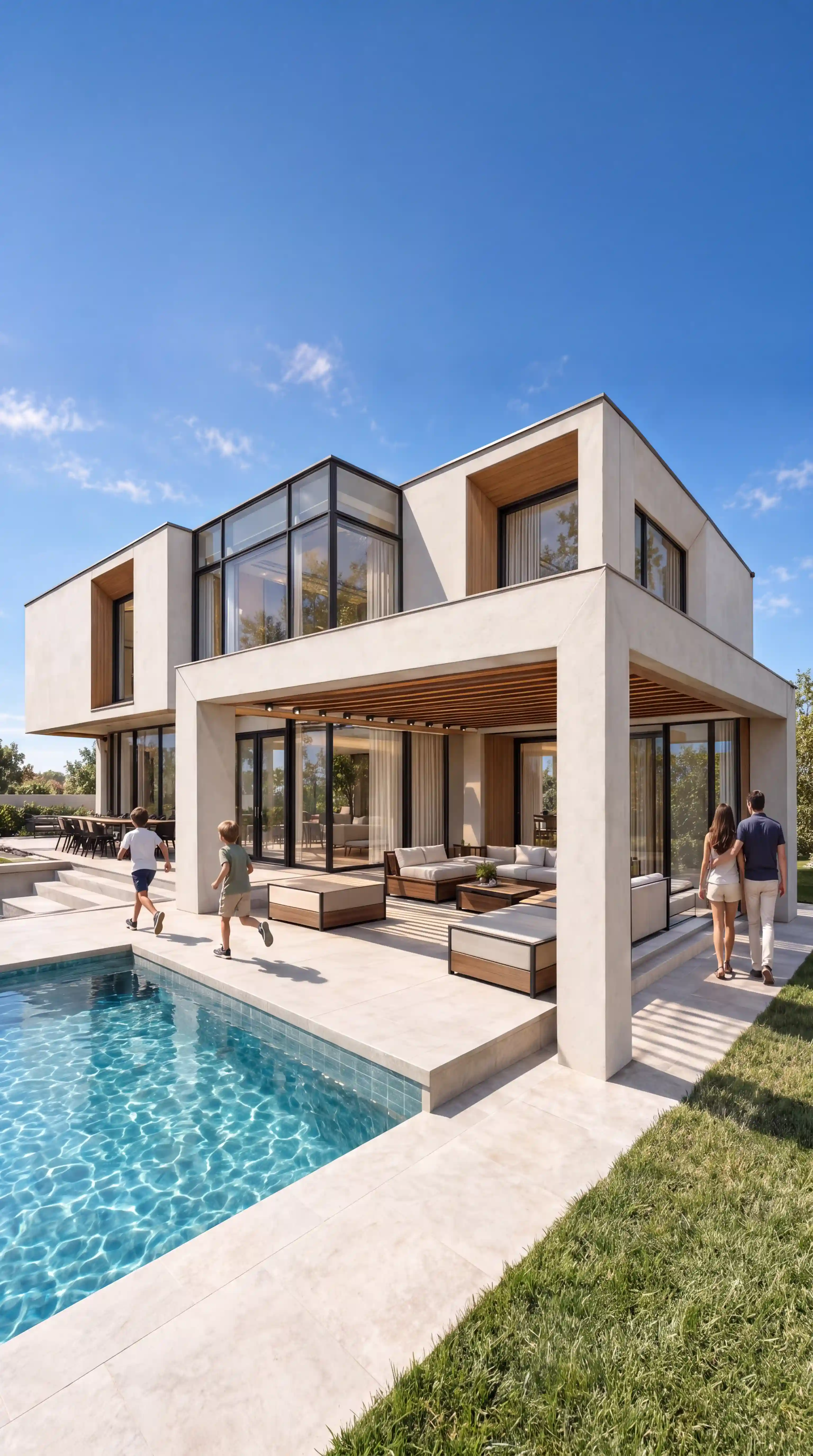
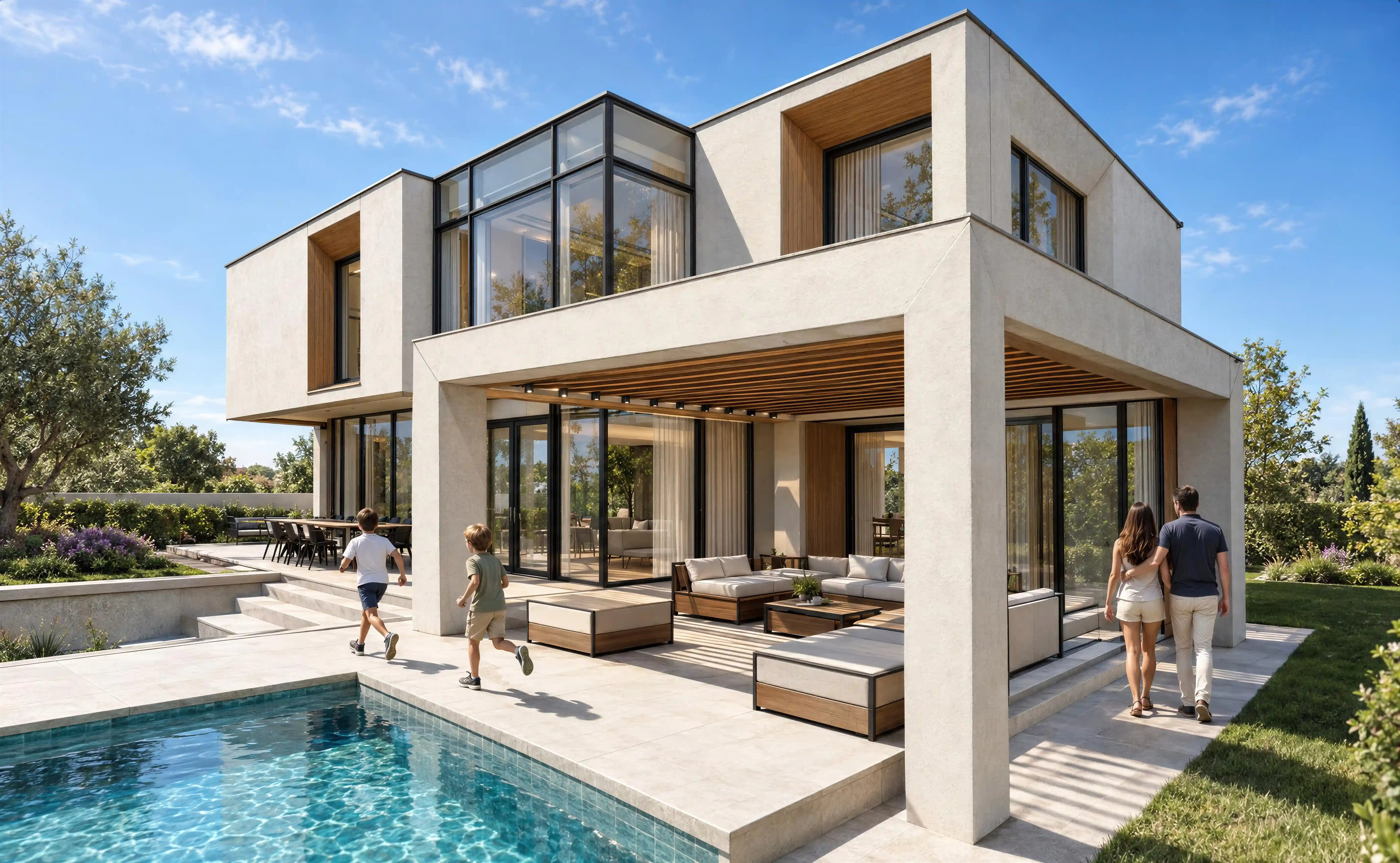
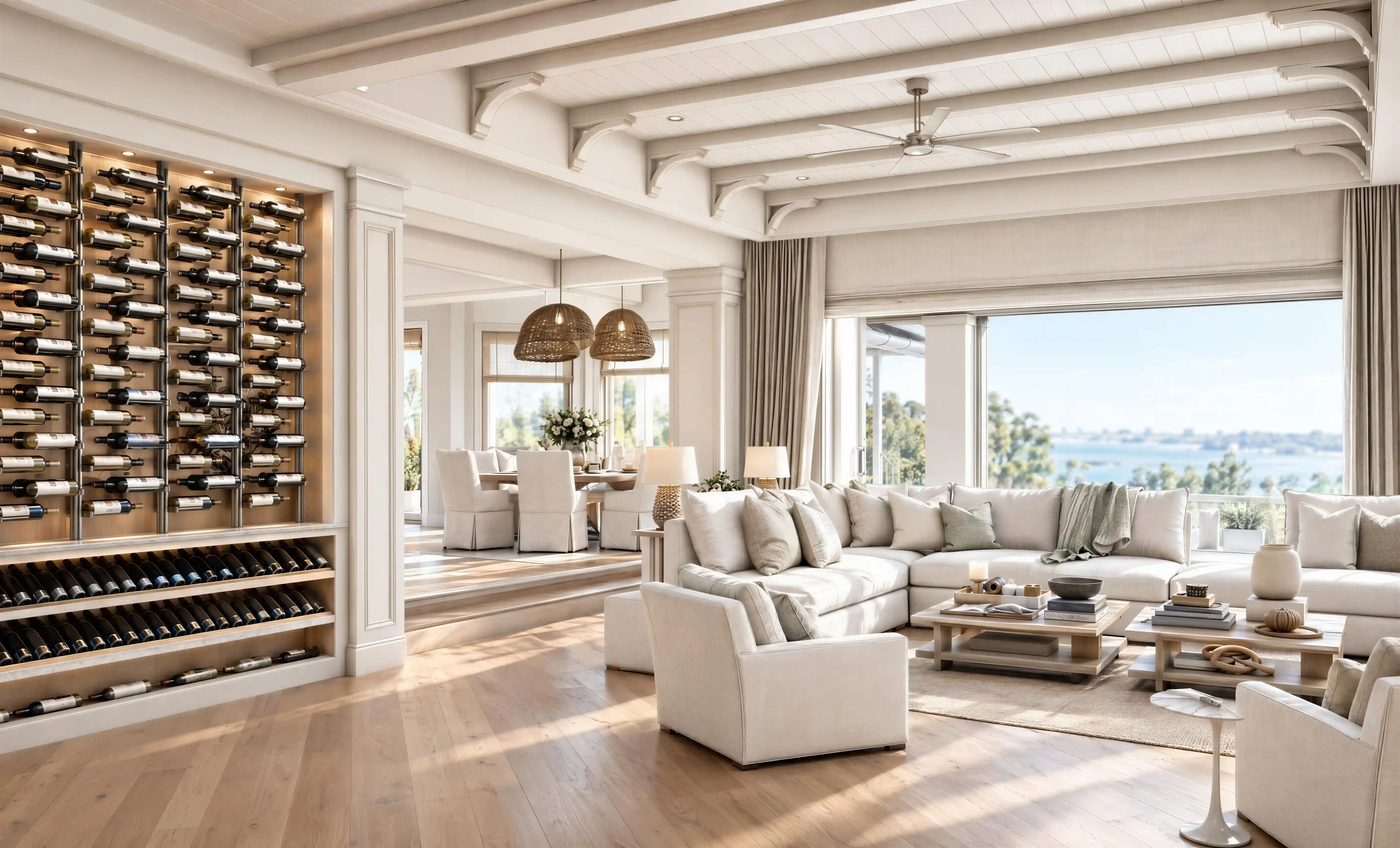
Three Steps to a Professional Render
No rendering software. No hours of waiting. Just upload, describe, and generate.
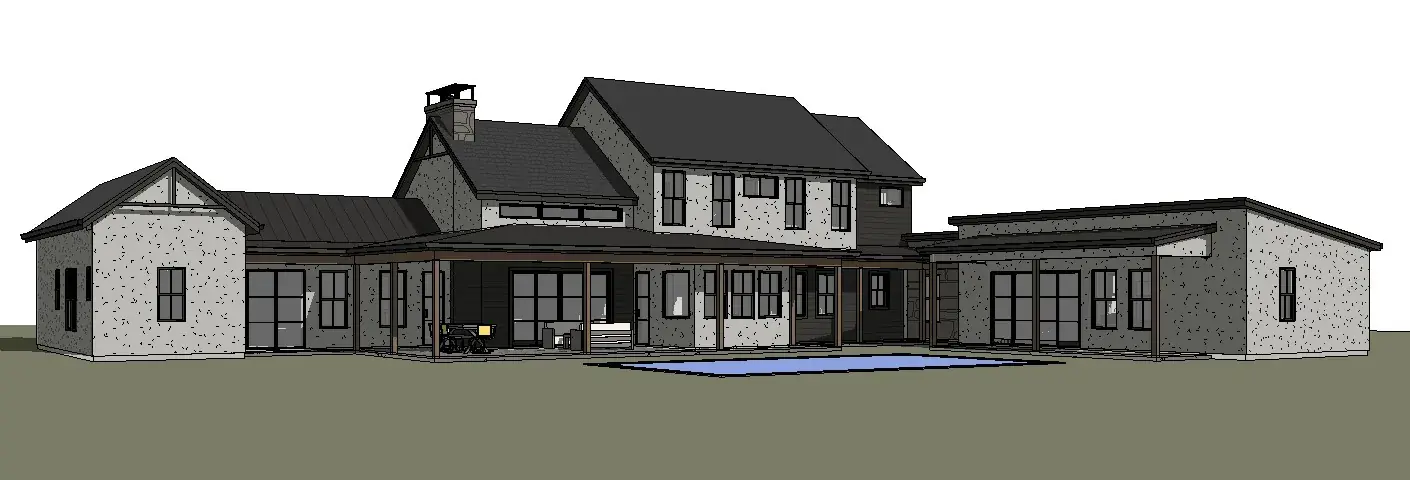
Step 1
Upload your design
Upload a screenshot and transform it into a professional architectural render in seconds.
Prompt (Optional)
Modern villa, warm oak floors, golden hour...
Lighting
Step 2
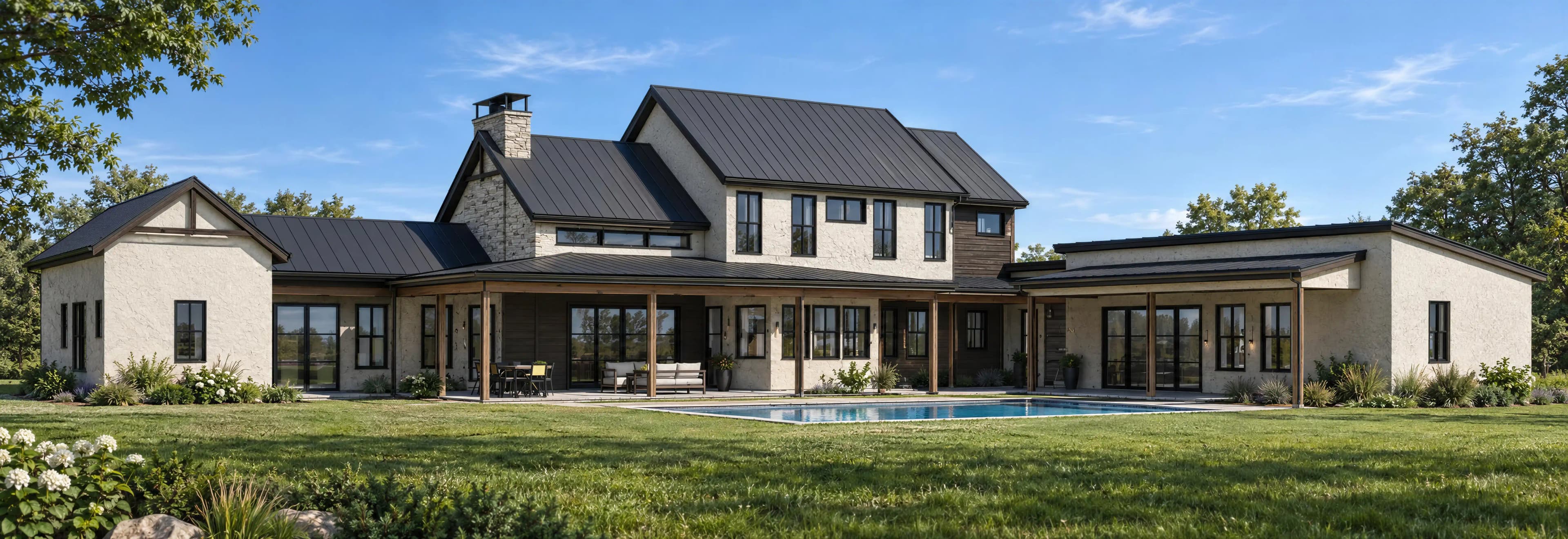
Select features and render
Tell the AI what you want: lighting, materials, environment, mood. Choose the scene and lighting presets, or write a detailed prompt.
Step 3
Download your render
Get a stunning render in seconds. Download in high resolution, resize it to any format, or turn it into a video.
Turn your renders into a video walkthrough
Let your client walk through the project before it's built. Pick your renders and the AI connects them with smooth camera moves.
Tell the story of your project
Choose your best views and put them in the order you want to present them.
Continuous or cut, your call
Join each scene to the next with a continuous camera move, or switch between them with a cut.
Present it with your brand
Add your logo and music for a video that's ready to send to your client.
Animate any render in one click
Turn a single render into a 5-second clip. The camera moves gently through the scene while the people, trees and water in it come to life.
Straight from your render
Animate it from the render page. No timeline, no setup.
Your design stays intact
Architecture, materials and lighting stay exactly as you rendered them.
Ready to share
Download the clip for your client, your portfolio or social media.
 Your render
Edit your render with a single prompt
Describe what you want to change and the AI transforms it instantly.
Generate your render
Upload any model and get your render in seconds.
Write what you want to change
Describe the result you are looking for in plain language.
Get the result in seconds
The AI applies the changes intelligently and delivers your edited render ready to use.
Erase anything with a single stroke
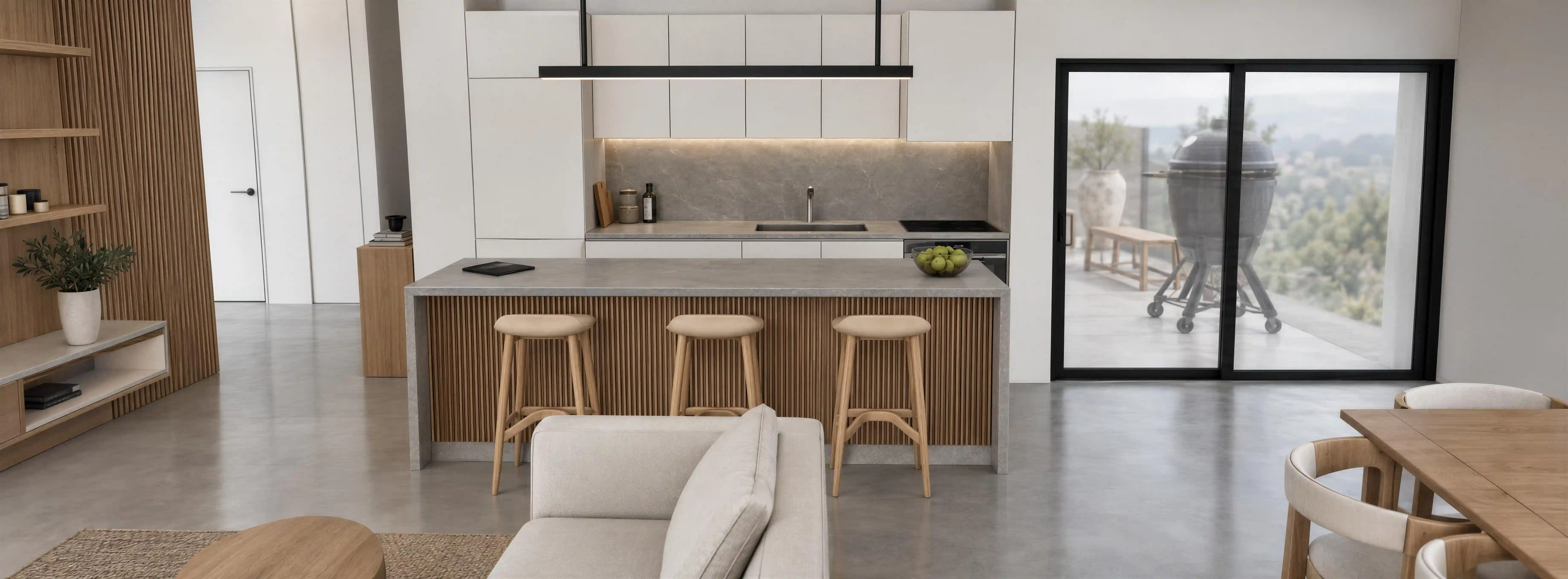
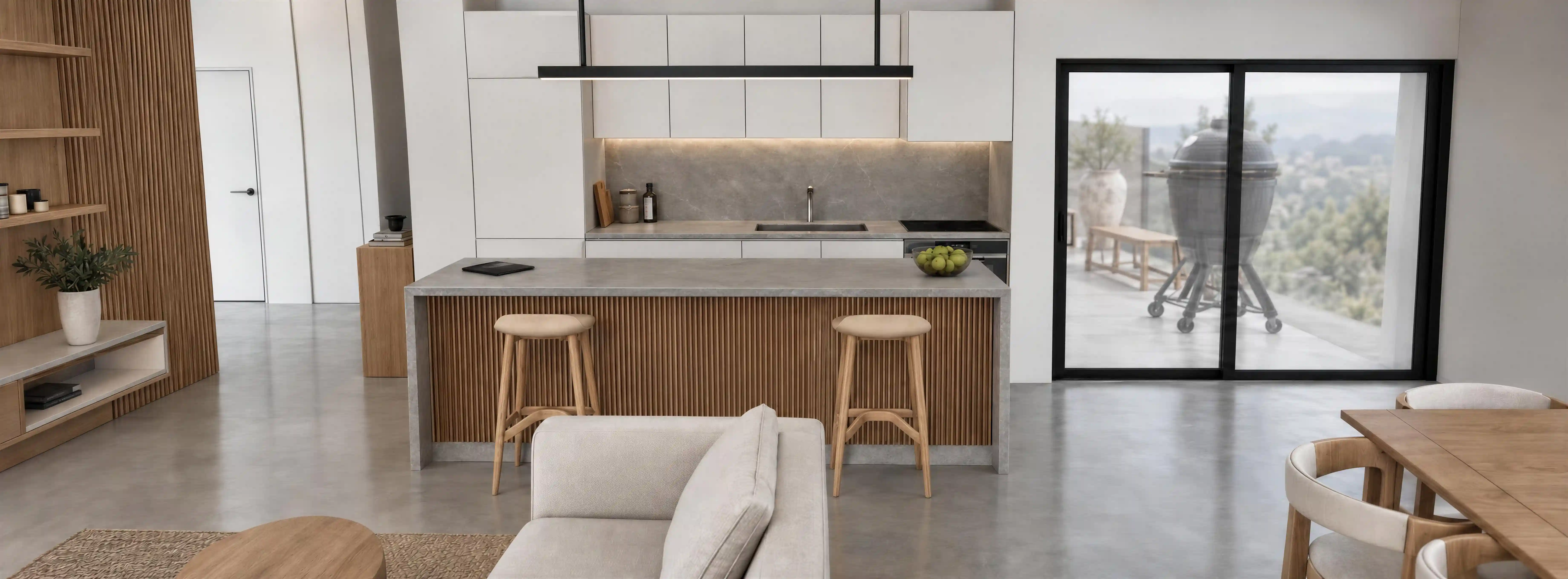
Paint over what you don't want and the AI removes it seamlessly.
Select the object
Can't find the words for it? Paint over the item you want gone, right on your render.
AI removes it instantly
No manual retouching, the AI fills the space naturally.
Get the result in seconds
Download your edited render, ready to use.
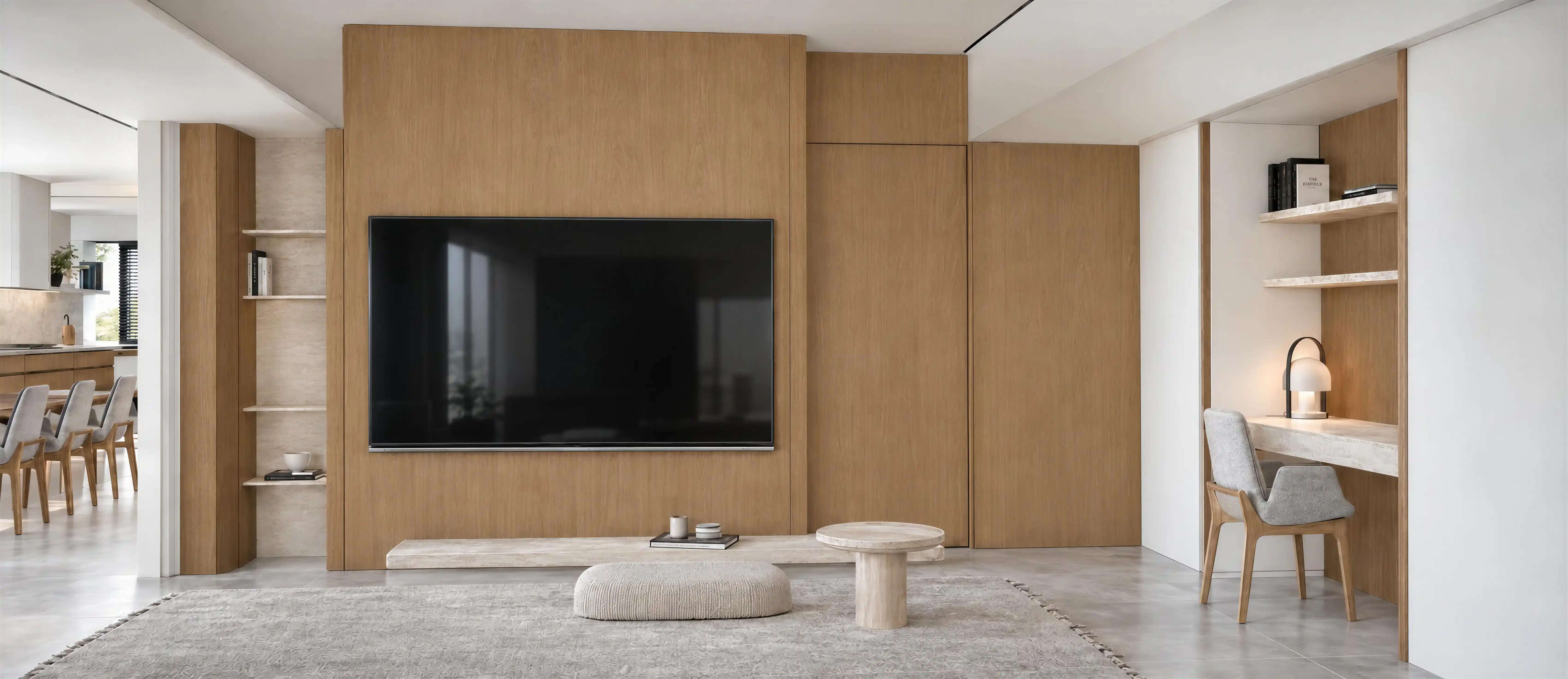
Any render, ready for any format
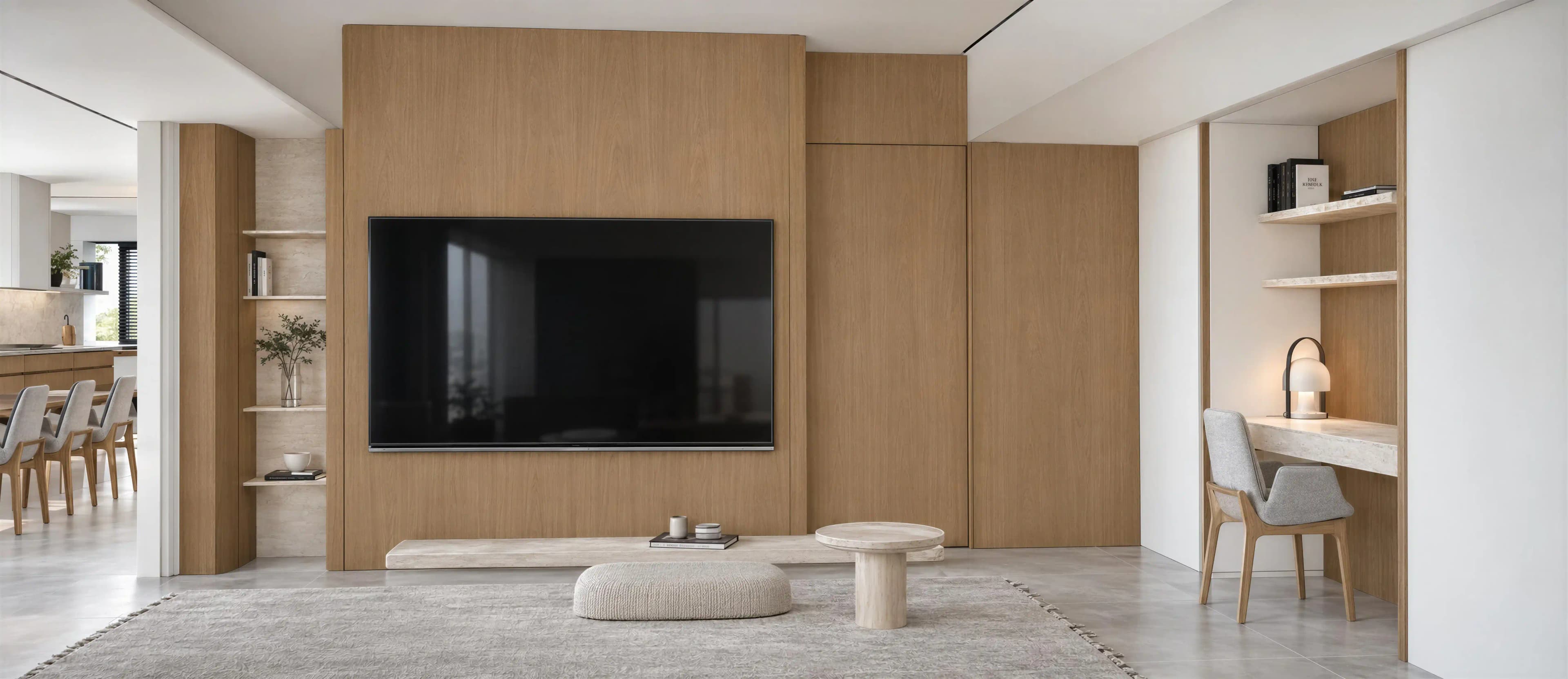
Use the same render in a presentation, a post or a story, without rendering again.
Pick the format you need
Landscape for presentations, vertical for stories, square for posts.
Frame what matters
Decide exactly what your client sees in the new format.
The AI completes the scene
If the new frame needs more space, the AI extends your render naturally.
 AI fill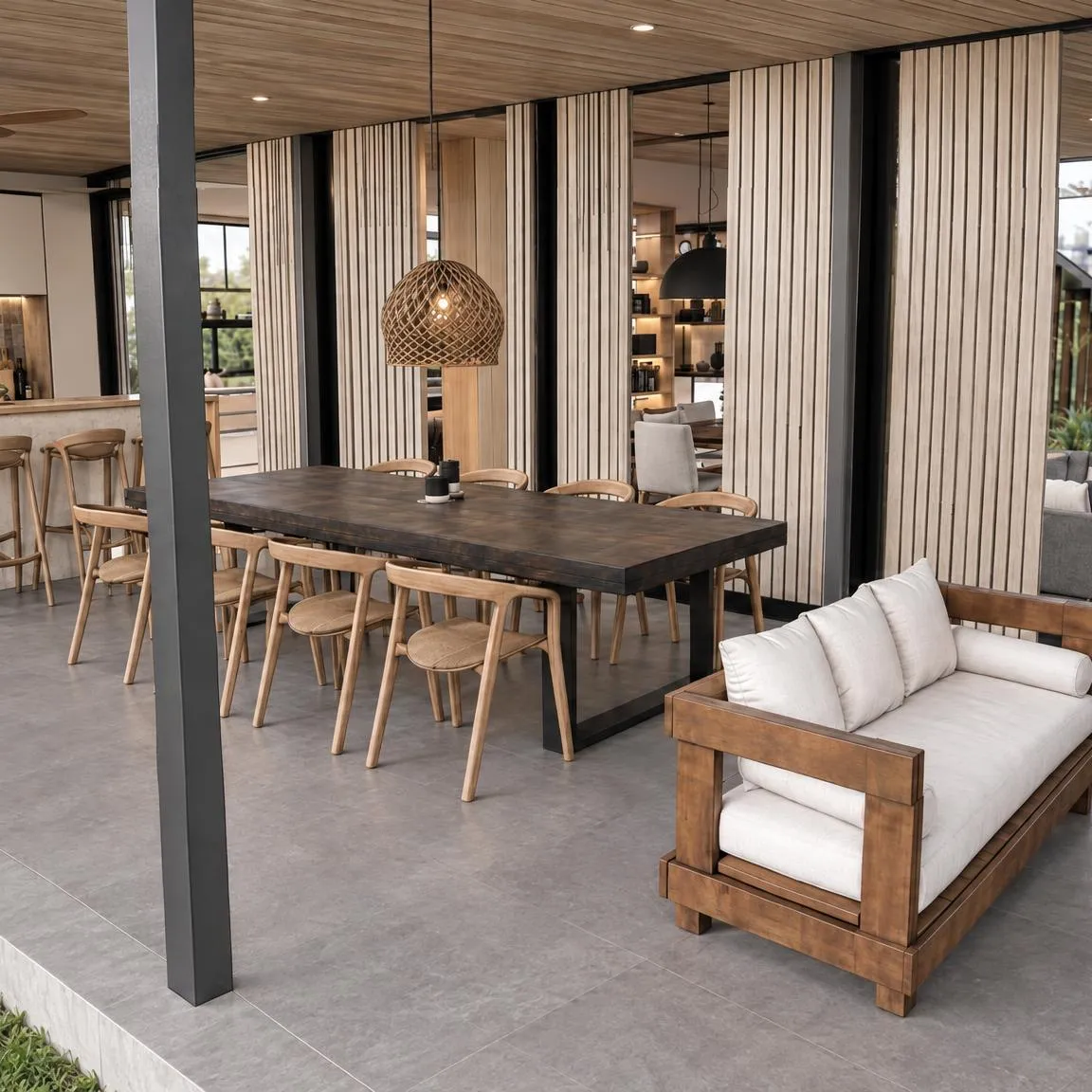
Pricing
Start free. Scale as you grow.
Free
Try PromptRender for free
Billed annually at $240
Get Started Free- 1 free render
- 1 free edit
- 4K resolution output
- Download with watermark
- Renders may be featured in our marketing
Pro
For architects & designers
Billed annually at $240
Get Pro- 50 renders / month
- Edits
- Remove object
- Resize to any format
- Videos & render animation
- 4K resolution output
- Downloads without watermark
- Priority support
- Extra credits anytime at 20% off
Pay As You Go
Only pay for what you use
Billed annually at $240
Get Started- Credits for all features: renders, edits, remove object, resize, videos
- 4K resolution output
- Download without watermark
- Credits never expire
Frequently Asked Questions
Everything you need to know about PromptRender.