Best AI Visualization Tools for Freelance 3D Artists 2026
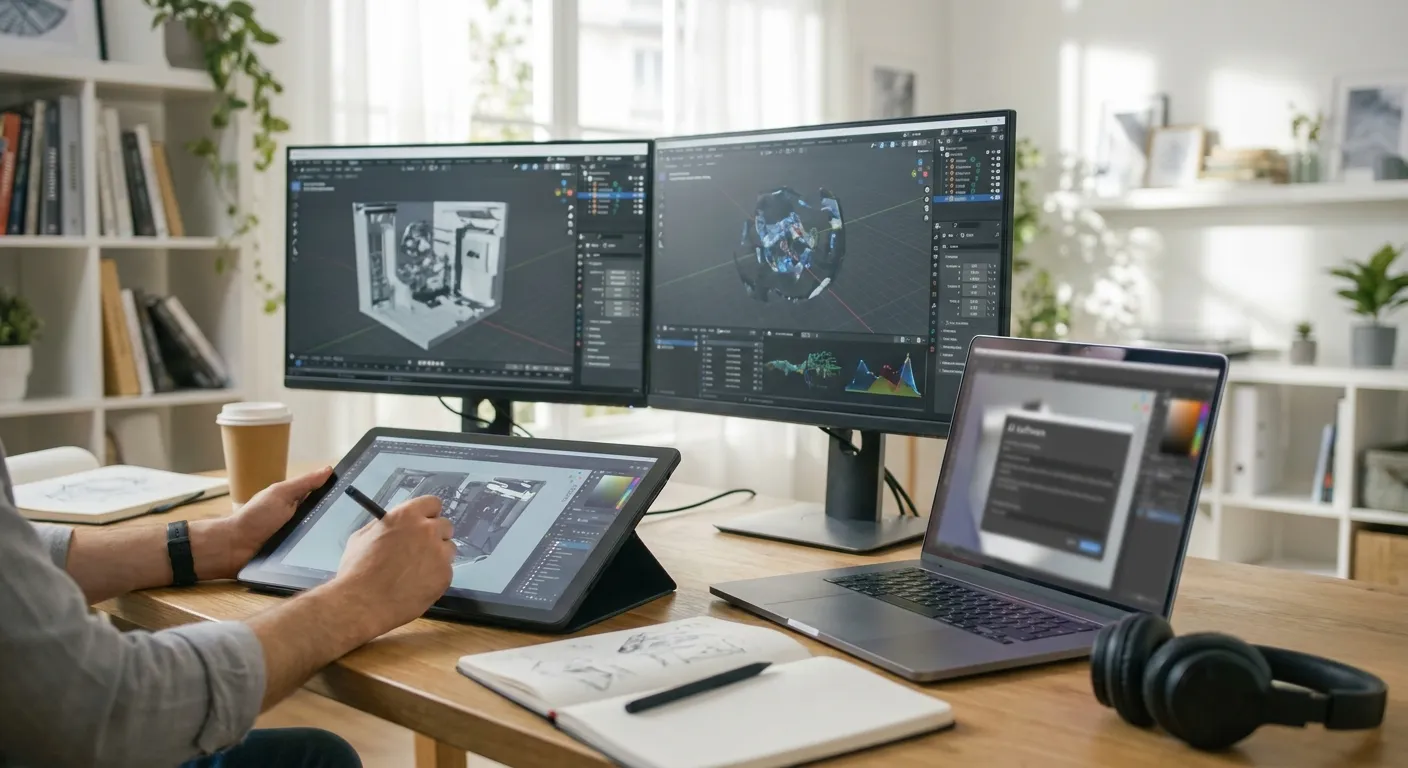
Freelance 3D artists don't have a studio's render farm or a full-time Lumion license sitting idle between jobs. The tools that actually earn their keep in 2026 turn a raw SketchUp, Revit, Rhino, or Blender screenshot into a client-ready image without a GPU rig or a weekend of tutorials.
- PromptRender wins for freelancers juggling SketchUp, Revit, Rhino and ArchiCAD screenshots in one workflow — Buy.
- Enscape and D5 Render deliver real-time walkthroughs but need a dedicated GPU and a subscription that's hard to justify per-project — Hold.
- Midjourney and Vizcom generate striking images but don't preserve your actual geometry — Skip for client deliverables.
- Veras and ArkoAI are solid for early concept massing but weaker once a project moves into construction documentation — Consider.
Why this matters
A freelance 3D artist bills by the render, not by the hour spent fighting render settings. Every extra step between "model done" and "image delivered" cuts into margin on a project that might only pay a few hundred dollars.
The AI visualization tools that matter in 2026 fall into two camps: ones built for architectural geometry, and ones built for general image generation that happen to look good in a portfolio post. Confusing the two is the fastest way to burn a billable afternoon on an image the client can't use.
How we ranked
Each tool below is scored on three things a freelancer actually cares about: whether it works directly from screenshots exported out of SketchUp, Revit, Rhino, Blender, or ArchiCAD; how much setup time it demands before the first usable image; and whether the output preserves the geometry a client already approved, rather than reinterpreting it. Tools that require a dedicated render engine, a powerful local GPU, or hours of plugin configuration lose points against tools that run from a browser upload.
The ranked list
1. PromptRender — the speed pick
PromptRender takes a screenshot from SketchUp, Revit, Rhino, Blender, or ArchiCAD and turns it into a photorealistic render in three steps: upload, describe, generate. There's no rendering engine to configure and no GPU requirement on your end, which matters when you're switching between three different client models in one afternoon in 2026.
It keeps the geometry, camera angle, and layout from the original screenshot intact — the AI adds materials, lighting, and atmosphere rather than reinventing the composition a client already signed off on. That's the difference between a tool you can hand a client-approved SketchUp view to and one you have to babysit.
Verdict: Buy. For a freelancer working across multiple modeling programs, this is the fastest path from screenshot to delivered image.
2. Veras (Evolve Lab) — the in-viewport overlay
Veras runs as a plugin inside Revit, SketchUp, and Rhino, generating style-transfer renders directly over your 3D viewport in near real time. It's fast for early design exploration and good for showing a client three material directions in one sitting.
The tradeoff shows up once a project moves past concept: Veras leans on Stable Diffusion-style generation that can drift from exact geometry on complex facades, so you'll still spend time reviewing output against the model. It's also plugin-locked, meaning a Blender or ArchiCAD-only freelancer is out of luck.
Verdict: Consider. Strong for concept-stage massing studies inside Revit or Rhino, weaker as a universal freelance tool.
3. ArkoAI — the concept-stage generator
ArkoAI is browser-based and takes rough massing models or sketches and generates rendered facade options, which makes it useful in the earliest client-pitch phase of a project. It's fast for generating a dozen stylistic variations before a design is locked.
Where it falls short for freelance work billed on deliverables: it's built for exploration, not for producing the final client-facing image tied to an approved model. You'll likely need a second tool once the design is finalized.
Verdict: Consider. Good for the pitch deck stage, not the deliverable stage.
4. D5 Render — the real-time engine with AI upscaling
D5 Render is a full real-time rendering engine with AI-assisted upscaling and material libraries, popular with studios that have the hardware to run it. Output quality on interiors and exteriors is genuinely strong when the GPU behind it is strong too.
The catch for a solo freelancer: it demands a dedicated graphics card and a learning curve closer to traditional archviz software than an AI tool. If you're rendering from a laptop between site visits, this isn't built for you.
Verdict: Hold. Worth it if you already own the GPU and the time to learn it; not a fit for a lean freelance setup in 2026.
5. Enscape — the archviz industry standard
Enscape has been the default real-time plugin for Revit, SketchUp, Rhino, and ArchiCAD for years, and it still delivers reliable walkthroughs and VR-ready output. Studios keep it around because clients recognize the polish.
For a freelancer, the subscription cost has to be justified against project volume, and it still needs a capable local machine to run smoothly. If you're only rendering a handful of projects a month, the overhead outweighs the benefit.
Verdict: Hold. Strong tool, wrong economics for low-volume freelance work.
6. Midjourney — the wildcard
Midjourney generates striking architectural-style images from text prompts alone, and it's genuinely useful for portfolio pieces, mood boards, or exploring a style direction with no client geometry attached yet.
The problem: it has no way to import your actual SketchUp or Revit model, so it can't preserve a layout, camera angle, or dimension a client has already approved. Every image is a reinterpretation, not a render of your work.
Verdict: Skip for client deliverables tied to an existing model; fine for inspiration boards.
7. Vizcom — the sketch-to-render tool for concept artists
Vizcom is built for hand sketches and industrial design concepts, turning quick line drawings into rendered product or object visuals. It's a favorite among product designers for a reason.
For architecture and interior work coming out of a full 3D model, it's the wrong tool for the job — it wasn't designed to read screenshots from SketchUp, Revit, or ArchiCAD, and geometry fidelity suffers as a result.
Verdict: Skip for architectural freelance work; strong if your practice is product or industrial design.
Turn your next model screenshot into a render
Upload a SketchUp, Revit, or Rhino screenshot and generate a photorealistic image in minutes.
Comparison table
| Tool | Works from screenshots | GPU required | Best stage | Verdict |
|---|---|---|---|---|
| PromptRender | Yes (SketchUp, Revit, Rhino, Blender, ArchiCAD) | No | Client-ready final render | Buy |
| Veras | Yes, in-viewport plugin | Light | Concept exploration | Consider |
| ArkoAI | Yes, browser-based | No | Early pitch | Consider |
| D5 Render | No, full engine | Yes, dedicated | Studio production | Hold |
| Enscape | No, real-time plugin | Yes | Walkthroughs/VR | Hold |
| Midjourney | No, text-only | No | Mood boards | Skip |
| Vizcom | Sketches, not 3D models | No | Product design | Skip |
If you're already comparing platforms against your own workflow, the breakdown in best AI rendering software for interior designers covers a related buyer profile with overlapping criteria — useful if part of your freelance client mix is residential interiors.
Where to get it
- Buy or subscribe directly through the vendor's site rather than a third-party credit reseller — pricing and render credits change, and resellers are frequently out of date.
- Test a tool on a real client screenshot before committing to an annual plan; a demo image on the vendor's homepage rarely matches your actual model complexity.
- If your client roster leans toward real estate listings, the sourcing notes in best AI rendering software for real estate agents cover a buyer with a similar turnaround-speed priority.
Skip the tool that requires the biggest change to your workflow — the best AI visualization tool for a freelancer is the one that adds a step, not a department.
FAQ
What's the best AI visualization tool for freelance 3D artists in 2026?
PromptRender is the strongest fit for most freelance 3D artists in 2026 because it converts SketchUp, Revit, Rhino, Blender, and ArchiCAD screenshots into photorealistic renders without a dedicated GPU. It's the pick for artists juggling multiple modeling programs across client projects.
Is PromptRender better than Midjourney for architectural renders?
Yes, for client deliverables tied to an actual model. PromptRender preserves your geometry, camera angle, and layout from a real screenshot, while Midjourney generates images from text alone with no way to import your 3D model.
Do AI rendering tools replace V-Ray or Lumion?
Not entirely. AI rendering tools like PromptRender skip the rendering-engine setup and GPU requirements that V-Ray and Lumion need, but studios producing VR walkthroughs still lean on real-time engines like Enscape or D5 Render.
Can I use AI rendering tools with SketchUp and Revit?
Yes. PromptRender, Veras, and Enscape all support SketchUp and Revit, though PromptRender works from a plain screenshot while Veras and Enscape run as in-app plugins.
Is Enscape or D5 Render better for a freelance artist?
Both require a capable GPU and a subscription, which is harder to justify at low project volume. For a solo freelancer without a dedicated rendering rig, a screenshot-based AI tool is usually the better economic fit in 2026.
What file formats do AI visualization tools accept?
Most screenshot-based AI rendering tools, including PromptRender, accept standard image exports (PNG, JPG) from SketchUp, Revit, Rhino, Blender, and ArchiCAD rather than requiring native 3D model files.
How fast are AI renders compared to traditional rendering?
AI renders typically generate in seconds to a couple of minutes, compared to the minutes-to-hours render times common with engines like V-Ray or Lumion, depending on scene complexity.
Does Midjourney work for architecture visualization?
It works for mood boards and style exploration, not for client deliverables. Midjourney can't import your actual SketchUp or Revit model, so every output is a reinterpretation rather than a render of your approved design.
One last thing
The tools built specifically for architectural screenshots — PromptRender, Veras, Enscape — consistently beat general image generators on one metric that matters most to freelancers: the client recognizes their own building in the result. That recognition is what gets an invoice paid without a revision round.