PromptRender vs Enscape: Which Is Better for Architects? (2026)
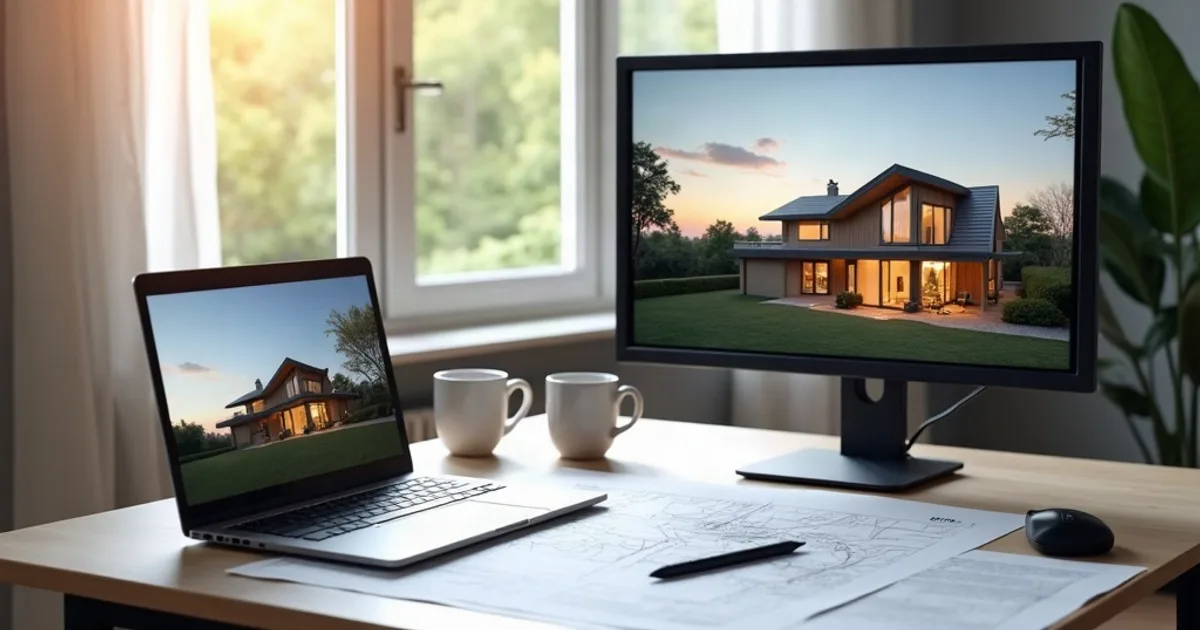
Best for fast photorealistic stills with no GPU or host-app license: PromptRender. Best for a live rendered preview while you model: Enscape.Enscape is a real-time rendering plugin that runs live inside SketchUp, Revit, Rhino, ArchiCAD, or Vectorworks. PromptRender is a standalone AI tool that turns a screenshot into a finished render. Here's where each one actually wins.
Chaos (Enscape's owner) restructured pricing in mid-2025, retiring the old Fixed-Seat/Floating naming for Solo and Premium subscription tiers. Annual, named-user pricing starts around $574.80/year, and Enscape also requires a paid, licensed host application on top of that. PromptRender is pay-as-you-go with a real free tier and needs no host software at all. Last updated: September 2026.
- PromptRender is best for fast photorealistic stills with no GPU or host-app license; Enscape is best for a live rendered preview while you model.
- Enscape runs live inside SketchUp, Revit, Rhino, ArchiCAD or Vectorworks and needs a paid host application; its annual named-user pricing starts around $574.80/year.
- PromptRender is a standalone AI tool that turns a screenshot into a finished render, and is pay-as-you-go.
What Is PromptRender?
PromptRender turns a screenshot from any 3D modeling software ( SketchUp, Revit, Rhino, Blender, ArchiCAD, AutoCAD, or 3ds Max) into a photorealistic 4K still render in under 60 seconds. There is no plugin to install, no host-application license to buy separately, and no scene setup: upload the screenshot, pick interior or exterior and a lighting mode, and generate.
Key features:
- Free plan: 1 render + 1 edit, no credit card required
- Pay-as-you-go: $1/render, or $24/month Pro for 200 credits (50 renders or edits)
- 4K output on every plan, including free
- 100% cloud-based: works on Mac, Windows, Linux, or a tablet, no GPU required
- No host-application license needed: works from a screenshot of any 3D software
- Short videos from your renders: animate one render into a 5-second clip or join several into a video walkthrough (10 credits per clip); no live preview, real-time walkthroughs, or VR
What Is Enscape?
Enscape, made by Chaos, is a real-time rendering plugin that installs directly inside SketchUp, Revit, Rhino, ArchiCAD, or Vectorworks. As you model, Enscape renders a live 3D preview in a separate window. Move a wall, swap a material, adjust the sun position, and the render updates instantly. It also exports panoramic images, video walkthroughs, and supports VR headsets for design review.
As of its 2026 pricing, Enscape sells subscription-only, named-user or floating licenses (confirm current figures on enscape3d.com, since Chaos updates pricing periodically):
- Enscape Solo: roughly $574.80/year (~$47.90/mo equivalent), single host application, named user
- Enscape Premium (named user): roughly $634.80/year, broader host-application coverage
- Enscape Premium (floating): roughly $994.80/year, a shareable license, one active user at a time
- ArchDesign Collection: roughly $694.80/year, bundles Enscape with other Chaos visualization tools
Monthly billing exists but carries a steep premium over annual (reported around $87.30/month for Solo). On top of any Enscape tier, you also need a paid license for the host application itself (SketchUp Pro, Revit, etc.). Enscape doesn't work standalone. We break down every tier and the three-year cost of ownership in our Enscape pricing 2026 guide.
Key features:
- Live rendered preview inside SketchUp, Revit, Rhino, ArchiCAD, Vectorworks
- Real-time updates as you model: materials, lighting, camera
- Panoramic images, video walkthrough export, VR headset support
- Windows only, requires a dedicated GPU and a licensed host application
- Subscription-only: no perpetual license
Quick Comparison: PromptRender vs Enscape
| Feature | PromptRender | Enscape |
|---|---|---|
| Pricing model | Pay-as-you-go | Annual subscription (monthly at a premium) |
| Entry price | Free (1 render + 1 edit) | ~$574.80/yr Solo, plus a host-app license |
| Main plan | $24/mo or $1/render | ~$634.80/yr Premium named user |
| Host application required | No, works from any screenshot | Yes, a licensed host app is a separate cost |
| Output type | Photorealistic stills (4K) and short AI videos from renders | Live preview, panoramas, video walkthroughs, VR |
| Hardware required | None, 100% cloud | Dedicated GPU |
| OS support | Any browser (Mac, Windows, Linux, mobile) | Windows only |
| Setup | Upload a screenshot, no scene setup | Install plugin, model your scene, set materials |
| Live design feedback | No, one finished image per generation | Yes, the whole point of Enscape |
| Learning curve | Minutes | Days for a polished setup |
Detailed Comparison
Pricing
Enscape's real cost is easy to underestimate: Solo runs roughly $574.80/year on top of whatever you're already paying for SketchUp Pro, Revit, or your other host application, because Enscape doesn't work without one. PromptRender charges per render, starting free, then $1/render or $24/month for 50 renders or edits, with no host-application dependency at all. For a firm already paying for Enscape's live-preview workflow daily, the annual fee is justified by the modeling feedback loop. For someone who just needs finished stills occasionally, that's a lot of fixed cost for a use case PromptRender covers for far less.
What You're Actually Producing
This is the honest core of the comparison: Enscape is built around live feedback while you design, not just a final image. It renders continuously as you model, and that real-time loop is genuinely useful for catching material and lighting mistakes early. PromptRender doesn't do that at all; it produces one finished still per generation, from a screenshot, with no live preview. If your workflow depends on seeing changes rendered instantly as you work, Enscape (or a competitor like Lumion or Twinmotion) is the right category of tool. PromptRender is not a live-preview product and doesn't try to be.
Hardware, Platform, and Dependencies
Enscape requires a dedicated GPU, Windows, and a licensed host application: three separate dependencies stacked on top of each other. PromptRender runs entirely in the browser with none of those requirements: no GPU, works on Mac or Windows, and needs no host-application license since it works from a plain screenshot.
Workflow and Learning Curve
Enscape's live-preview workflow takes real setup: install the plugin, configure materials and lighting inside your host app, position the sun, and iterate. Once dialed in, it's a fast feedback loop for design review. PromptRender skips scene-building entirely: a screenshot, a lighting mode, and a generate button, at the cost of not being interactive at all.
PromptRender: Key Advantages
- No host-app dependency: works from a screenshot of any 3D software, no plugin license
- Real free plan: test quality before spending anything
- 4K on every plan: including free
- Any OS, no GPU: works on Mac, Windows, Linux, or a tablet
- Lower total cost for occasional or presentation-only rendering needs
Enscape: Key Advantages
- Live rendered preview while you model: a category PromptRender doesn't compete in
- VR headset support and video walkthrough export
- Deep integration inside SketchUp, Revit, Rhino, ArchiCAD, Vectorworks
- Real-time design review for catching material/lighting issues as you work
Which Should Architects Choose?
Choose PromptRender if:
- Your deliverable is presentation-quality still images, not live design review
- You don't want to add a plugin license on top of your host-app subscription
- You work on Mac or a machine without a dedicated GPU
- You render in bursts around deadlines rather than needing a constant live feedback loop
Choose Enscape if:
- You want to see lighting and material changes rendered live as you model
- You already use SketchUp, Revit, Rhino, ArchiCAD, or Vectorworks daily
- VR walkthroughs or video export are part of your deliverables
- You're on Windows with a dedicated GPU and budget for a host-app + plugin stack
Verdict
Best for fast photorealistic stills with no GPU or host-app license: PromptRender. Best for a live rendered preview while you model: Enscape.They solve different problems in the design process. Enscape is a real-time feedback tool for while you're modeling, PromptRender is a fast path to a finished still afterward. Many studios that use Enscape for internal design review still reach for something like PromptRender when they just need a quick, polished image without opening the host application at all.
Try PromptRender free. One render and one edit, no credit card required.
Frequently Asked Questions About PromptRender vs Enscape
Is PromptRender cheaper than Enscape?
Usually, yes, once you count the whole stack. Enscape's Solo tier runs roughly $574.80/year and requires a separately licensed host application (SketchUp, Revit, etc.) to function at all. PromptRender's free plan and $1/render pay-as-you-go pricing (or $24/month for 50 renders) has no host-app dependency and no annual commitment.
Can PromptRender replace Enscape?
For final stills and short client videos, yes. PromptRender doesn't offer a live rendered preview, VR export, or panoramas, and its videos are short AI clips built from finished renders rather than a walkthrough exported from your model. If your workflow depends on seeing design changes rendered in real time as you model, you still need Enscape or a similar live-preview tool.
Does Enscape work on Mac?
No. Enscape is Windows-only. PromptRender runs entirely in the browser, so it works identically on Mac, Windows, Linux, or a tablet.
Do I need to buy SketchUp or Revit separately to use Enscape?
Yes. Enscape is a plugin, not a standalone application: it requires a licensed copy of a supported host application (SketchUp, Revit, Rhino, ArchiCAD, or Vectorworks) to run. PromptRender needs no host-application license; it works from a plain screenshot.
Also see: Best Enscape Alternatives for Architects or Best AI Architectural Rendering Software 2026.