A.I. Interior Design: How to Render Real Rooms with AI (2026)
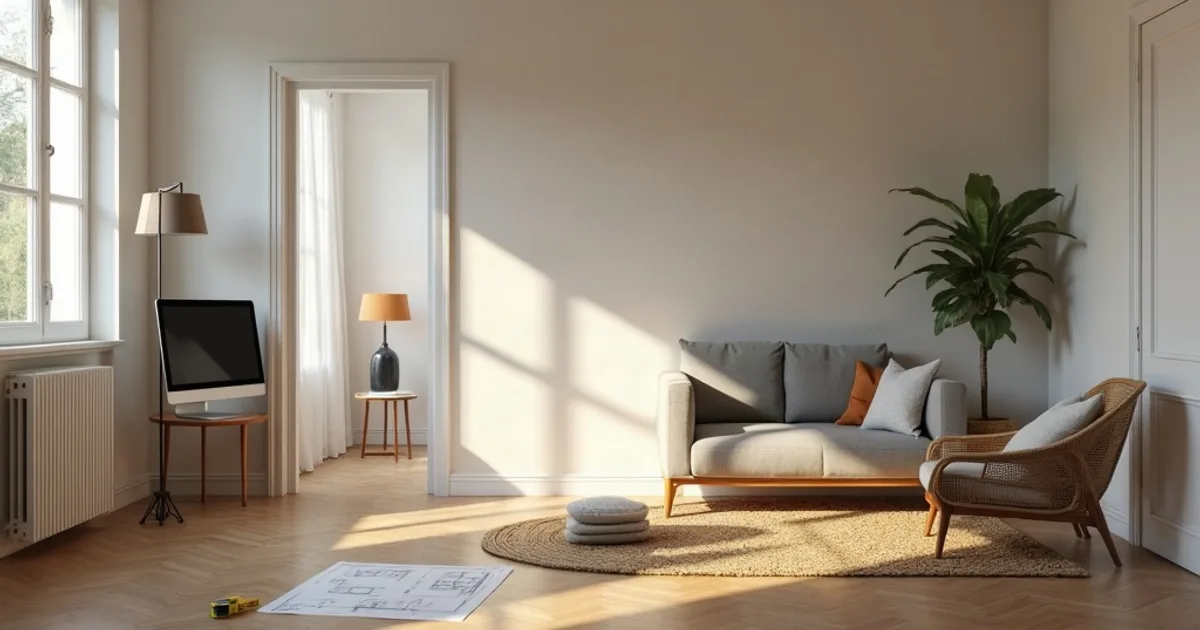
A.I. interior design is most useful when it starts from your own room geometry, not from a blank prompt: feed it a 3D view or floor plan and you get a photorealistic interior in seconds that still matches what you designed. “Interior design A.I.” covers very different tools. Some restyle a phone photo of an existing room, some generate mood images from text, and some turn a designer's model into a client-ready render. Picking the wrong type is the most common reason people give up on AI after one try.
Last updated: October 2026.
This guide explains what each kind of AI-powered interior design tool is good at, where they fall short, and a step-by-step workflow for using PromptRender to render interiors from SketchUp, Revit, Rhino, Blender or ArchiCAD.
- AI interior design tools fall into three groups: photo restyling apps, text-to-image mood generators, and model-based renderers for designers.
- If you already have a 3D model or floor plan, a model-based renderer keeps your layout, camera and proportions intact.
- PromptRender renders an interior screenshot in 4K in seconds: free to try (1 render + 1 edit), then $1/render or $24/month for 200 credits.
- AI renders are ideal for concepts and client reviews; they do not replace measured drawings, specs or real-time walkthroughs.
What “Interior A.I.” Actually Means in 2026
Every interior AI tool uses an image model trained on millions of photographs of real rooms. What changes is the input you give it, and that input decides how much control you keep over the result.
1. Photo restyling apps
You upload a phone photo of an existing room and pick a style (Japandi, industrial, mid-century). The app repaints walls, floors and furniture. These tools are fast and fun for homeowners exploring a refresh, but the output often changes window positions, ceiling heights or furniture scale, because the photo is only a loose guide.
2. Text-to-image mood generators
General image generators produce beautiful interiors from a sentence. They are great for mood boards and early inspiration, but the room you get is invented. You can't present it as your project, because it isn't your project.
3. Model-based renderers for designers
These start from a view of your 3D model (or a top-down floor plan) and add photorealistic materials, furniture detail and lighting while keeping the geometry you modeled. This is the category interior designers and architects need when the image has to match the drawings. PromptRender sits here.
Comparison: Which Type Fits Your Work
| Tool type | Input | Keeps your layout? | Best for |
|---|---|---|---|
| Photo restyling app | Phone photo of a room | Partly | Homeowners exploring styles |
| Text-to-image generator | Text prompt | No | Mood boards, inspiration |
| Model-based renderer | 3D view or floor plan | Yes | Designers presenting a real project |
| Traditional render engine | Full 3D scene | Yes | Final marketing images, walkthroughs |
How to Render an Interior with AI, Step by Step
Step 1: Model the room, not the decoration
Walls, openings, ceiling, built-ins and the main furniture blocks matter most. The AI fills in surface detail, so a clean massing with basic colors per material is enough. If you work in SketchUp or Revit, a simple shaded view is fine.
Step 2: Frame the shot like a photographer
- Place the camera at 1.2 to 1.5 m, slightly inside a corner, looking toward the main wall
- Use a wide but not distorted lens, around 24 to 28 mm
- Show some floor and ceiling so the AI reads the room's proportions
- Keep at least one window in view if you want natural daylight
Step 3: Upload and pick the settings
Take a screenshot of the viewport, upload it to PromptRender, and choose Interior. Choose 3D Model for a perspective view, or Top View if you are starting from a floor plan. Then pick the lighting: Sunrise, Noon, Sunset or Night.
Step 4: Write a short, specific prompt
Skip words like “photorealistic” or “high quality”; the tool already handles that. Describe what the screenshot can't show: “white oak floor, lime-wash walls, linen sofa, brass pendant, plants by the window.” If your model is already well textured, leave the prompt empty and refine with edits. You can also add an optional reference image to steer the style.
Step 5: Refine with edits, not rerolls
Once the base render is close, use text edits to swap a material, change a rug or warm up the lighting. Object removal clears a stray chair or clutter. Edits keep everything else in place, which is faster than regenerating and hoping.
Where AI Interior Design Shines, and Where It Doesn't
Good fits:
- Early concept options for a client: three palettes for the same living room in minutes
- Design reviews where a shaded model doesn't sell the idea
- Small studios without a GPU workstation or a dedicated visualizer
- Social posts and proposals that need a 4K image today
Real limits to plan around:
- The AI may add or reinterpret small objects, so check every render before sending it
- Exact product matching (a specific sofa model or tile SKU) needs editing or a traditional engine
- It produces images and short videos, not live, navigable walkthroughs, VR or 360° panoramas
- Renders support the drawings; they are not a substitute for measured plans or specs
On video: PromptRender can animate one interior render into a 5-second clip, or join up to 8 renders into a walkthrough video with AI camera moves, optional logo intro and music. Each 5-second clip costs 10 credits, and video needs a Pro plan or purchased credits. It does not fly a camera path through your 3D model.
What It Costs
- Free: 1 render + 1 edit, no credit card
- Pay-as-you-go: $1 per render ($0.25 per credit, from $5), credits never expire
- Pro: $24/month for 200 credits, which is 50 renders or edits (a render or edit costs 4 credits; object removal costs 2)
Every plan outputs 4K, runs fully in the cloud, and works on any operating system with no GPU. For a firm that renders a few interiors per project, that usually costs less than a desktop render engine license plus the hardware to run it.
Frequently Asked Questions
What is the best A.I. for interior design?
It depends on your input. Homeowners restyling a photo do well with photo restyling apps. Designers who already have a 3D model or floor plan get more accurate results from a model-based renderer like PromptRender, because it keeps the layout and camera you set.
Can AI design a room from a floor plan?
Yes. In PromptRender, choose the Top View model type and upload a floor plan or top-down view. For a perspective of the space, a screenshot of your 3D model gives the most faithful result.
Will the AI change my furniture layout?
A model-based renderer keeps walls, openings and main furniture positions from your screenshot. It can reinterpret small decorative objects, so review each render and use an edit to correct anything that drifted.
How much does AI interior rendering cost with PromptRender?
You can start free with 1 render and 1 edit. After that it's $1 per render on pay-as-you-go, or $24/month on Pro for 200 credits (50 renders or edits), all in 4K.
Also see: SketchUp screenshot to photorealistic render with AI and the best AI architectural rendering software in 2026.