Best AI Interior Design Software for Pros (2026 Ranked)
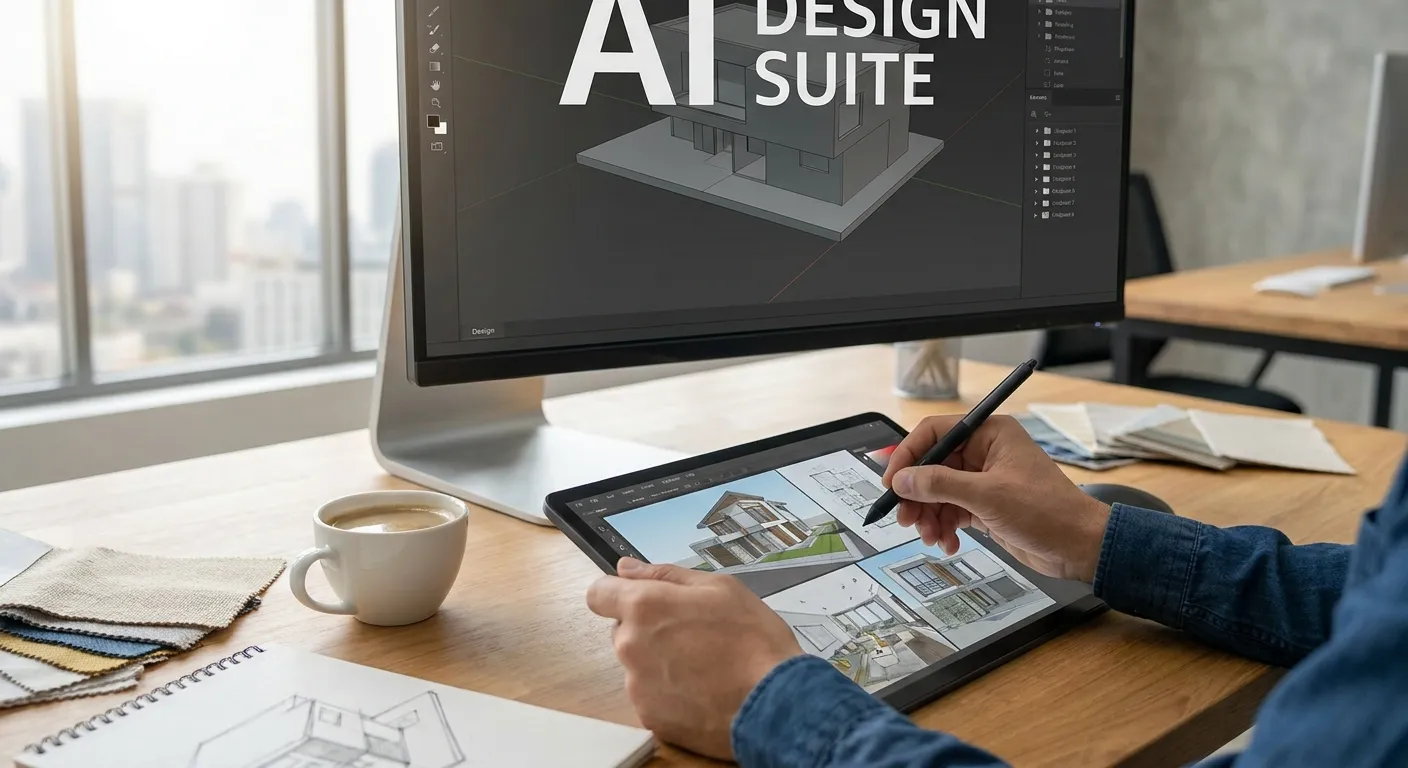
AI interior design software in 2026 splits into two camps: tools that generate rooms from text prompts, and tools that turn your actual CAD or 3D model into a photorealistic render. Professional designers need the second kind, and this roundup ranks the categories that matter for real client work.
- PromptRender wins for designers already modeling in SketchUp, Revit, Rhino, Blender, or ArchiCAD — Buy.
- Text-to-image AI room generators skip CAD import entirely — Consider for moodboards, Skip for client-accurate deliverables.
- Traditional render engines with AI denoising still take hours, not seconds — Hold only if you already own the license.
- AI virtual staging tools are built for real estate photos, not design presentations — Consider only for listing marketing.
Why this matters
A rendering deadline doesn't care which software category you picked. If a client wants to see a kitchen concept by Friday, the tool that gets you from 3D model to photorealistic image in three steps beats the tool that requires a render farm queue overnight.
PromptRender exists because that gap is real: architects and interior designers spend hours in traditional render engines when the model already exists in SketchUp, Revit, or Rhino. Uploading a screenshot and generating a photorealistic version in seconds changes how many concept rounds a designer can show in a single week, and in 2026 that speed difference is the deciding factor for most studios choosing ai interior design software.
The rest of this guide ranks five categories of ai interior design software by fit for professional, client-facing work — not by feature count.
How we ranked
Each category is scored against four criteria that matter to working designers in 2026: whether the tool imports an existing 3D model or requires starting from scratch, how fast it produces a client-ready image, how much control it gives over camera angle and materials, and whether the output holds up in a pitch deck versus a quick internal sketch.
Categories that require no CAD import score lower for professional use because they can't reproduce an exact floor plan or furniture layout a client has already approved. Categories built around render farms score lower on speed. This is a fit ranking for professional deliverables, not a popularity ranking.
The ranked list
1. AI rendering from existing 3D models — the workflow-native pick
PromptRender converts screenshots from SketchUp, Revit, Rhino, Blender, ArchiCAD, AutoCAD, Vectorworks, and 3ds Max — 8 CAD and 3D programs — into photorealistic renders through a three-step workflow: upload, describe, generate.
This category matters because the designer never leaves the model they already built. No re-modeling, no manual material assignment, no lighting rig. For a full breakdown of how it stacks up against dedicated rendering plugins, see the best AI rendering software for interior designers comparison.
Verdict: Buy for any professional designer already modeling in one of the 8 supported programs.
2. Text-to-image AI room generators — the concept-sketch shortcut
These tools generate a full room from a text prompt or a reference photo, with no 3D model required. They're fast for early moodboards and client mood-setting conversations.
The tradeoff shows up the moment a client asks "can you show that same layout from the other corner" — these tools can't reproduce a specific camera angle or an approved floor plan because there's no underlying model to move around.
Verdict: Consider for early-stage pitch decks, Skip for anything the client will hold against the actual floor plan.
3. Traditional render engines with AI denoising — the studio-grade holdover
Established rendering suites have added AI denoising to cut render times, but the core workflow — manual lighting setup, material libraries, render queue — hasn't gone away. Output quality is high, but turnaround is still measured in hours, not seconds.
Studios that already own licenses and have a trained render artist on staff get real value here. Studios trying to move fast on client revisions in 2026 feel the friction immediately.
Verdict: Hold if you already have the license and the render artist, Skip for speed-driven concept work.
4. AI virtual staging tools — the listing-photo specialist
These tools furnish empty rooms inside real photographs, built specifically for real estate marketing rather than design presentations. They're excellent at what they're built for and weak at everything else — no control over camera angle beyond the photo you took, no way to swap in a different floor plan.
Designers occasionally reach for these when a client wants a "staged" look for a listing rather than a design concept. That's a different job than showing design intent.
Verdict: Consider only if the deliverable is a real estate listing photo, Skip for design pitch work.
5. CAD-native built-in renderers — the default nobody asked for
SketchUp's default renderer and Revit's raytrace engine ship free with the modeling software. They work, technically, but the output in 2026 looks noticeably flatter than dedicated AI rendering tools, and a single frame can take minutes to resolve.
They're fine for internal design checks. They're a hard sell in front of a paying client who's seen photorealistic renders from a competitor's pitch.
Verdict: Skip for any client-facing deliverable.
Comparison table
| Category | Best for | Speed | Imports existing 3D model | 2026 verdict |
|---|---|---|---|---|
| AI rendering from 3D models (PromptRender) | Designers already in SketchUp, Revit, Rhino, Blender, ArchiCAD | Seconds | Yes | Buy |
| Text-to-image room generators | Early moodboards, no model yet | Fast | No | Consider |
| Traditional render engines + AI denoising | Studios with existing licenses | Hours | Yes | Hold |
| AI virtual staging | Real estate listing photos | Fast | No | Consider |
| CAD-native built-in renderers | Internal checks only | Minutes | Yes | Skip |
Render your first model free of setup
Upload a screenshot from SketchUp, Revit, or Rhino and generate a photorealistic render.
Where to buy
- Confirm the tool directly supports the CAD or 3D program you already model in — re-exporting to a new format for every render defeats the speed advantage.
- Check output resolution against your actual deliverable. A render meant for a printed pitch deck needs different resolution than one meant for a social post.
- Test the workflow on a real project file before committing a team to it. A tool that looks good on a demo room can behave differently on a cluttered floor plan with 40 objects.
FAQ
What is the best ai interior design software for professional designers in 2026?
For designers already working in SketchUp, Revit, Rhino, Blender, or ArchiCAD, AI rendering tools that import the existing 3D model — like PromptRender — outrank text-to-image generators because they preserve the exact floor plan and camera angle a client has already approved.
Is AI interior design software better than traditional rendering software?
AI rendering software is faster — seconds versus hours — but traditional render engines still edge out on ultra-fine lighting control for studios with a dedicated render artist. For fast client turnaround in 2026, AI rendering wins on speed.
Do I need a 3D model to use AI interior design software?
It depends on the category. Text-to-image AI room generators don't require a model, but tools built for professional deliverables, including PromptRender, work from an existing SketchUp, Revit, Rhino, Blender, or ArchiCAD screenshot.
How fast is AI rendering compared to traditional render engines?
AI rendering tools that convert a 3D model screenshot produce a photorealistic image in seconds, while traditional render engines with render farm setups typically take hours per frame in 2026.
Can AI interior design software replace a render artist?
For fast concept rounds and client revisions, yes for most studios. Studios with complex lighting requirements and an in-house render artist often keep traditional engines for final hero shots.
What CAD programs work with AI rendering tools?
PromptRender supports 8 CAD and 3D programs in 2026: SketchUp, Revit, Rhino, Blender, ArchiCAD, AutoCAD, Vectorworks, and 3ds Max.
Is AI virtual staging the same as AI interior design software?
No. AI virtual staging furnishes empty rooms in real photographs for real estate listings, while AI interior design software for professional designers generates renders from an actual 3D model for design presentations.
How many steps does an AI rendering workflow take?
A model-based AI rendering workflow takes three steps in 2026: upload the screenshot, describe the materials and lighting, generate the render.
One last thing
The category most professional designers overlook isn't a rendering tool at all — it's the CAD-native default renderer already sitting in their software, quietly producing the flattest images in every 2026 comparison because nobody thought to turn it off.