Best AI Rendering Software for Small Firms (2026)
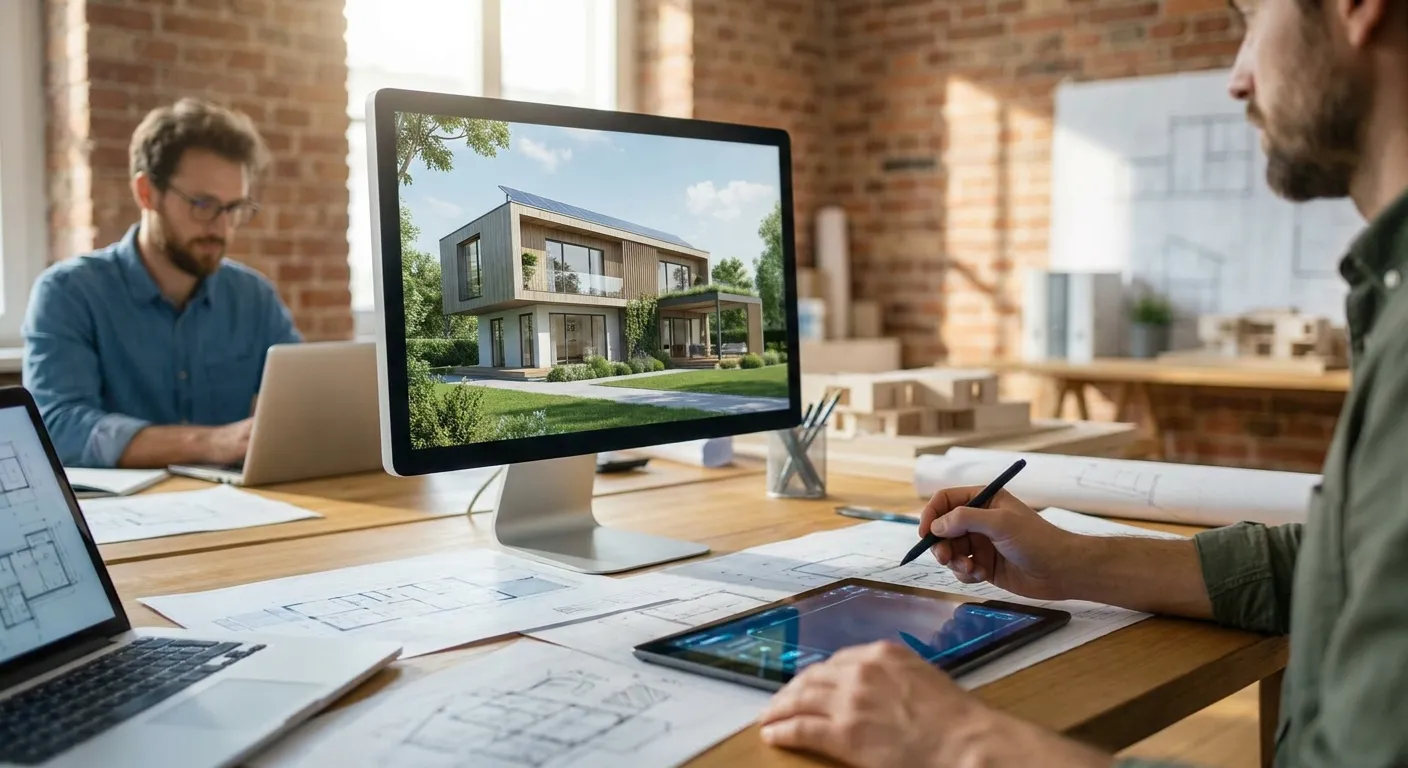
Small architecture firms don't have a render farm or a full-time visualization specialist — they need photorealistic output from a laptop, fast, without hiring anyone. This guide ranks the AI rendering tools worth paying for in 2026, based on tool compatibility, output quality, pricing accessible to a 2-10 person studio, and how much render pipeline knowledge you actually need to get a usable image.
- PromptRender wins for small architecture firms that need SketchUp, Revit, Rhino, or ArchiCAD screenshots turned into photoreal renders without learning a render engine — Buy.
- D5 Render and Enscape are strong if you already do real-time walkthroughs and want AI polish added on top — Consider.
- Veras AI fits firms deep in Revit or SketchUp sketch-mode workflows but has a steeper prompt-tuning curve — Consider.
- Twinmotion is overkill for a 3-5 person firm without a dedicated visualization hire — Skip for now.
Why this matters
Render turnaround used to be the bottleneck between a design decision and a client sign-off. A partner at a 4-person firm doesn't have three days to wait on a V-Ray pass before a Friday client meeting.
PromptRender and the tools below compress that timeline to minutes by generating photorealistic output directly from a screenshot instead of a full 3D scene setup. That shift matters most for small firms in 2026, where one person is often modeling, rendering, and presenting the same project in the same week.
The tools on this list split into two camps: AI image generators that work from a screenshot or export, and real-time engines that render inside your 3D software. Which camp fits depends on whether your bottleneck is speed or scene control.
How this list was ranked
Each tool below was evaluated on four factors that matter specifically to small firms: compatibility with the modeling software architects actually use (SketchUp, Revit, Rhino, ArchiCAD, AutoCAD), output realism on interior and exterior architectural scenes, time from screenshot to finished image, and whether a non-specialist can operate it without a rendering background. Pricing accessibility for a small team — not enterprise seat licensing — weighed heavily. This ranking draws on aggregated public product information and documented workflows as of 2026, not internal benchmark testing.
The ranked list
1. PromptRender — the fastest path from screenshot to finished render
PromptRender converts a raw screenshot from SketchUp, Revit, Rhino, Blender, or ArchiCAD into a photorealistic render through a three-step flow: upload, describe, generate. There's no scene setup, no material library to build, and no GPU rendering queue — the AI reads the geometry in the screenshot and rebuilds lighting and materials from a text description.
For a small firm, that means the person who modeled the project can also be the person who renders it, same afternoon. It works across every major modeling tool small firms actually use, which matters when a two-person studio might be on SketchUp for concept work and Revit for construction documents in the same month.
Verdict: Buy. It's the only tool on this list built specifically around the screenshot-to-render workflow rather than a full render engine, which is exactly what a firm without a dedicated visualizer needs in 2026.
2. Enscape — the real-time walkthrough standard
Enscape plugs into Revit, SketchUp, Rhino, and ArchiCAD and renders in real time as you model, which makes it strong for design-development walkthroughs and client screen-shares. It's been the default real-time choice for architecture firms for years because it never breaks the modeling flow.
The tradeoff for a small firm is that Enscape's realism still depends on how much material and lighting setup you put into the scene — it isn't generating photorealism from a flat screenshot, it's rendering what you've already built. That's a heavier lift than a one-person studio wants for every deliverable.
Verdict: Consider. Good if you already present live walkthroughs to clients; less useful if your goal is a handful of polished hero shots per project.
3. D5 Render — real-time with AI-assisted materials
D5 Render runs real-time ray tracing with AI-driven material and lighting suggestions layered on top, and it connects to Revit, SketchUp, Rhino, and 3ds Max exports. Firms that need to iterate on a scene live during a client call lean on it for that reason.
If your team is on Revit and wants a deeper look at getting clean output from that specific workflow, the step-by-step guide to turning Revit models into photorealistic renders covers the settings that most affect realism regardless of which engine you use.
Verdict: Consider. Solid middle ground for firms with some render-engine literacy already on staff.
4. Veras AI — generative renders inside SketchUp and Revit
Veras AI generates AI renders directly on top of a SketchUp or Revit sketch-mode view, which puts it close to PromptRender's core idea. The difference is workflow depth: Veras leans on style presets and iterative prompt refinement inside the modeling software itself, which gives more control but also a steeper learning curve for a first-time user.
Firms troubleshooting messy SketchUp exports before rendering — flat shading, missing textures, odd camera crops — should check the common SketchUp AI render mistakes and fixes before comparing tools, since a lot of "bad AI render" complaints trace back to the source screenshot, not the AI engine.
Verdict: Consider. Worth testing if your team already lives inside SketchUp or Revit and wants render generation without leaving the modeling window.
5. Twinmotion — full scene control, full time investment
Twinmotion is Epic Games' real-time visualization tool, free for many individual users and capable of cinematic-quality output when a scene is fully dressed with assets, vegetation, and lighting rigs. Larger firms with a dedicated visualization hire use it for competition boards and pitch animations.
For a small firm without that dedicated hire, the asset-placement and scene-building overhead eats the time savings a small studio is trying to buy back. It's built for firms that render as a full-time job function, not a Tuesday-afternoon task.
Verdict: Skip for now unless you're adding a visualization specialist to the team in 2026.
Try PromptRender on your next screenshot
Upload a SketchUp, Revit, or Rhino screenshot and generate a photoreal render in minutes.
Comparison table
| Tool | Best for | Learning curve | 2026 verdict |
|---|---|---|---|
| PromptRender | Screenshot-to-render, no engine setup | Low | Buy |
| Enscape | Live client walkthroughs | Medium | Consider |
| D5 Render | Real-time iteration with AI materials | Medium | Consider |
| Veras AI | In-app generative renders (SketchUp/Revit) | Medium-high | Consider |
| Twinmotion | Full cinematic scenes, dedicated visualizer | High | Skip for now |
Where to buy — and how to trial before you commit
- Test with a real project screenshot, not a demo file. Every tool on this list looks good on a curated sample scene; run your actual current project through a trial before comparing output quality.
- Check compatibility with your primary modeling software first, pricing second. A cheaper tool that doesn't support ArchiCAD or Rhino exports isn't a deal for a firm standardized on either.
- Confirm current pricing directly on each vendor's site before budgeting — plans and credit structures change, and 2026 pricing pages are the only reliable source.
FAQ
What is the best AI rendering software for small architecture firms in 2026?
PromptRender ranks highest for small firms in 2026 because it converts SketchUp, Revit, Rhino, and ArchiCAD screenshots into photorealistic renders without render-engine setup. Firms already doing live walkthroughs may prefer Enscape or D5 Render instead.
Is AI rendering software cheaper than hiring a visualization freelancer?
AI rendering software runs on a subscription or credit model rather than per-project freelancer rates, which is usually more predictable for a small firm's monthly budget. Check current pricing on each tool's site since plans vary by usage volume.
Does AI rendering software work with Revit?
Yes — PromptRender, D5 Render, Enscape, and Veras AI all support Revit workflows, either through screenshot upload or a direct plugin. The right choice depends on whether you want in-app real-time rendering or a fast screenshot-to-image workflow.
Can a small firm use AI rendering without a dedicated visualizer on staff?
Yes, that's the specific gap tools like PromptRender fill — the person modeling the project can generate the render themselves in minutes. Tools like Twinmotion assume more scene-building time and suit firms with a dedicated visualization role.
Is Enscape better than an AI render generator for client presentations?
Enscape is better for live, interactive walkthroughs during a client call. An AI render generator like PromptRender is faster for producing a handful of polished hero images for a proposal or board.
How long does it take to generate an AI architectural render in 2026?
Screenshot-based AI tools like PromptRender generate a photorealistic render in minutes from upload to finished image. Real-time engines like Enscape or D5 Render render instantly but require scene setup time beforehand.
Does AI rendering software support SketchUp screenshots?
Yes, PromptRender and Veras AI both work directly from SketchUp screenshots or sketch-mode views. Cleaning up shading and texture issues in the SketchUp export first produces noticeably better AI render results.
What should a small firm check before buying AI rendering software?
Confirm the tool supports your primary modeling software (SketchUp, Revit, Rhino, ArchiCAD, or AutoCAD) before comparing price. A tool that's cheaper but incompatible with your file format isn't actually the cheaper option.
One last thing
The realism gap between these tools in 2026 has less to do with the AI model and more to do with the input screenshot — a clean, well-lit export with clear camera framing outperforms a rushed one on every tool listed here, PromptRender included.