PromptRender vs V-Ray: Which Is Better for Architects? (2026)
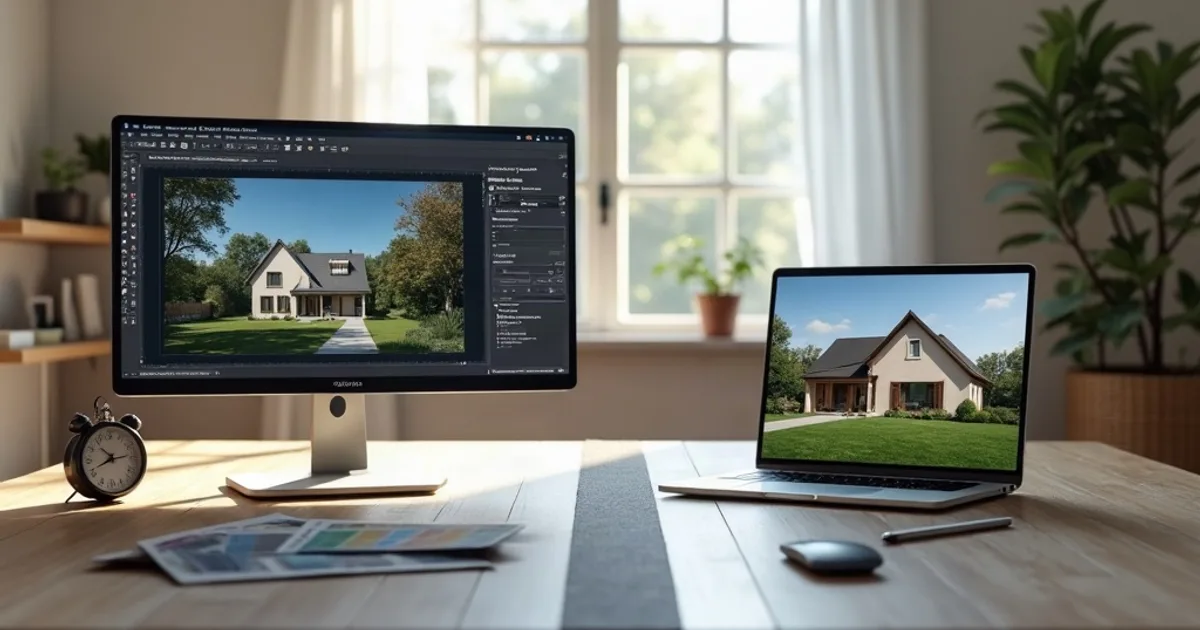
Best for zero-setup presentation stills: PromptRender. Best for production-grade, fully controllable rendering inside your existing 3D pipeline: V-Ray.V-Ray is the industry-standard renderer plugged into 3ds Max, SketchUp, Rhino, Revit, and more. PromptRender is a screenshot-to-render AI tool. They serve different workflows. Here's where each one wins.
V-Ray is sold by Chaos on a subscription basis: Solo and Premium tiers with monthly, annual, or 3-year billing, plus an Enterprise tier on annual/3-year terms only. PromptRender is pay-as-you-go with a real free tier and no software to install. Last updated: August 2026.
- PromptRender is best for zero-setup presentation stills; V-Ray is best for production-grade, fully controllable rendering inside your existing 3D pipeline.
- V-Ray is sold by Chaos as Solo and Premium subscriptions (monthly, annual or 3-year) plus an Enterprise tier on annual or 3-year terms only.
- PromptRender is pay-as-you-go with a real free tier and no software to install.
What Is PromptRender?
PromptRender converts a screenshot from any 3D modeling software ( SketchUp, Rhino, Revit, 3ds Max, Blender, ArchiCAD) into a photorealistic 4K still in under 60 seconds. No render engine to configure, no material shaders to build, no light setup.
Key features:
- Free plan: 1 render + 1 edit, no credit card required
- Pay-as-you-go: $1/render, or $24/month Pro for 200 credits (50 renders or edits)
- 4K output on every plan
- 100% cloud-based: no GPU, no local render engine, no plugin install
- No manual material, lighting, or camera setup: the AI infers it from the screenshot
What Is V-Ray?
V-Ray, made by Chaos, is the production-standard rendering engine used across architecture, film, and product visualization. It's a plugin/render engine that installs inside your existing 3D software (3ds Max, SketchUp, Rhino, Revit, Maya, Cinema 4D, and others) and gives you full manual control over materials, lighting, cameras, and render settings, with both biased and unbiased (physically accurate) rendering modes.
V-Ray's 2026 pricing (Chaos subscription, confirm current figures on chaos.com):
- V-Ray Solo: from about $42.90/month, single host application, one user
- V-Ray Premium: from about $59.90/month, broader host application coverage
- ArchViz Collection (V-Ray edition): from about $95.80/month, bundles V-Ray with other Chaos visualization tools
- Enterprise: annual/3-year terms only, custom pricing
Solo and Premium are available monthly, annually, or on a 3-year term; Enterprise is annual/3-year only.
Key features:
- Plugin inside 3ds Max, SketchUp, Rhino, Revit, Maya, Cinema 4D, and more
- Full manual control: materials, lighting, cameras, render settings
- Biased and unbiased (physically accurate) rendering modes
- Industry standard for high-end architecture, product, and film visualization
- Steep learning curve; render times scale with scene complexity and settings
Quick Comparison: PromptRender vs V-Ray
| Feature | PromptRender | V-Ray |
|---|---|---|
| Pricing model | Pay-as-you-go | Monthly/annual/3-yr subscription (Solo, Premium) |
| Entry price | Free (1 render + 1 edit) | ~$42.90/mo (Solo) |
| Higher tier | $24/mo for 200 credits | ~$59.90/mo (Premium) |
| Setup required | None, upload a screenshot | Full scene: materials, lights, cameras |
| Control level | Prompt-based (interior/exterior, lighting, text) | Full manual control over every render parameter |
| Rendering mode | AI generation | Biased + unbiased ray tracing |
| Hardware required | None, 100% cloud | Capable local/cloud GPU or CPU for render times |
| Host applications | Any (screenshot-based) | 3ds Max, SketchUp, Rhino, Revit, Maya, Cinema 4D |
| Output resolution | 4K standard | Unlimited, scene and settings dependent |
| Learning curve | Minutes | Weeks to months for production-quality results |
Detailed Comparison
Pricing
V-Ray Solo starts around $42.90/month with monthly billing available, closer to PromptRender's model than Lumion's annual-only pricing. For an architect who renders daily inside 3ds Max or SketchUp, that monthly fee is straightforward. For someone who renders occasionally, PromptRender's $1-per-render option (or free tier to start) has no recurring cost at all in a month with zero renders.
Control vs. Speed
This is the real tradeoff. V-Ray gives you complete control: every material property, every light, camera depth of field, render settings tuned to the exact output you need for a demanding client or a physically-accurate lighting study. That control has a cost: building a scene and dialing in settings takes real time and skill. PromptRender trades that control for speed: describe interior or exterior, a lighting mode, and an optional text prompt, and get a finished image in under a minute. For teams that need pixel-level material accuracy, V-Ray remains the standard. For fast presentation stills where “photorealistic and convincing” beats “physically exact,” PromptRender gets there dramatically faster.
Workflow Integration
V-Ray lives inside your modeling software as a plugin: you never leave 3ds Max, Rhino, or SketchUp. PromptRender works from a screenshot, outside any particular software, which means it works identically across a mixed SketchUp + Revit + Rhino studio without a separate plugin license for each host application.
Hardware
V-Ray render times depend on scene complexity and your local (or cloud) GPU/CPU: a complex interior scene with global illumination can take minutes to hours depending on settings. PromptRender runs entirely server-side; there's no local hardware dependency and render time is consistent regardless of scene complexity, because there's no scene, just a screenshot.
PromptRender: Key Advantages
- Zero setup: no materials, lights, or cameras to configure
- Consistent speed: under 60 seconds regardless of scene complexity
- Real free plan to test quality before paying
- Software-agnostic: one tool across a mixed SketchUp/Revit/Rhino studio
- No GPU investment: runs on any browser-capable device
V-Ray: Key Advantages
- Full manual control over every material, light, and render setting
- Physically accurate (unbiased) rendering for technical/lighting-critical work
- Industry standard: the expected deliverable format at many firms and studios
- Deep host integration inside 3ds Max, SketchUp, Rhino, Revit, and more
Which Should Architects Choose?
Choose PromptRender if:
- You need fast, presentation-quality stills without building a scene
- You work across multiple 3D tools and want one consistent rendering workflow
- You render occasionally and don't want a recurring subscription
- You don't need pixel-level material or lighting accuracy
Choose V-Ray if:
- You need physically accurate, fully controllable rendering
- Your firm's deliverables require V-Ray-level material and lighting precision
- You render daily inside one primary host application
- You have the time and skill investment to get production-quality results
Verdict
Best for zero-setup presentation stills: PromptRender. Best for production-grade, fully controllable rendering: V-Ray.They're not really competing for the same job: V-Ray is a professional rendering engine with a real learning curve and real control; PromptRender is a fast path to a convincing presentation image with none of that setup. Many studios end up using both: V-Ray for final, client-approved deliverables, PromptRender for the early-stage stills that get a design direction approved in the first place.
Try PromptRender free. One render and one edit, no credit card required.
Frequently Asked Questions About PromptRender vs V-Ray
Is PromptRender cheaper than V-Ray?
For occasional or project-based rendering, yes: PromptRender's free plan and $1/render pricing has no recurring cost. For daily production rendering, V-Ray Solo at roughly $42.90/month is competitive with PromptRender's $24/month Pro plan, but the two produce different things: V-Ray gives full manual control, PromptRender gives a finished image with no setup.
Can PromptRender replace V-Ray?
For fast presentation stills, often yes. For deliverables that require pixel-level material accuracy, physically-based lighting studies, or deep host-application integration, V-Ray remains the stronger tool.
Does V-Ray work on Mac?
It depends on the host application: V-Ray for SketchUp and V-Ray for Rhino support macOS, but several host integrations (like V-Ray for 3ds Max) are Windows-only. PromptRender works identically on Mac, Windows, or any browser-capable device.
Does V-Ray have a free trial?
Chaos typically offers a free trial for V-Ray: check chaos.com for current trial length and terms, as these change. PromptRender's free plan (1 render + 1 edit) has no time limit and no credit card requirement.
Also see: 7 Best V-Ray Alternatives for Architects or Best AI Architectural Rendering Software 2026.