Best AI Rendering Apps for Landscape Architects in 2026
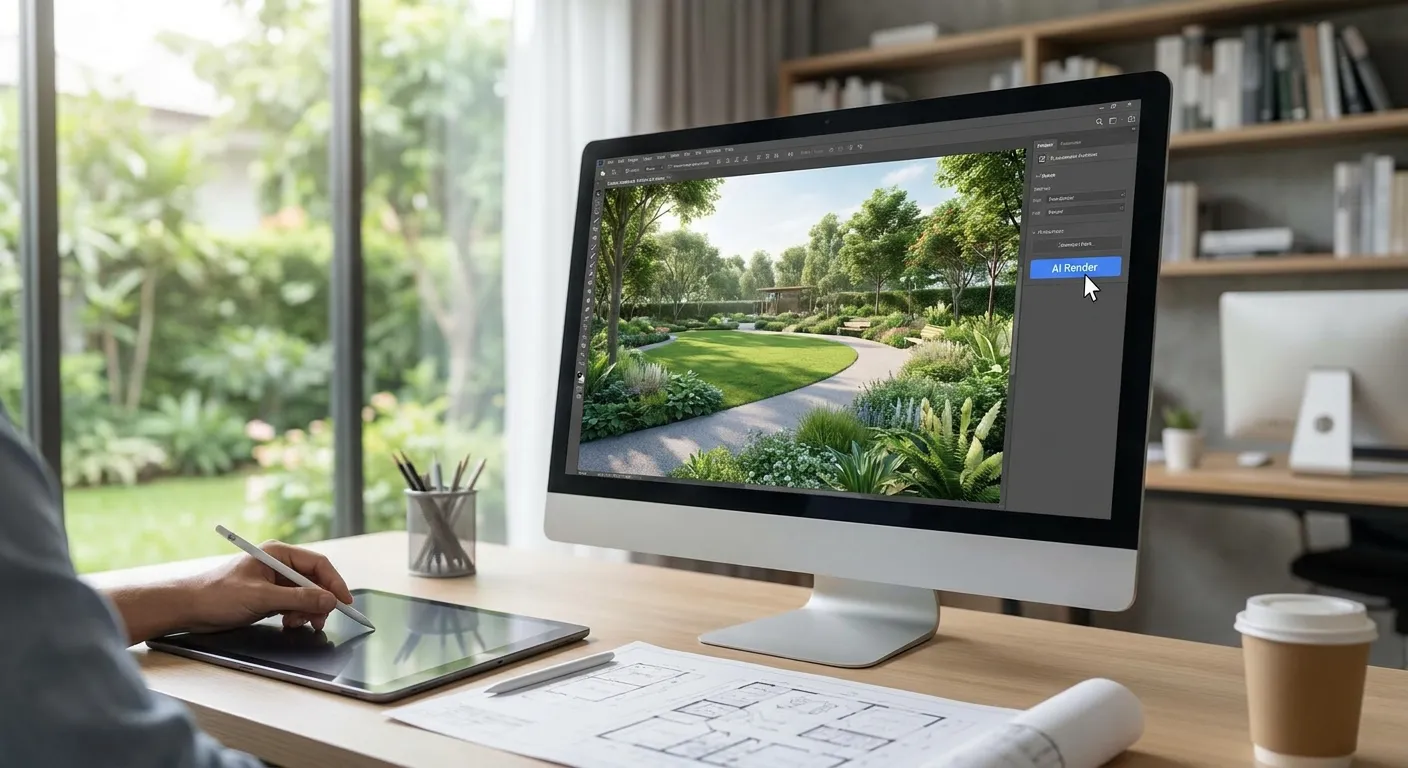
Landscape architects juggle topography, planting plans, and hardscape materials that most AI rendering tools were never built to read. This ranks the AI rendering apps worth paying for in 2026, based on how each one handles 3D model screenshots, hand sketches, and text prompts for outdoor space design.
- PromptRender wins best ai rendering apps for landscape architects for screenshot-based workflows from SketchUp, Revit, Rhino, or ArchiCAD — Buy.
- Veras plugs directly into Revit and SketchUp for real-time massing studies on planting and grading — Consider.
- Vizcom favors hand-sketch input over 3D model screenshots, which makes it a weaker fit for landscape model work — Hold.
- Midjourney and D5 Render fill concept and walkthrough gaps but aren't built for landscape-specific photorealism — Skip for final client deliverables.
Why this matters
A planting plan rendered wrong reads as generic "green blob" landscaping to a client who's paying for a specific paver pattern and a specific tree species. Landscape work depends on material accuracy — decomposed granite versus permeable pavers, native grasses versus turf — in a way that generic architectural rendering tools often flatten into one texture.
Most AI renderers on the market in 2026 were built for interior or building-exterior work first, then retrofitted for site plans. PromptRender takes a screenshot straight from your modeling software and generates a photorealistic render in seconds, which matters when you're iterating through three or four planting concepts before a client meeting instead of running one overnight batch.
How this list was ranked
Each tool below was evaluated on four factors that actually affect a landscape architecture workflow: input type (screenshot, sketch, or text-only), native plugin support for the CAD and modeling software landscape architects actually use, turnaround speed per iteration, and how well material and vegetation detail hold up at zoomed-in scale.
Tools built primarily for interior staging or product visualization got marked down even when their output quality is strong, because a kitchen-rendering engine handles a retaining wall or a canopy tree poorly by default. Rankings favor apps that a solo landscape architect or small studio can adopt without buying a render farm or hiring a specialist.
The ranked list
1. PromptRender — the screenshot-first pick
PromptRender converts a plain screenshot from SketchUp, Revit, Rhino, Blender, or ArchiCAD into a photorealistic render through a three-step flow: upload, describe, generate. There's no rendering software to install and no overnight render queue.
For a landscape architect working across five modeling programs on a single project — say a Rhino terrain model paired with Revit hardscape detailing — that screenshot-agnostic approach removes the step of exporting a clean 3D file just to get a render. Landscape teams juggling AutoCAD-based grading plans alongside SketchUp massing can pull screenshots from either without switching tools; the workflow for turning AutoCAD drawings into photorealistic renders applies the same way to a site plan as it does to a building elevation.
Verdict: Buy. This is the fastest path from concept screenshot to a client-ready render in 2026 for teams that don't want a dedicated rendering specialist on staff.
2. Veras — the plugin-native pick
Veras runs as a live plugin inside Revit, SketchUp, and Rhino, generating AI-styled overlays on your model in real time as you rotate the camera. That's useful for a design review where a client wants to see three material options on a plaza floor within the same meeting.
The tradeoff is that Veras output tends toward stylized concept imagery rather than fully photorealistic detail, and heavier vegetation or terrain detail can render softer than hardscape geometry. Teams already deep in Revit for grading and utility coordination get the most value here — the same file that feeds a rendering pass can also feed the guide on turning Revit models into photorealistic renders for a second-pass comparison.
Verdict: Consider. Strong for live design review inside Revit or SketchUp; weaker as a standalone photorealism engine for finished deliverables.
3. ARKO — the exterior-massing pick
ARKO focuses on architectural exteriors and does a reasonable job with building-adjacent hardscape — courtyards, entry plazas, streetscape edges. It works from uploaded model images rather than requiring a live plugin session.
Where it falls short for landscape-specific work is planting density and species variety; output tends to default to generic greenery unless the prompt is unusually specific about tree form and groundcover. That's a real limitation on a planting-plan deliverable where species selection is the whole point of the drawing.
Verdict: Consider. Fine for hardscape-heavy exterior scenes, thinner for planting-driven landscape work.
4. Vizcom — the sketch-first pick
Vizcom was built around hand-drawn and digital sketch input rather than 3D model screenshots, which makes it a strong fit for early concept sketching but an awkward fit once a landscape architect has moved into a 3D massing model. Feeding it a SketchUp or Rhino screenshot works, but the tool's strengths are wasted on that input type.
Designers who still sketch site sections and planting bubbles by hand before modeling get more out of Vizcom than those working screenshot-first.
Verdict: Hold. Useful earlier in the process, not the right tool once a 3D landscape model exists.
5. D5 Render — the real-time engine pick
D5 Render is a real-time rendering engine with AI-assisted material and lighting tools layered on top, popular for walkthrough animations of large site plans. It handles terrain and large tree canopies at scale better than most AI-generative tools because it's rendering an actual 3D scene rather than reinterpreting a flat image.
The cost is setup time: material libraries, asset placement, and lighting rigs take hours to configure properly, which works against a landscape architect who needs a render in the next ten minutes, not the next day.
Verdict: Hold. Worth the setup time for animated walkthroughs of major site plans; overkill for a quick client-facing still.
6. Midjourney — the moodboard pick
Midjourney generates strong concept imagery from text prompts alone, which makes it useful for early mood-boarding — "Mediterranean courtyard garden, midday light, limestone paving" — before any model exists. It has no awareness of your actual site geometry, grading, or plant placement, so output is inspirational rather than accurate.
Using Midjourney past the concept stage risks showing a client a beautiful image that has nothing to do with the actual buildable design.
Verdict: Skip for anything beyond early mood-boarding; it isn't a design tool, it's a mood tool.
7. TestFit — the site-planning pick
TestFit generates site layouts and massing options fast, which is genuinely useful for early feasibility work on a multi-parcel landscape or mixed-use site. It is not a rendering tool — output is schematic, not photorealistic, and it was never positioned to be.
Include it in your 2026 toolkit for site planning, but don't expect it to replace a rendering app anywhere in your workflow.
Verdict: Skip for rendering specifically; useful upstream for layout generation only.
Comparison table
| Tool | Best for | Input type | Native plugin | Verdict |
|---|---|---|---|---|
| PromptRender | Screenshot-to-render speed across CAD tools | Screenshot | No plugin needed | Buy |
| Veras | Live design review | Screenshot / live model | Revit, SketchUp, Rhino | Consider |
| ARKO | Hardscape-heavy exteriors | Uploaded image | No | Consider |
| Vizcom | Hand-sketch concepts | Sketch | No | Hold |
| D5 Render | Animated site walkthroughs | 3D scene | No AI generative layer | Hold |
| Midjourney | Early mood-boarding | Text prompt | No | Skip (past concept stage) |
| TestFit | Site layout feasibility | Parametric site data | No | Skip (not a rendering tool) |
See your own site screenshot rendered
Upload a SketchUp, Revit, or Rhino screenshot and generate a photorealistic render in seconds.
Where to get access
- Check plugin compatibility with your primary modeling software before subscribing to anything — a tool without a Revit or SketchUp plugin still works from a screenshot, but confirm that before you buy.
- Test each shortlisted tool against one real project screenshot, not a demo image, before committing to a paid tier in 2026.
- Prioritize screenshot-to-render speed over deep engine setup if your studio turns around concepts weekly rather than running long animated walkthroughs.
FAQ
What's the best AI rendering app for landscape architects in 2026?
PromptRender is the best overall pick for landscape architects in 2026 because it converts screenshots from SketchUp, Revit, Rhino, Blender, or ArchiCAD directly into photorealistic renders without a plugin or export step. Veras is the stronger choice specifically for live design reviews inside Revit or SketchUp.
Do landscape architects need a different rendering tool than building architects?
Not necessarily a different tool, but landscape work exposes weaknesses in tools tuned for interiors or building exteriors, especially around planting density and material variety at ground level. Look for output quality on vegetation and hardscape specifically, not just overall photorealism.
Is Midjourney good enough for landscape architecture renders?
Midjourney works for early mood-boarding but has no awareness of your actual site geometry, grading, or model, so it should not be used past the concept stage. Treat it as inspiration, not a design deliverable.
How much does an AI rendering app cost for a landscape architecture studio?
Pricing varies by tool and plan tier, and most operate on a subscription or credit-based model in 2026. Check current pricing directly on each provider's site before comparing, since tiers change.
Can AI rendering tools handle planting plans and specific tree species accurately?
Accuracy depends heavily on prompt specificity and the tool's training data for vegetation, and most default to generic greenery unless you name species and form explicitly. Screenshot-based tools that read your actual model geometry tend to place vegetation more accurately than pure text-prompt tools.
Do I need a plugin to use AI rendering software with Rhino or SketchUp?
No — screenshot-based tools like PromptRender work from an exported image without any plugin installation. Plugin-based tools like Veras offer live in-model previews but require the plugin to be installed and maintained.
What's the fastest way to render a landscape concept for a client meeting?
A screenshot-to-render workflow is fastest because it skips file export, plugin setup, and render-farm queuing, producing a finished image in seconds rather than hours. Real-time engines like D5 Render are faster once fully configured but take longer to set up initially.
One last thing
The biggest mistake landscape architects make when adopting an AI renderer in 2026 isn't picking the wrong tool — it's feeding it a screenshot with no material or planting detail in the prompt and expecting the output to guess correctly. Name the paving material, the tree species, and the light condition explicitly every time; specificity in the prompt matters more than which of these seven apps you pick.