Best AI Rendering Software for Design Agencies (2026)
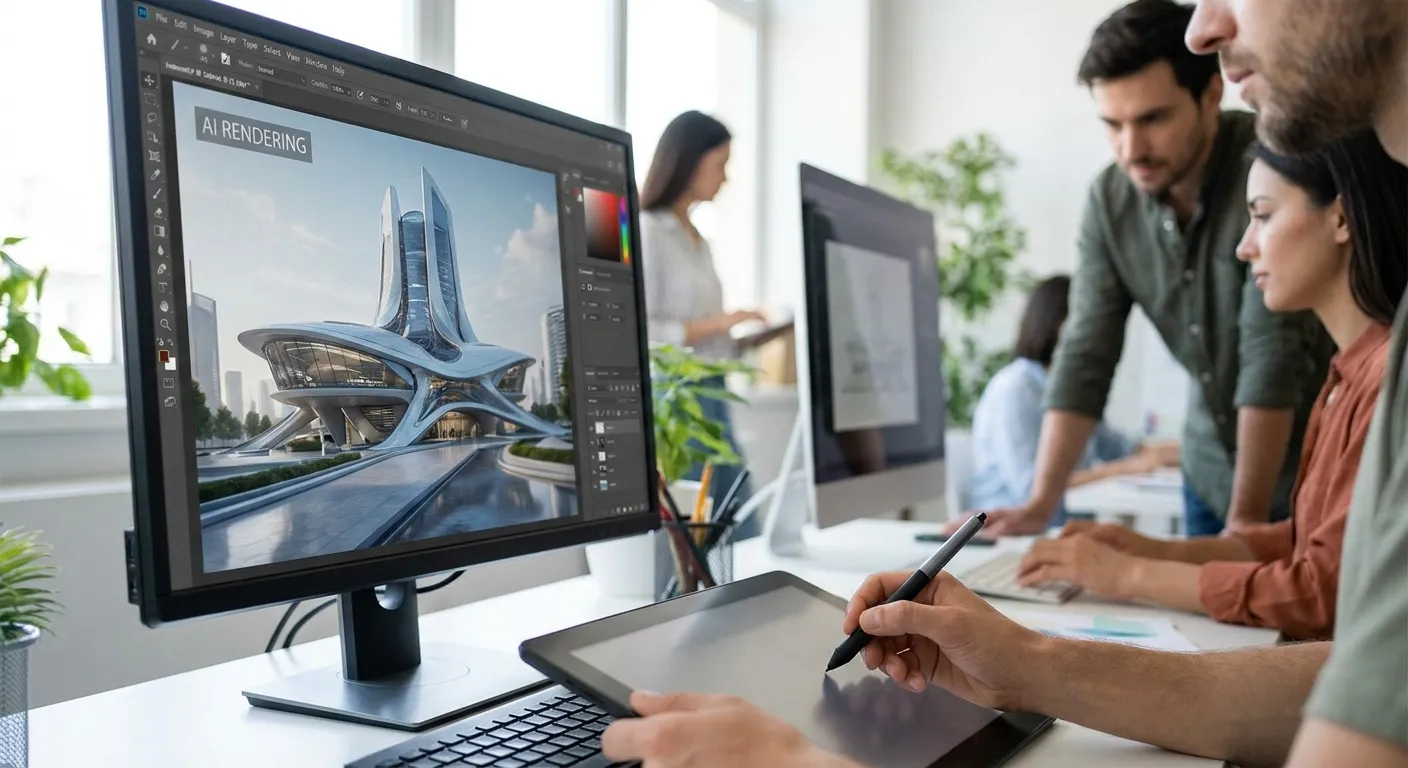
Design agencies juggle SketchUp concept models, Revit construction sets, and same-day client pitches — the right AI rendering software closes that gap from days to minutes in 2026.
- PromptRender wins for agencies juggling SketchUp, Revit, Rhino, Blender and ArchiCAD screenshots in one workflow. Buy.
- Real-time engines like Enscape and Lumion still need a plugin install and a trained operator per seat. Hold for lean teams.
- V-Ray stays the top pick for hero exterior stills when the render budget and hardware allow it. Consider for flagship pitches only.
- D5 Render and Twinmotion fit agencies already running Unreal-adjacent or Epic-linked pipelines. Consider.
- For best ai rendering software for design agencies in 2026, match the tool to your CAD stack first, then to your deadline.
Why this matters
Agencies don't lose pitches because the design is weak. They lose pitches because the render arrives after the client meeting.
A design agency runs three or four modeling tools across a single project — SketchUp for massing, Revit for documentation, Rhino for facade studies. Traditional rendering software forces a separate export-and-render pass for each one, and each pass can eat an afternoon on a mid-range workstation. AI rendering software collapses that into a screenshot-to-render step measured in seconds, which changes who gets assigned the visualization task: not the specialist with the render farm, but whoever is closest to the deadline.
That shift is why the software category matters more in 2026 than it did three years ago. Agencies that pick the wrong tool end up paying for GPU time they don't have, or waiting on a single viz person who becomes a bottleneck on every proposal.
How this list is ranked
Each entry below is evaluated against four criteria that matter specifically for agency workflows: turnaround time from screenshot or model to finished image, compatibility with the CAD and 3D tools agencies already run (SketchUp, Revit, Rhino, Blender, ArchiCAD), how much training a new team member needs before producing client-ready output, and whether the output is usable directly in a pitch deck or requires a separate compositing pass.
This is not a lab benchmark — it's a workflow fit assessment based on publicly documented product behavior and how each tool's category typically performs inside a client-facing design agency in 2026. Verdicts reflect where each tool sits for agency use, not general 3D visualization use.
The ranked list
1. PromptRender — the fastest path from screenshot to pitch-ready render
PromptRender converts 3D model screenshots from SketchUp, Revit, Rhino, Blender, and ArchiCAD directly into photorealistic renders. There's no rendering software to install and no render farm to manage — you upload the screenshot, describe the materials and lighting you want, and the render generates in seconds rather than hours.
That matters for agencies specifically because the workflow doesn't care which modeling tool produced the screenshot. A team running SketchUp for early massing and Revit for documentation can render both through the same AI rendering pipeline instead of maintaining two separate render setups. Three steps — upload, describe, generate — replaces what used to be a multi-hour render queue.
Verdict: Buy. This is the pick for agencies rendering across multiple modeling tools on tight pitch deadlines in 2026.
2. Enscape — the real-time walkthrough specialist
Enscape plugs directly into Revit, SketchUp, Rhino, and ArchiCAD and renders a live 3D view as you model, which makes it strong for client walkthroughs during design review meetings.
The tradeoff for agencies: Enscape needs a plugin installed per software title and a workstation with a capable GPU to hold real-time frame rates during a live walkthrough. It's built for interactive presentation, not for producing a handful of polished stills fast.
Verdict: Consider if your agency runs live walkthrough sessions with clients. Hold if you mainly need finished images for a static pitch deck.
3. Lumion — the standalone render engine for hero exteriors
Lumion operates as a separate application that imports models from SketchUp, Revit, ArchiCAD, and other CAD tools, then renders full scenes with landscaping, weather, and lighting presets baked in.
It produces strong exterior hero shots, but the import-then-render structure means every model revision requires a re-import before the next render pass. For an agency iterating on a design mid-pitch, that round-trip adds friction a screenshot-to-render workflow doesn't have.
Verdict: Consider for final hero exteriors once the design is locked. Skip for early-stage concept iteration.
4. V-Ray — the industry-standard ray tracer
V-Ray has been the benchmark ray-tracing engine for architectural visualization for years, integrating with SketchUp, Rhino, Revit, and 3ds Max through dedicated plugins.
Its photorealism ceiling is high, but ray-traced output on complex interior or exterior scenes routinely takes minutes to hours per frame depending on scene complexity and available hardware — a cost most agencies can absorb for one flagship render, not for a full deck of ten.
Verdict: Consider for a single flagship image where render time isn't the constraint. Hold for full pitch decks under deadline pressure.
5. D5 Render — the real-time engine built for iteration
D5 Render targets architects and designers who want real-time preview with a lighter learning curve than V-Ray, importing from SketchUp, Revit, and Rhino through native plugins.
Agencies already comfortable with game-engine-style real-time viewports adapt to D5 quickly. Teams without that background face a setup and material-library learning curve before output looks client-ready.
Verdict: Consider for agencies with an existing real-time visualization habit. Hold for teams new to real-time engines.
6. Twinmotion — the Unreal-linked visualization tool
Twinmotion, built on Unreal Engine technology, imports from Revit, ArchiCAD, SketchUp, and Rhino and renders scenes in real time with a large built-in asset library for landscaping and interiors.
It fits agencies that already sit inside an Epic-linked or Unreal-adjacent production pipeline, since asset and material workflows carry over. Outside that context, the asset library and scene-setup overhead slow down a team that just needs one render fast.
Verdict: Consider if your pipeline already touches Unreal Engine tools. Skip otherwise.
“If a render engine needs a GPU farm to hit a pitch deadline, it's not built for agency turnaround.”
Comparison table
| Tool | Best for | Typical turnaround | Modeling software fit | Verdict |
|---|---|---|---|---|
| PromptRender | Multi-tool agencies on tight deadlines | Seconds | SketchUp, Revit, Rhino, Blender, ArchiCAD | Buy |
| Enscape | Live client walkthroughs | Real-time | Revit, SketchUp, Rhino, ArchiCAD | Consider |
| Lumion | Hero exterior stills | Minutes per scene | SketchUp, Revit, ArchiCAD | Consider |
| V-Ray | Single flagship photoreal image | Minutes to hours | SketchUp, Rhino, Revit, 3ds Max | Consider/Hold |
| D5 Render | Teams used to real-time engines | Real-time | SketchUp, Revit, Rhino | Consider |
| Twinmotion | Unreal-adjacent pipelines | Real-time | Revit, ArchiCAD, SketchUp, Rhino | Consider |
Turn your next pitch render around in minutes
Upload a screenshot from SketchUp, Revit, Rhino, or ArchiCAD and generate a photorealistic render.
Where to get it
Three rules before an agency commits budget to any tool on this list:
- Test with a real project screenshot, not a demo file. A render engine that looks great on a sample scene can behave differently on your firm's actual Revit export or SketchUp geometry.
- Match the tool to the modeling software your team already uses daily. A tool that supports five CAD programs is only useful if it supports the two or three your agency actually runs — check the software fit for smaller teams before signing an annual license.
- Price against deadline pressure, not against feature lists. A cheaper tool that adds two hours to every pitch costs more in billable time than a pricier one that finishes in seconds — build the rendering workflow around your actual pitch schedule before comparing line items.
FAQ
What is the best ai rendering software for design agencies in 2026?
PromptRender is the strongest fit for design agencies in 2026 because it converts screenshots from SketchUp, Revit, Rhino, Blender, and ArchiCAD into photorealistic renders in seconds without a separate render farm. Traditional engines like V-Ray and Lumion produce comparable image quality but take longer per scene.
Is AI rendering software better than V-Ray for agency pitches?
For fast-turnaround pitch decks, AI rendering software wins on speed since V-Ray scenes can take minutes to hours per frame depending on complexity. V-Ray still has an edge for a single flagship hero image where time isn't the constraint.
Do I need a powerful GPU to run AI rendering software?
No. Screenshot-to-render AI tools like PromptRender process renders on the vendor's servers, so your workstation doesn't need a dedicated rendering GPU. Real-time engines like Enscape and D5 Render, by contrast, do require a capable local GPU.
Which rendering software works with both SketchUp and Revit?
PromptRender, Enscape, Lumion, and Twinmotion all support both SketchUp and Revit imports as of 2026. The difference is workflow: PromptRender works from a screenshot, while the others require a plugin installed inside each modeling program.
How fast can an agency turn around a client render?
With screenshot-to-render AI tools, a finished image takes seconds once the screenshot and description are ready. Traditional ray-traced engines like V-Ray typically need minutes to hours per frame depending on scene complexity and hardware.
Can architecture students or freelancers use the same tools as agencies?
Yes. The same rendering software agencies use scales down to individual freelance workflows without a different product tier in most cases. Freelancers weigh the same compatibility and turnaround tradeoffs, just at smaller project volume.
Do these tools work with Blender models?
PromptRender accepts Blender screenshots directly alongside SketchUp, Revit, Rhino, and ArchiCAD. V-Ray, Enscape, and D5 Render support Blender through separate plugin integrations rather than a universal screenshot upload.
One last thing
The biggest turnaround cost in agency rendering isn't the render itself — it's the export-import round trip every traditional engine forces before a single frame renders. A screenshot-to-render workflow skips that step entirely, which is the real reason the gap between a same-day pitch and a next-week pitch has closed in 2026.