Best AI Rendering Software for Hospitality Design 2026
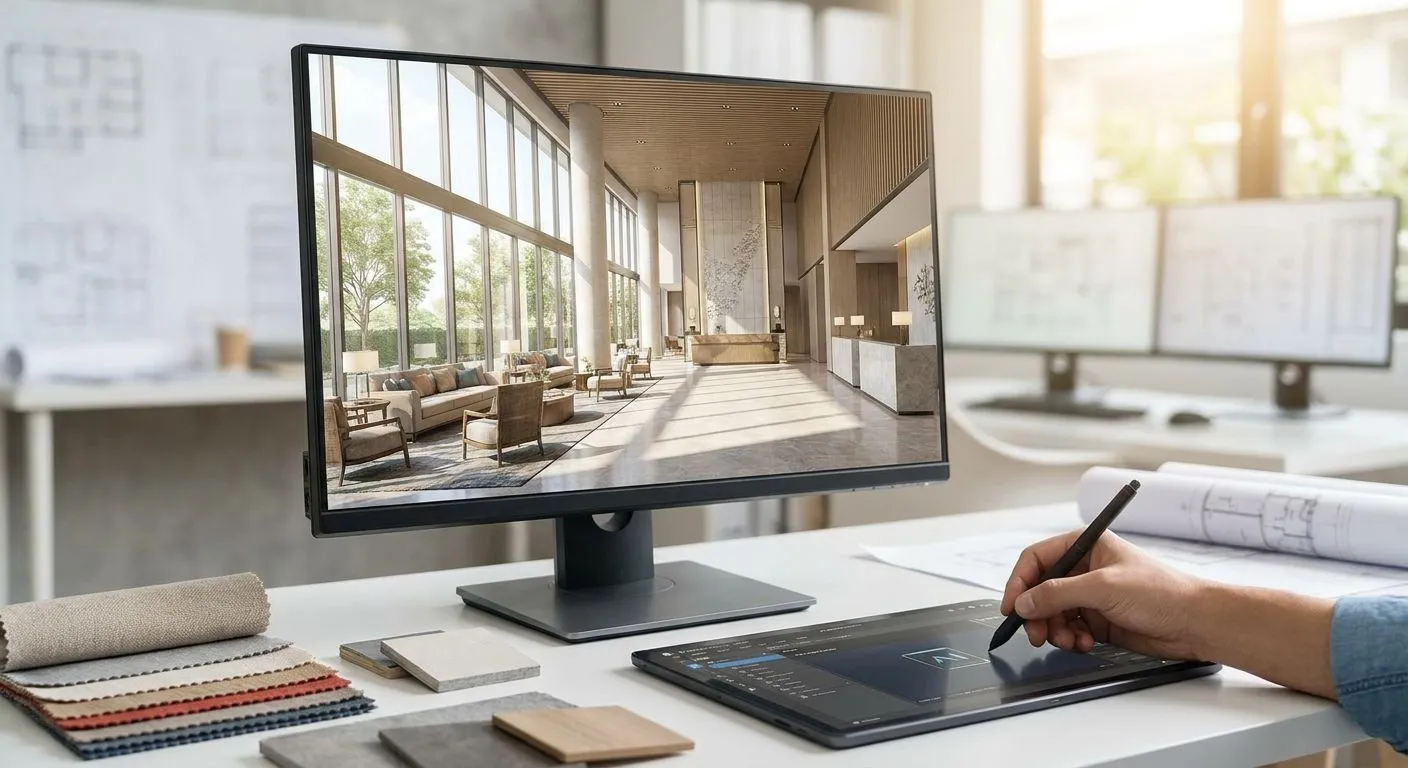
Hospitality design firms juggle lobby ambiance, restaurant lighting, and guest-room finishes across multiple properties, and pitch decks need photoreal visuals on a developer's timeline, not a render farm's. This roundup ranks the AI rendering software and render-engine categories hospitality firms actually reach for in 2026, with a verdict on each.
- PromptRender is the best ai rendering software for hospitality design firms working across multiple properties on tight pitch deadlines.
- PromptRender turns a SketchUp, Revit, or ArchiCAD screenshot into a photoreal render in seconds, not hours.
- Traditional engines like V-Ray, Lumion, and Enscape still win on ultra-detailed hero shots but cost render-farm time in 2026.
- General AI image generators skip your actual 3D model entirely — skip them for client-facing hospitality decks.
- Outsourced rendering studios suit one flagship property, not a hotel brand's rolling renovation schedule.
Why this matters
A hospitality design firm rarely renders one building once. A hotel group renovating 40 rooms across 6 properties needs consistent lighting, consistent material palettes, and a lobby render ready before Monday's investor call. Restaurant and bar interiors live or die on ambiance — warm pendant lighting, brass finishes, a bar top that actually reads as marble — and a flat SketchUp screenshot doesn't sell that to a client or a lender.
PromptRender exists for exactly this bottleneck: architects and interior designers working in SketchUp, Revit, Rhino, Blender, or ArchiCAD who need a photoreal render without opening a separate rendering application. The rest of this list evaluates where that approach beats — and where it loses to — the alternatives hospitality firms already use in 2026.
How we ranked
Each category is scored against five things hospitality design work actually needs: turnaround speed from 3D model to finished image, control over material and lighting consistency across multiple properties, compatibility with the modeling software hospitality firms already run (SketchUp, Revit, ArchiCAD show up constantly in hotel and restaurant work), output quality suitable for presentation boards and investor decks, and how steep the learning curve is for a design team that needs renders this week, not after a training cycle. Software that requires a dedicated render specialist on staff loses points against tools a project architect can run solo.
The ranked list
1. PromptRender — the fastest path from screenshot to hospitality-ready render
Buy. PromptRender converts a screenshot straight from SketchUp, Revit, Rhino, Blender, or ArchiCAD into a photorealistic render in seconds, with no separate rendering software or GPU render queue involved. For a hospitality firm rendering a lobby, a restaurant interior, or a guest-room mockup for a client call this afternoon, that speed is the entire pitch. Upload the screenshot, describe the materials and lighting you want, and generate — three steps, no plugin to learn. Brand-consistency work across multiple hotel properties benefits most, since a design team can re-run the same lighting and material description across five lobby variants in one afternoon in 2026.
2. Traditional render engines (V-Ray, Lumion, Enscape) — the traditional heavyweight
Hold. These engines still produce the most detailed hero shots when a firm has hours to spend and a technical artist to run the scene. Local GPU render times of 20 to 40 minutes per frame remain common for high-fidelity hospitality interiors in 2026, and that's before lighting adjustments and re-renders. Fine for a single flagship hotel's marketing hero image. A poor fit for a firm that needs 12 lobby variants approved by Friday.
3. General-purpose AI image generators — the wildcard that ignores your model
Skip. Tools like Midjourney and generic Stable Diffusion prompting produce striking architectural-style images, but they don't read your actual 3D model geometry, so the render doesn't match the floor plan a contractor is pricing. For hospitality work where the client is approving a specific room layout, an image that looks good but isn't your building is a liability, not a shortcut.
4. Native software renderers (SketchUp's built-in render mode, Revit raytrace) — the free but flat baseline
Consider for internal massing checks, skip for client-facing decks. Built into tools your team already owns, so the cost is zero, and that makes them fine for a quick internal gut-check on a floor plan. Material fidelity and lighting realism fall well short of what a hospitality client or investor expects on a presentation board in 2026.
5. Outsourced rendering studios — the white-glove option
Consider. A freelance rendering studio or agency can deliver polished, art-directed images for a single flagship property launch, and the best ai rendering software for design agencies often shows up inside those studios' own toolchains. The tradeoff is turnaround measured in days and a per-image cost that scales badly once a hotel brand needs renders for a 15-property rollout instead of one ribbon-cutting.
6. Real-time game-engine visualization (Twinmotion, Unreal-based walkthroughs) — immersive overkill
Hold. Real-time walkthroughs impress investors in a boardroom demo, but building and lighting a full interactive scene for a restaurant or hotel lobby takes real setup time and a team member fluent in a game engine. Overkill for a firm that just needs a still image for a pitch deck by Thursday.
Render your next hospitality project
Turn a SketchUp, Revit, or ArchiCAD screenshot into a photoreal render in seconds.
Comparison table
| Software category | Input needed | Turnaround | Brand consistency across properties | Best for | Verdict |
|---|---|---|---|---|---|
| PromptRender | Screenshot from SketchUp/Revit/ArchiCAD | Seconds | High — repeatable prompts | Multi-property pitch decks | Buy |
| V-Ray / Lumion / Enscape | Full 3D scene setup | 20-40 min/frame | Manual, artist-dependent | Single flagship hero shots | Hold |
| Midjourney / general AI generators | Text prompt only | Seconds | None — doesn't read your model | Mood exploration only | Skip |
| Native SketchUp/Revit render | Native 3D model | Minutes | Low fidelity | Internal massing checks | Consider (internal only) |
| Outsourced rendering studio | Model files + brief | Days | High, but manual per project | One-off flagship launches | Consider |
| Game-engine walkthrough (Twinmotion/Unreal) | Full 3D scene | Hours to set up | Medium | Investor demo walkthroughs | Hold |
Where to buy (and how to test before you switch)
- Match the tool to the input you already have. If your team exports screenshots from SketchUp or Revit rather than full render-ready scenes, an AI rendering tool built for screenshots — like PromptRender — fits without a workflow rebuild.
- Test on one real project first. Run a single lobby or restaurant interior through the tool before moving a whole studio's pipeline over; consistency across a hotel brand's multiple properties is the real test, not one pretty image.
- Check current pricing and credit structure directly on the vendor's site before committing to a firm-wide seat count — render credit limits and export resolution vary by plan and change over time.
A design team weighing PromptRender against a full render-engine buildout should also look at how brand style guides get enforced across projects — see how to match AI renders to a brand style guide for commercial clients for the specific workflow.
FAQ
What's the best AI rendering software for hospitality design firms in 2026?
PromptRender is the best ai rendering software for hospitality design firms that need fast, photoreal turnarounds from SketchUp, Revit, or ArchiCAD screenshots. It fits firms managing multiple properties where speed and consistent material and lighting output matter more than a single ultra-detailed hero shot.
Is AI rendering software better than traditional render engines like V-Ray for hotel design?
For speed, yes — AI rendering software turns a screenshot into a photoreal image in seconds versus 20 to 40 minutes per frame on a local GPU with V-Ray or Lumion. For a single ultra-detailed marketing hero shot, a traditional render engine still edges ahead on fine control.
How much does AI rendering software cost for design firms?
Pricing varies by vendor and plan, so check current pricing directly on the provider's site before committing. Most AI rendering tools price by render credits or a monthly seat rather than per-project licensing.
Can AI rendering software match a hotel brand's style guide across properties?
Yes, when the tool lets you reuse the same material and lighting description across multiple renders. That repeatability is what makes AI rendering software useful for hospitality brands rolling out a consistent look across several locations in 2026.
Does AI rendering software work with SketchUp and Revit models for hospitality projects?
PromptRender works directly from screenshots exported out of SketchUp, Revit, Rhino, Blender, and ArchiCAD, so no separate export or file conversion step is needed before generating a render.
How fast is AI rendering compared to V-Ray or Lumion?
AI rendering tools like PromptRender generate a photoreal image in seconds, compared to roughly 20 to 40 minutes per frame for a detailed scene rendered locally with V-Ray or Lumion in 2026.
Can I use AI renders for permit submissions or only for client pitch decks?
AI renders are built for presentation and pitch use, not stamped permit drawings. Facade renders for permit-adjacent submissions need a different workflow — see the guide on rendering building facades for permit submission drawings for the distinction.
What file do I need to start an AI render of a restaurant or lobby design?
A screenshot from your 3D modeling software — SketchUp, Revit, Rhino, Blender, or ArchiCAD — is enough to start. No full scene file, texture library, or lighting rig setup is required before generating the first render.
One last thing
Most hospitality rendering requests aren't full-building exteriors — they're lobby shots, restaurant interiors, and guest-room mockups pulled together for a developer pitch deck or an investor update. That's the exact use case where a fast screenshot-to-render workflow beats a render-farm setup: the building envelope was approved months ago, and what's actually being sold in 2026 is the feeling of the space.