Best AI Rendering Software for Developers 2026: Ranked
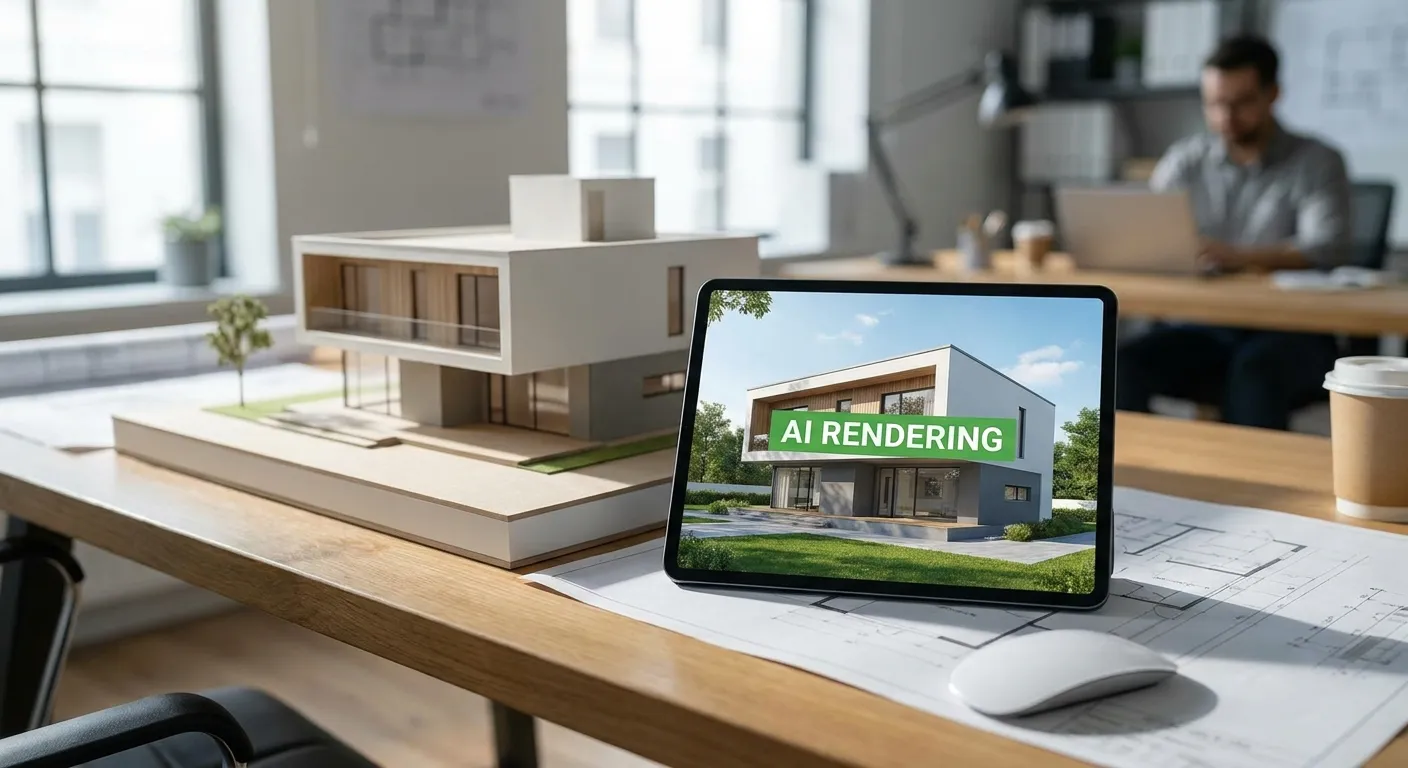
Real estate developers need renders that sell units before the drywall goes up, and most rendering software was built for architects who care about design review, not marketing decks. This guide ranks the AI rendering tools that actually fit a developer's workflow: fast turnaround, photorealistic output, and compatibility with the SketchUp or Revit models your architect already handed you.
- PromptRender wins for developers who need photorealistic renders from SketchUp, Revit, or Rhino screenshots in under a minute — Buy.
- Plugin-based tools like Veras suit design review, not buyer-facing marketing collateral — Hold.
- Photo-only staging tools skip pre-construction units entirely — Skip if your building isn't built yet.
- Generic AI image generators can't hold floor plan accuracy across a unit type — Skip for sales materials.
Why this matters
A developer selling 40 units off a rendering package cannot wait three weeks for a studio to turn around exterior shots. Every day a unit sits unrendered on the listing site is a day it doesn't get a deposit. The tools on this list get evaluated on one question: can they take the 3D model your architecture team already built and turn it into something a broker can put on a listing page today, in 2026, without a render farm or a freelance 3D artist on retainer.
The split that matters for developers specifically is input type. Tools that require an existing photo (virtual staging apps) only work once a unit is built and photographed. Tools that work from a 3D model — SketchUp, Revit, Rhino, Blender, ArchiCAD — let you market pre-construction, which is where developers make most of their pricing decisions and pre-sales.
How this list was ranked
Each tool got scored on four things a developer actually cares about: what input it accepts (3D model vs. finished photo), turnaround time per image, compatibility with the modeling software your architecture team uses, and whether the output is clean enough for a real estate listing or investor deck without a manual touch-up pass. Tools built for interior design review but not for exterior massing or unit-type marketing got marked down, since developers need both.
The ranked list
1. PromptRender — the fastest path from model to marketing render
PromptRender takes a screenshot from SketchUp, Revit, Rhino, Blender, or ArchiCAD and turns it into a photorealistic render without a rendering engine, a GPU workstation, or a render queue. Upload the screenshot, describe the materials and lighting you want, and generate — three steps, no rendering software installed on your machine.
For a developer, that means the same 3D model your architect built for permit drawings becomes exterior renders, lobby renders, and unit-type interiors for the sales gallery, all pulled from the identical geometry so there's no mismatch between the model and the marketing. Each generation draws from your render credit balance rather than a per-project invoice, which matters when you're producing dozens of unit-type variants across a 40-unit building.
This is the pick for developers running multiple projects at once who need renders on the same day a floor plan changes. Verdict: Buy.
2. Veras (EvolveLAB) — real-time style overlay inside the modeling software
Veras runs as a plugin inside Revit, SketchUp, Rhino, and Autodesk Forma, applying an AI style pass directly on top of your model view in near real time. It's built for architects iterating on design options during a review meeting, not for producing a final polished render for a sales page.
Developers using Veras get speed during the design phase but usually still need a separate finishing pass before the image goes to a broker or an investor deck. If your team already owns Revit licenses and wants faster design iteration, it earns a place in the stack. As a standalone marketing-render tool, it's not built for that job. Verdict: Hold.
3. Virtual Staging AI — built for photos, not pre-construction units
Virtual Staging AI and similar staging tools take an existing photo of a built, empty room and furnish it digitally. That's genuinely useful once a unit exists and has been photographed.
The problem for developers is timing: most of the sales and pricing decisions on a development happen before the building is finished, when there's no photo to stage — only a 3D model. Tools in this category can't touch pre-construction marketing at all. Keep this category in the toolkit for staging finished, unsold units later, but don't expect it to cover your pre-sales phase. Verdict: Skip for pre-construction, Consider for finished unsold inventory.
4. ARKO AI — plugin-based style transfer for architecture teams
ARKO AI works similarly to Veras: a plugin layer that restyles a 3D view inside your modeling software. It's aimed at design teams testing materials and facade options rather than developers producing final sales collateral.
It requires the plugin installed on the machine that holds the model, which adds a dependency step a marketing or sales team member usually can't run themselves. For a developer's in-house design team it's a reasonable design-review aid in 2026. For a sales team needing renders without touching the modeling software, it's the wrong tool. Verdict: Hold.
5. Generic AI image generators (Midjourney, Adobe Firefly and similar)
General-purpose AI image generators produce striking architectural-looking images from text prompts, but they don't take your actual 3D model as input. That means the render they produce won't match your floor plan, your unit dimensions, or your actual facade — a serious liability when a buyer compares the marketing render to the finished unit.
For mood boards and early concept exploration, these tools are fine. For a developer's sales page, where accuracy to the built product matters legally and reputationally, they're a risk. Verdict: Skip.
6. Traditional real-time engines (Enscape, Lumion)
These aren't AI tools — they're real-time rendering engines that plug into Revit, SketchUp, and Rhino and require a trained operator plus a capable GPU. Output quality can be excellent, but the learning curve and hardware cost put them out of reach for a sales or marketing team that just needs finished images fast.
Developers with an in-house visualization specialist already using Enscape don't need to switch. Developers without that role on staff will spend more time managing the render pipeline than producing sales assets. Verdict: Wait, unless you already have a dedicated operator.
Turn your model into a sales render today
Upload a SketchUp, Revit, or Rhino screenshot and get a photorealistic render in seconds.
Comparison table
| Tool | Input type | Best for developers | Setup needed | Verdict |
|---|---|---|---|---|
| PromptRender | 3D model screenshot (SketchUp, Revit, Rhino, Blender, ArchiCAD) | Exterior + interior sales renders, pre-construction | None — browser upload | Buy |
| Veras | Live model view inside Revit/SketchUp/Rhino | Design iteration, not final marketing | Plugin install | Hold |
| Virtual Staging AI | Existing photo | Staging finished, unsold units | None | Skip pre-construction |
| ARKO AI | Live model view inside modeling software | Facade/material testing | Plugin install | Hold |
| Midjourney / Firefly | Text prompt only | Mood boards, early concepts | None | Skip for sales pages |
| Enscape / Lumion | 3D model, real-time engine | Teams with a dedicated visualization operator | GPU workstation + training | Wait |
Where to buy or subscribe
- Confirm the tool accepts screenshots or exports from the exact modeling software your architecture team uses before you commit — a plugin built for Revit won't help if your team models in Rhino or Blender.
- Check whether pricing runs on a per-render credit basis or a flat monthly seat, since developers producing dozens of unit-type variants across a project burn through credits fast.
- Confirm output resolution and usage rights cover marketing use — listing sites and print collateral often need higher resolution than a quick design-review preview.
FAQ
What is the best AI rendering software for real estate developers in 2026?
PromptRender is the strongest fit for developers in 2026 because it converts SketchUp, Revit, Rhino, Blender, and ArchiCAD screenshots directly into photorealistic renders without a rendering engine or GPU workstation. It works from pre-construction 3D models, which is when most developer pricing and pre-sales decisions happen.
Can AI rendering software work before a building is constructed?
Yes, as long as the tool accepts a 3D model or screenshot as input rather than requiring an existing photo. Tools like PromptRender work directly from architectural model files, while virtual staging tools need a finished, photographed room and can't help pre-construction.
Is Veras better than PromptRender for real estate developers?
Veras is better suited to design iteration inside Revit, SketchUp, or Rhino during architectural review meetings. PromptRender is built for producing finished, marketing-ready renders quickly, which is the more common developer need.
How much does AI rendering software cost for a development project?
Costs vary by provider and most run on either a subscription or a per-render credit model. Confirm the credit cost per image before committing, since a single development can need dozens of exterior and interior renders across unit types.
Do I need a 3D model to use AI rendering software?
For pre-construction marketing, yes — tools built around 3D model screenshots from SketchUp, Revit, Rhino, Blender, or ArchiCAD are the only category that works before the building exists. Photo-based staging tools require a completed, photographed space.
Can generic AI image generators replace architectural rendering software?
No. Tools like Midjourney or Adobe Firefly generate images from text prompts without reading your actual 3D model, so the output won't match your real floor plan, dimensions, or facade. That mismatch is a liability for developer sales materials.
What file formats does AI rendering software accept from architects?
Most AI rendering tools built for developers accept screenshots exported from SketchUp, Revit, Rhino, Blender, or ArchiCAD rather than raw model files, which keeps the workflow to an upload-and-generate step instead of a file conversion process.
How fast can a developer get a finished render in 2026?
With screenshot-based AI rendering tools, a finished photorealistic image typically generates in under a minute per render, compared to hours or days with traditional render-engine pipelines that require GPU rendering time.
One last thing
The developers who move fastest in 2026 aren't the ones with the biggest visualization budget — they're the ones who cut the handoff between the architecture model and the sales render down to a single upload. If your architect's SketchUp or Revit file already exists, there's no reason a sales render should take longer than a coffee break to produce.