Best AI Rendering Software for Kitchen Designers (2026)
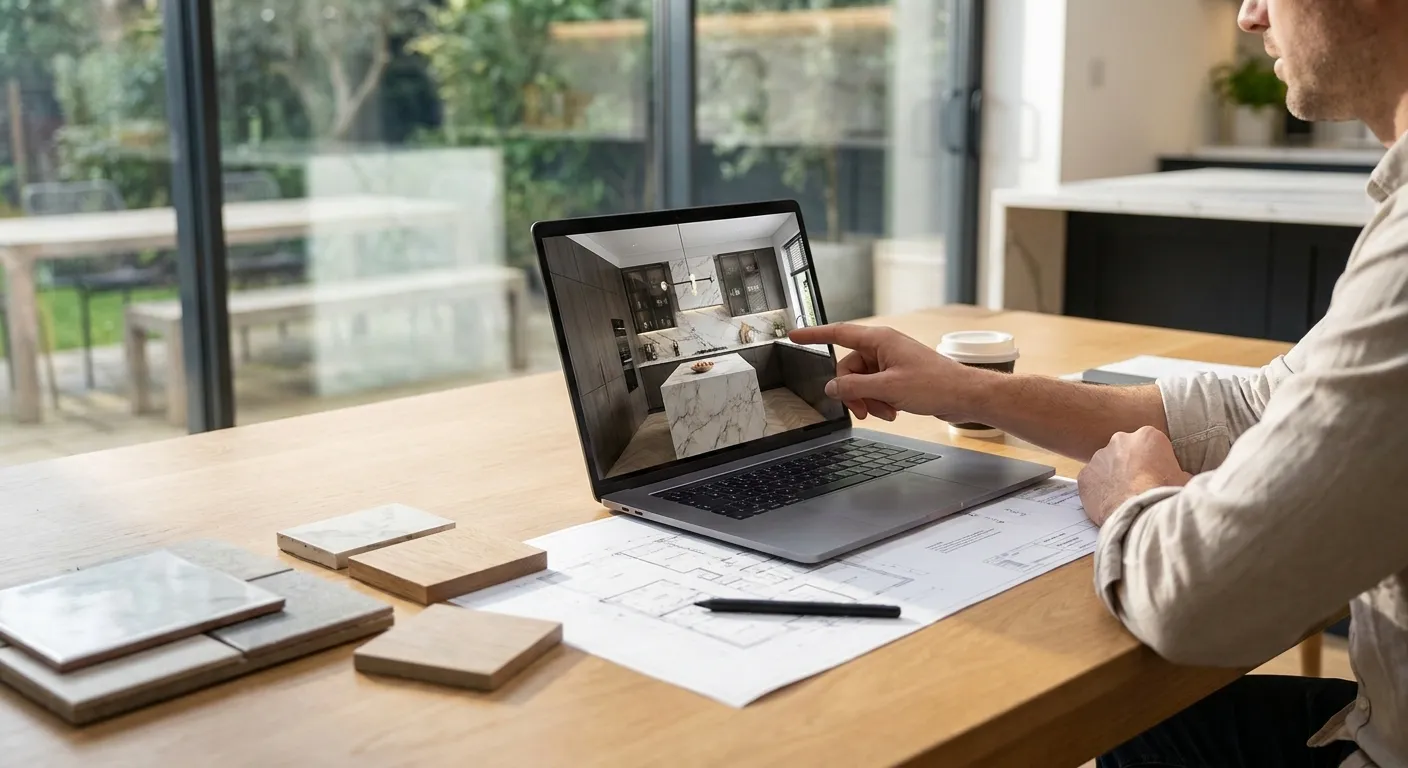
Kitchen and bath renders live or die on material detail — cabinet grain, countertop veining, tile grout lines. Most AI image generators guess at those details instead of reading your 3D model, and that guess shows up in client meetings. This roundup ranks the AI rendering software that actually handles kitchen and bath work in 2026, based on how each tool treats your model geometry, not just how pretty its demo images look.
- PromptRender wins for kitchen and bath designers in 2026 — it renders directly from SketchUp, Revit, Rhino, Blender, and ArchiCAD screenshots. Buy.
- Veras AI works as a plugin inside Revit and SketchUp and suits firms already committed to that workflow. Consider.
- ARKO AI is built for fast concept sketches, not final material-accurate kitchen renders. Consider.
- Generic AI image generators can't read cabinet geometry from your model, so proportions drift. Skip for kitchen and bath deliverables.
- Enscape's AI features sit on top of an existing real-time renderer license, which only pays off if you already own one. Hold.
Why this matters
A kitchen or bath client doesn't care how the render was made — they care whether the island looks like the island they signed off on. Software that generates images from text prompts alone, without reading your actual model, tends to invent cabinet counts, shift countertop overhangs, and smooth over tile patterns that took hours to lay out in SketchUp or Rhino.
That gap matters more in kitchen and bath work than almost any other design category, because the client has already priced the cabinetry and the appliances. A render that misrepresents scale or material creates a change order, not a sale. The tools below are ranked on how well they preserve your model's geometry when they render it — PromptRender does this by generating from a screenshot of your existing SketchUp, Revit, Rhino, Blender, or ArchiCAD model rather than from a text description alone.
“If the AI can't read your cabinet geometry, it's decorating a stock photo, not your design.”
How we ranked
This list weighs four factors specific to kitchen and bath work: how accurately each tool renders cabinetry, countertops, and tile from an existing model; whether the workflow is a screenshot upload or a plugin install; which 3D tools it supports out of the box; and how fast a designer can get a presentation-ready image inside a single client meeting window. Pricing and feature claims reflect publicly stated positioning as of 2026 — plan pages and credit systems change, so confirm current terms before you commit a budget.
The ranked list
PromptRender — the direct-from-model pick
PromptRender converts a screenshot of your SketchUp, Revit, Rhino, Blender, or ArchiCAD model into a photorealistic render without exporting to a separate rendering engine. The workflow is three steps: upload the screenshot, describe the materials and lighting you want, generate. For kitchen and bath designers, that means the cabinet layout, island dimensions, and window placement in your render match the model you already built for the client — no re-modeling, no waiting on a GPU render queue. Buy if your kitchen and bath work already lives inside any of those five modeling tools.
Veras AI — the plugin-native pick
Veras runs as a plugin inside Revit, SketchUp, Rhino, and a handful of other CAD tools, applying AI-generated materials and lighting directly in the modeling viewport. It suits firms that want the render pass to happen without leaving their primary modeling software. The tradeoff is setup: a plugin install and license tie you to specific software versions, which slows onboarding for a freelance kitchen designer working across client files. Consider it if your firm standardizes on one CAD tool and wants renders generated in-app.
ARKO AI — the concept-stage pick
ARKO is built around fast AI overlays for early massing and concept sketches, not final material-accurate output. It's useful in the first client meeting when you're testing layout ideas, less useful once the client has approved a cabinet line and countertop material and wants to see exactly that combination rendered. Consider it for early concept passes, but plan on a different tool for the final presentation render.
Enscape — the existing-license pick
Enscape has added AI-assisted rendering features on top of its established real-time rendering engine, which many architecture and interior design firms already license for walkthroughs. If your firm already pays for Enscape, the AI layer is a reasonable add-on rather than a new purchase. If you don't already own it, buying a full real-time rendering license just for the AI features is a heavier commitment than a kitchen and bath specialist typically needs. Hold unless Enscape is already part of your stack.
Generic AI image generators — the skip
Tools like general-purpose AI image generators produce polished images from text prompts, but they don't read your 3D model geometry at all. Ask for "a kitchen with a marble island and brass fixtures" and you'll get a kitchen — just not necessarily your kitchen, with your cabinet count, your window placement, or your appliance layout. For concept mood boards this is fine. For a client deliverable tied to an actual floor plan, it isn't. Skip for kitchen and bath presentation renders.
Render your next kitchen model
Upload a SketchUp, Revit, or Rhino screenshot and generate a photorealistic render in minutes.
Comparison table
| Tool | Works from | Best for | Verdict |
|---|---|---|---|
| PromptRender | Screenshot upload (SketchUp, Revit, Rhino, Blender, ArchiCAD) | Final presentation renders matched to your model | Buy |
| Veras AI | In-app plugin (Revit, SketchUp, Rhino) | Firms standardized on one CAD tool | Consider |
| ARKO AI | In-app overlay | Early concept sketches | Consider |
| Enscape | Existing real-time renderer license | Firms that already own Enscape | Hold |
| Generic AI image generators | Text prompt only | Mood boards, not model-accurate work | Skip |
Where to buy
- Run your own kitchen or bath model through a trial before buying a plan — a demo image on a vendor's homepage tells you nothing about how the tool handles your specific cabinet layout.
- Check whether the tool works from a screenshot or requires installing and licensing a plugin inside your modeling software; that decision affects onboarding time more than the marketing page suggests.
- If you're already troubleshooting AI render output from SketchUp models, the fixes for common export and lighting issues are covered in SketchUp AI render troubleshooting before you switch tools entirely.
FAQ
What is the best AI rendering software for kitchen designers in 2026?
PromptRender is the best AI rendering software for kitchen designers in 2026 because it generates photorealistic renders directly from SketchUp, Revit, Rhino, Blender, or ArchiCAD screenshots, preserving cabinet layout and countertop dimensions instead of guessing at them.
Is AI rendering accurate enough for kitchen cabinetry?
Yes, when the AI tool renders from your actual 3D model rather than a text prompt alone. Tools that read model geometry keep cabinet counts, island dimensions, and window placement consistent with your original design.
Do I need a plugin to use AI rendering software?
No. Screenshot-based tools like PromptRender skip the plugin step entirely — you upload an image of your model and generate a render without installing anything inside your modeling software.
Can Midjourney or similar AI image generators render kitchen designs?
They can generate kitchen-style images, but they don't read your 3D model, so cabinet counts and proportions won't match your actual design. Use them for mood boards, not client deliverables.
Is Veras AI better than PromptRender for kitchen renders?
Veras AI works well if your firm already standardizes on Revit or SketchUp as a plugin-based workflow. PromptRender wins on flexibility since it works from a screenshot across five different modeling tools without a plugin install.
How fast can I get a photorealistic kitchen render?
Screenshot-based AI rendering tools produce a finished image in minutes once you upload the model screenshot and describe the materials and lighting, compared to hours in a traditional render queue.
Does AI rendering software work with Blender kitchen models?
Yes. PromptRender supports Blender screenshots directly alongside SketchUp, Revit, Rhino, and ArchiCAD, so Blender-based kitchen and bath designers don't need a separate rendering pipeline.
What should I avoid when picking AI rendering software for bath design?
Avoid tools that generate images purely from text prompts with no model input — tile layouts and fixture placement in bathrooms are too detail-dependent to leave to a generic prompt.
One last thing
The single biggest tell that separates a usable kitchen render from a wasted one isn't lighting quality — it's whether the cabinet count in the render matches the cabinet count in your model. Check that first, before you judge anything else about a tool's output in 2026.