Best 3D Rendering Software for Architects 2026
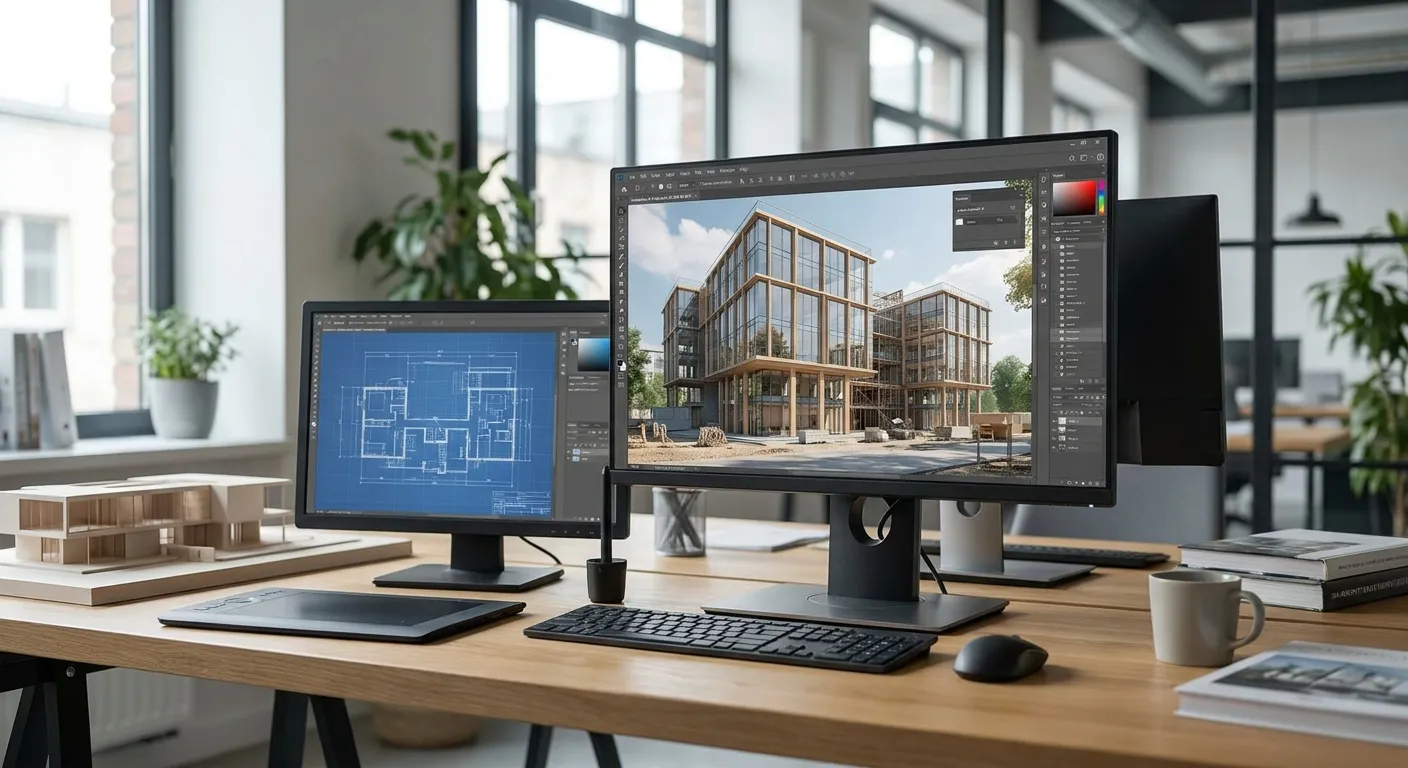
Six rendering platforms dominate architecture workflows in 2026 — this ranks them by workflow speed, hardware demand, and fit for solo architects versus multi-seat firms, with one clear buy call per tool.
- Enscape wins for firms already inside Revit or SketchUp needing live walkthroughs — Buy.
- V-Ray still sets the photorealism bar but demands a render farm and weeks of training — Hold for most solo architects.
- PromptRender skips the GPU entirely, turning a screenshot into a photorealistic render in three steps — Buy for fast client turnarounds.
- Twinmotion and D5 Render both need serious GPU horsepower before they're usable in a pitch deadline.
Why this matters
Most architects don't need the most powerful render engine on the market — they need the one that gets a client-ready image out the door before the pitch deadline. Picking 3d rendering software for architects on raw photorealism alone is how firms end up with a render subscription nobody has time to open.
The gap between the technically best renderer and the renderer that actually ships images this week is the whole story in 2026. A full walkthrough of that logic lives in how to create a photorealistic rendering from a 3D model, and it's worth reading before you commit budget to any tool below.
How we ranked
Each tool is scored against four things that change a workday: whether it plugs into the modeling software you already use (SketchUp, Revit, Rhino, ArchiCAD, Blender), how much GPU horsepower it demands before it's usable, how steep the learning curve is for a one-person or small studio, and how fast it moves a raw model to a client-facing image. Pricing tiers shift constantly across vendors in 2026, so check each vendor's current plan before buying — the verdicts below are about workflow fit, not sticker price.
The ranked list
1. Enscape — the plugin veteran
Enscape lives inside Revit, SketchUp, Rhino, ArchiCAD, and Vectorworks as a real-time plugin rather than a separate application. That means no file export step and no round-trip between programs — you toggle it on and walk the model live during a client call.
It's built for firms already deep in a BIM pipeline who need instant walkthroughs more than ray-traced material accuracy. The tradeoff: its photorealism ceiling sits below the dedicated render engines further down this list.
Verdict: Buy for firms running Revit or ArchiCAD daily and needing live client walkthroughs over static hero shots.
2. Lumion — the landscape specialist
Lumion's strength is its built-in library of vegetation, water, and site context — useful for any project where the exterior and landscaping carry as much weight as the building itself. Import is straightforward from most major modeling formats.
Where it struggles is interior lighting accuracy on tight deadlines; a convincing interior scene often takes longer than the exterior shot did.
Verdict: Consider for landscape-heavy or exterior-focused projects, less so for interior-first work.
3. Twinmotion — the real-time contender
Built on the Unreal Engine, Twinmotion renders in real time and supports VR walkthroughs, which matters for firms pitching immersive presentations in 2026. It reads models from Revit, SketchUp, ArchiCAD, and Rhino through direct plugins.
The catch is hardware: a modern dedicated GPU with meaningful VRAM is close to mandatory before scenes run smoothly, which rules it out for anyone working off a laptop.
Verdict: Consider only if your studio already owns render-capable workstations.
4. V-Ray — the industry benchmark
V-Ray has been the visualization industry's reference point for over two decades and still produces the most physically accurate lighting and materials of any engine here. Studios doing high-end residential and commercial visualization lean on it for a reason.
The learning curve is real. Getting a scene from raw geometry to a finished V-Ray render typically means hours of material and light setup, not minutes — a bad fit for a solo architect on a same-week deadline.
Verdict: Hold unless your team already has a trained V-Ray artist on staff.
5. D5 Render — the fast learner
D5 Render is the newest real-time engine of the group, built specifically to shorten the gap between model-imported and usable render. Its interface skews simpler than V-Ray's, and GPU-accelerated previews update as you adjust materials.
It's still catching up on plugin depth compared to Enscape, and like Twinmotion it wants a capable GPU to run well.
Verdict: Consider for firms wanting real-time previews without V-Ray's setup overhead.
6. PromptRender — the no-GPU pick
PromptRender skips the render engine entirely. You upload a screenshot straight from SketchUp, Revit, Rhino, Blender, or ArchiCAD, describe the materials and lighting you want, and get a photorealistic render back — three steps, no dedicated GPU, no render queue. That workflow is broken down in turn Revit models into photorealistic renders.
It reads directly from five 3D platforms — SketchUp, Revit, Rhino, Blender, and ArchiCAD — which covers most architecture firms' modeling stack without a second application installed. The output leans toward fast client-facing hero shots rather than fully navigable VR walkthroughs, which is the one thing Enscape and Twinmotion still do that PromptRender doesn't.
Verdict: Buy for solo architects and small firms who need a client-ready image the same day the model is finished, without buying a render workstation.
Comparison table
| Tool | Best For | Hardware Need | Verdict |
|---|---|---|---|
| Enscape | Live walkthroughs in Revit/SketchUp | Moderate GPU | Buy |
| Lumion | Landscape and exterior scenes | Moderate-high GPU | Consider |
| Twinmotion | VR-ready presentations | High GPU | Consider |
| V-Ray | Maximum photorealism | Render farm/high GPU | Hold |
| D5 Render | Fast real-time previews | High GPU | Consider |
| PromptRender | Same-day client renders, no GPU | None | Buy |
Skip the render queue in 2026
Upload a SketchUp, Revit, or Rhino screenshot and get a photorealistic render back in minutes.
Where to buy
- Test the free tier or trial before an annual commitment — every tool here, including PromptRender, changes pricing tiers through the year, so confirm the current plan on the vendor's own page before buying.
- Match the tool to your hardware, not the other way around — if your studio runs on laptops without dedicated GPUs, Enscape and PromptRender fit better than V-Ray or Twinmotion regardless of feature lists.
- Buy the plugin version when one exists — a native Revit or SketchUp plugin, or PromptRender's direct upload, saves the export-import cycle that eats time on every deadline.
FAQ
What is the best 3d rendering software for architects in 2026?
There is no single best pick. Enscape wins for firms needing live walkthroughs inside Revit or SketchUp, V-Ray wins for maximum photorealism, and PromptRender wins for same-day client renders without a dedicated GPU. Match the tool to your deadline and hardware.
Is V-Ray better than Enscape for architects?
V-Ray produces more physically accurate lighting and materials, but Enscape renders in real time inside your modeling software with far less setup. Firms on tight deadlines usually get more usable output from Enscape; firms building hero marketing images lean on V-Ray.
Do I need a powerful GPU for architectural rendering software in 2026?
Real-time engines like Twinmotion, D5 Render, and Lumion need a modern dedicated GPU to run smoothly. Enscape runs on more modest hardware, and PromptRender needs none since rendering happens off your machine.
Can I render architecture without owning rendering software?
Yes. Tools like PromptRender convert a screenshot from SketchUp, Revit, Rhino, Blender, or ArchiCAD into a photorealistic render without installing a render engine or owning a capable GPU.
What rendering software works directly inside Revit?
Enscape and Twinmotion both run as live plugins inside Revit, rendering in real time as you model. PromptRender works from a Revit screenshot rather than as an embedded plugin.
Is AI rendering software good enough for client presentations in 2026?
AI rendering tools like PromptRender are built for client-facing hero shots and same-day turnarounds, not fully navigable VR walkthroughs. For a static presentation image the output is production-ready; for immersive walkthroughs a real-time engine still has the edge.
How long does it take to learn V-Ray versus a real-time renderer?
V-Ray typically takes weeks of practice to master material and lighting setup, while real-time engines like Enscape and D5 Render are usable within a day or two. That learning curve is the main reason solo architects avoid V-Ray on live projects.
One last thing
The firms getting the most out of 2026's rendering stack aren't the ones with the single most powerful engine — they're the ones running two tools: a fast, low-hardware option like PromptRender for daily client turnarounds, and a heavier engine like V-Ray reserved for the handful of hero marketing shots each quarter that need every last bit of photorealism.