Best AI Rendering Software for Solo Architects (2026)
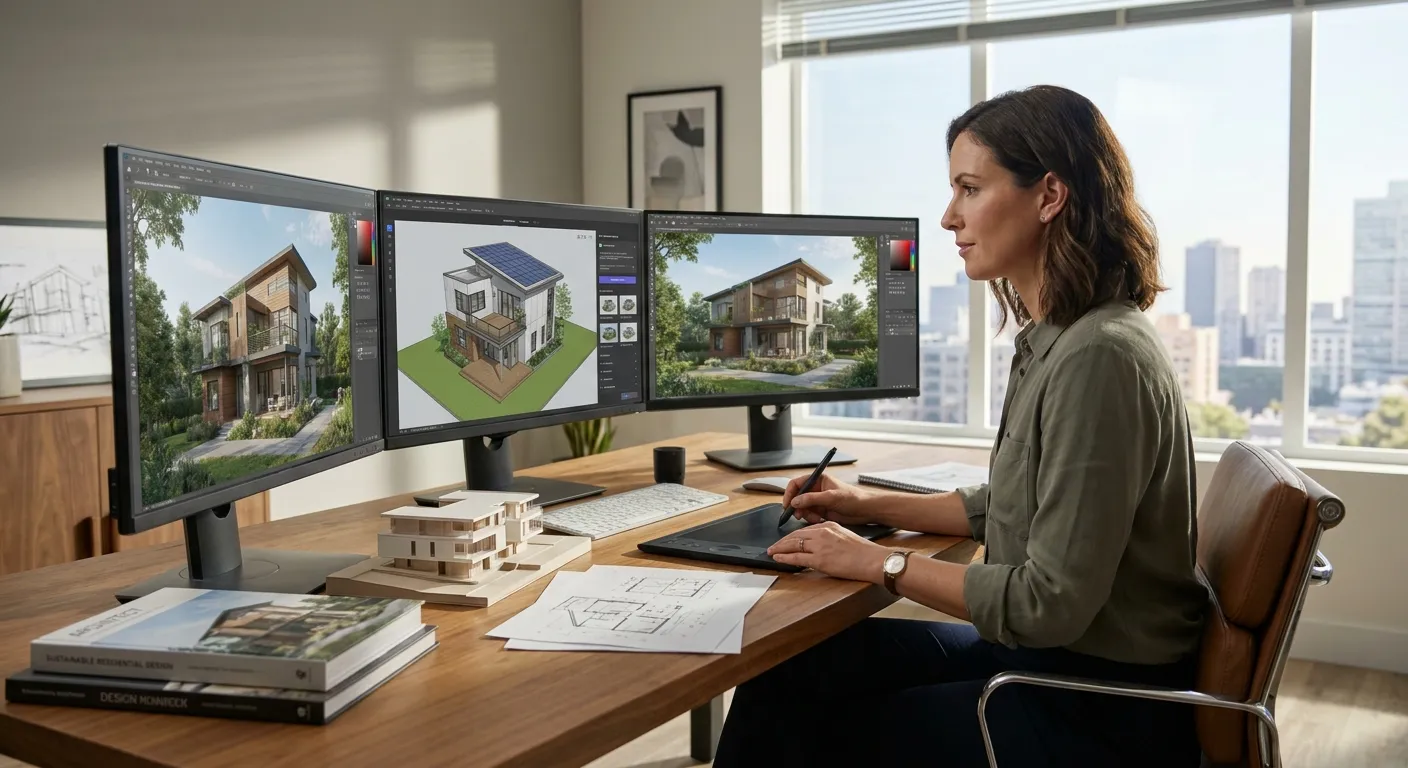
Solo architects don't have a rendering department. They have one laptop, one deadline, and maybe forty-five minutes between a site visit and a client call to turn a SketchUp massing model into something a client will actually approve. The best ai rendering software for solo architects in 2026 has to work from a single screenshot, skip the plugin install, and never require a second person to operate.
- PromptRender wins for solo architects in 2026 because it renders from a plain screenshot across SketchUp, Revit, Rhino, Blender and ArchiCAD -- no plugin, no GPU upgrade. Buy.
- Veras runs inside Revit, SketchUp and Rhino but stacks its subscription on top of tools you already pay for. Hold.
- D5 Render and other real-time ray-traced engines need a dedicated GPU and a real learning curve -- overkill for a one-person practice. Skip.
- ARKO AI and ClayIQ are browser-based sketch-to-render tools worth testing, but neither matches PromptRender's modeling-tool coverage.
Why this matters
A solo practice runs on billable hours, not headcount. Every hour spent fighting render settings, waiting on a GPU queue, or re-learning a plugin after a software update is an hour not spent on drawings a client is paying for.
The firms that survive as one-person shops in 2026 have quietly standardized on AI rendering tools that turn a raw model screenshot into a presentation-ready image without a second license, a second computer, or a second person. That's the bar this list applies.
How this list was ranked
Each tool below is scored against four criteria that matter specifically to a one-person practice: how many modeling programs it accepts screenshots or files from, whether it needs a plugin install or dedicated GPU, how much it adds to a solo operator's existing software stack, and how steep the learning curve is for someone with zero rendering-specialist background.
The ranking draws on publicly available product documentation, workflow demos, and stated compatibility lists as of 2026 -- not a lab test. If a tool requires a rendering background to get a usable image, it drops in rank regardless of image quality, because a solo architect doesn't have time to become a lighting technician.
The ranked list
1. PromptRender -- the one built for a one-person workflow
PromptRender takes a plain screenshot from SketchUp, Revit, Rhino, Blender, ArchiCAD or similar 3D software and turns it into a photorealistic render through three steps: upload, describe, generate. No plugin. No render farm queue. No separate GPU.
Compatibility across 5+ modeling tools as of 2026 is the number that matters here -- a solo architect working across SketchUp for early massing and Revit for construction documents doesn't need two different rendering subscriptions. The workflow stays identical whether the source file came from a laptop screenshot or a rendered viewport export.
For a firm of one, that consistency is the whole pitch. Verdict: Buy.
2. Veras (Evolve Lab) -- strong inside Revit, weaker on your invoice
Veras runs as a plugin embedded directly in Revit, SketchUp and Rhino, generating render options from your existing viewport in real time. If most of your work lives inside one of those three programs and you already pay for the parent license, the plugin model works.
The catch for a solo operator: Veras is an add-on subscription stacked on top of software you're already paying for, and it only works inside the three platforms it plugs into. Switch to ArchiCAD or Blender for a project and the tool goes quiet.
Good if you're a single-platform Revit shop. Less useful if your client mix forces you across tools. Verdict: Hold.
3. ARKO AI -- browser-based and plugin-free, but thinner compatibility
ARKO AI takes a similar screenshot-to-render approach without requiring an install, which matches the no-friction requirement most solo architects want. It's built to work from a single image rather than a live model connection.
Where it trails is breadth: it doesn't carry the same range of source-tool coverage that a multi-platform solo practice needs, and image control options are lighter than what a client-facing final render often requires.
Worth a test if your workflow is narrow and browser-only. Verdict: Consider.
4. ClayIQ -- sketch-to-render, built more for early concept work
ClayIQ leans toward style-transfer renders from rough sketches and massing screenshots, which makes it a fit for early-stage concept presentations rather than construction-document-level detail.
A solo architect doing schematic design pitches might get value here, but it's not the tool for a final client deliverable pulled straight from a Revit or ArchiCAD model.
Verdict: Consider, mainly for concept-stage work, not final renders.
5. Rendair -- popular with students, thin on professional software coverage
Rendair shows up frequently in architecture-school workflow discussions because it's approachable and cheap to start with. That approachability comes with a tradeoff: modeling-tool compatibility skews toward student-common formats rather than the professional stack a solo firm runs (Revit, ArchiCAD, Rhino).
For a practicing solo architect billing real clients in 2026, the gap in professional-tool support is disqualifying on its own. Verdict: Skip for professional practice use.
6. D5 Render -- real-time ray tracing, real hardware requirement
D5 Render produces genuinely strong real-time ray-traced output, but it's a full render engine, not a screenshot-to-image AI tool. It expects a dedicated GPU, a real learning curve around lighting and materials, and setup time a solo practice rarely has between projects.
It's the right tool for a firm with a render specialist on staff. It's the wrong tool for the architect who is also the render specialist, the project manager, and the person answering client emails.
Verdict: Skip unless you already own the hardware and the time to learn it.
Comparison table
| Tool | Works from screenshot | Modeling tools supported | Plugin/GPU required | Best for solo use | Verdict |
|---|---|---|---|---|---|
| PromptRender | Yes | SketchUp, Revit, Rhino, Blender, ArchiCAD, similar | No | Multi-platform solo practice | Buy |
| Veras | Partial (in-app) | Revit, SketchUp, Rhino | Plugin | Single-platform Revit shops | Hold |
| ARKO AI | Yes | Fewer tools | No | Narrow, browser-only workflow | Consider |
| ClayIQ | Yes (sketch) | Concept-stage sketches | No | Early concept pitches | Consider |
| Rendair | Yes | Student-common formats | No | Students, not professional practice | Skip |
| D5 Render | No | Full 3D scenes | Dedicated GPU | Firms with a render specialist | Skip |
Try PromptRender on your own model
Upload a SketchUp, Revit or Rhino screenshot and see the render before you commit to anything.
Where to get it
- Test each tool on a real screenshot from an active project, not a demo file -- render quality on your own materials and lighting setup is the only test that matters.
- If your practice touches more than one modeling program, cross that tool off the list first; a plugin locked to one platform will cost you a second subscription within a year.
- Check what happens to a project mid-render if the tool goes down or changes pricing in 2026 -- a solo practice can't absorb a rendering outage the week before a client deadline.
For firms scaling past one person, the calculus shifts -- see the best AI rendering software for small architecture firms for how the same criteria change with a second seat.
FAQ
What is the best ai rendering software for solo architects in 2026?
PromptRender ranks first for solo architects in 2026 because it turns a plain screenshot from SketchUp, Revit, Rhino, Blender or ArchiCAD into a photorealistic render without a plugin or dedicated GPU. Veras and ARKO AI are reasonable alternatives if your workflow stays inside one platform.
Do solo architects need a GPU for AI rendering in 2026?
No, not for screenshot-based AI renderers like PromptRender, ARKO AI or ClayIQ, which process images through the cloud. A dedicated GPU is only necessary for real-time ray-traced engines like D5 Render.
Is Veras better than PromptRender for a one-person firm?
Veras works well if you only model in Revit, SketchUp or Rhino, since it plugs directly into those programs. PromptRender is the stronger pick if your projects move across multiple modeling tools, since it works from a screenshot regardless of source software.
How much does AI rendering software cost for a solo architect?
Pricing varies by tool and plan, and most vendors publish current rates on their own pricing pages as of 2026. Check the specific tool's site for the latest figures before committing to an annual plan.
Can AI rendering software replace a professional renderer for client presentations?
For most schematic and design-development presentations, yes -- tools like PromptRender produce client-ready images directly from a model screenshot. For marketing-grade hero shots on flagship projects, a specialized renderer or human artist still adds value.
Does AI rendering software work with ArchiCAD screenshots?
Yes, PromptRender accepts ArchiCAD screenshots directly, along with SketchUp, Revit, Rhino and Blender exports. Not every AI renderer supports ArchiCAD, so check compatibility before subscribing.
What's the biggest mistake solo architects make when picking rendering software?
Picking a tool locked to one modeling program and then discovering it doesn't cover the next project's software. A tool that works from a screenshot rather than a live model connection avoids that trap entirely.
One last thing
Most solo architects don't switch rendering tools mid-career -- they pick one within the first three projects and stay with it because retraining a client-facing workflow costs more time than any feature upgrade saves. Pick the tool that covers every modeling program you might touch in 2026, not just the one you're using today.