How to Create AI Renders for Design Competitions (2026)
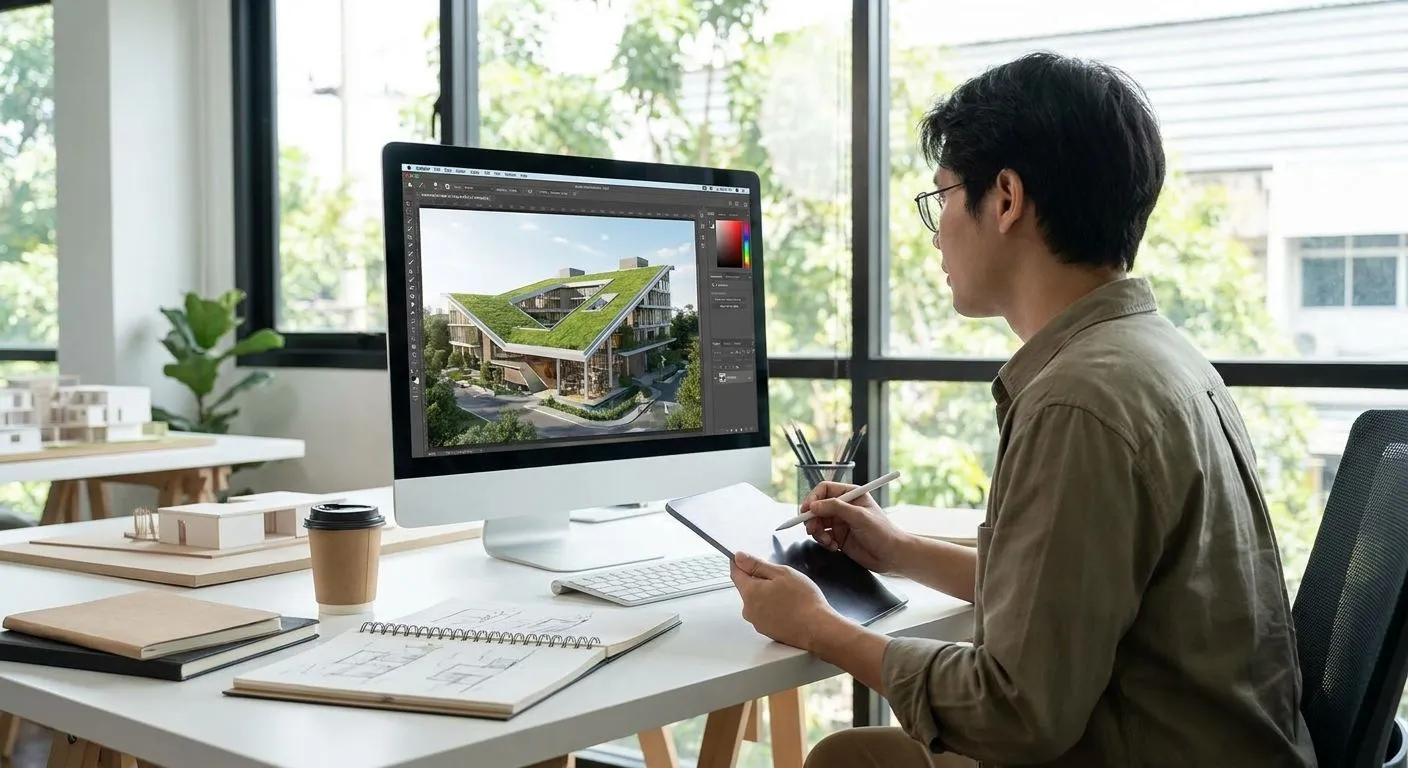
Design competition juries flip through dozens of boards in one sitting, and a flat SketchUp screenshot sitting next to a photorealistic render loses that comparison every time. This guide walks through the exact steps for turning a competition model into presentation-ready renders in 2026 — no render engine, no overnight render queue.
You create AI renders for design competitions by uploading a clean screenshot of your 3D model from SketchUp, Revit, Rhino, or ArchiCAD into an AI rendering tool, describing the materials, lighting, and mood you want, and generating a photorealistic image in seconds. The workflow runs from a basic screenshot or export — you never touch a traditional render engine like V-Ray or Lumion. The part juries never see: output quality depends entirely on your camera angle and model detail going in, so a messy or under-detailed view produces a messy render coming out.
- Upload a clean 3D model screenshot from SketchUp, Revit, or Rhino and describe materials and lighting to generate a competition-ready render.
- AI rendering tools skip traditional engines like V-Ray and Lumion — no GPU setup, no overnight render queue before a deadline.
- Camera angle and model detail before upload matter more than any prompt — fix distortion in the model, not after.
- Export renders at print resolution for physical boards, not just screen resolution for digital submissions.
Why this matters
Competition juries score presentation as much as design. A board with a flat, gray-shaded 3D model reads as unfinished next to a competitor's photorealistic render of the same square footage, even when the underlying design is stronger.
AI rendering tools closed that gap for solo entrants and small studios that don't have a render specialist on staff. Setting up a fast rendering workflow for architecture pitches before your deadline hits matters more for competitions than for client work, because you don't get a second submission window.
How to create AI renders for design competitions
Follow these steps in order. Skipping the model-prep steps is the single biggest reason renders come back distorted or unusable.
- Set your camera angle in your 3D software first. Frame the shot in SketchUp, Revit, Rhino, or ArchiCAD exactly how you want it in the final render — AI rendering tools enhance what's in the screenshot, they don't reframe it.
- Export a clean screenshot. Turn off construction lines, dimension strings, and section markers. A cluttered viewport confuses the AI's read of materials and edges.
- Upload the screenshot to an AI rendering tool. PromptRender accepts screenshots straight from SketchUp, Revit, Rhino, Blender, and ArchiCAD without a plugin or export format conversion.
- Describe materials, lighting, and mood in plain language. Name the facade material, glazing type, time of day, and season instead of relying on the model's default gray shading.
- Generate multiple variations per view. Competition juries respond to consistency across boards, so generate two or three options per camera angle before committing to one.
- Fix distorted details before finalizing. Check railings, window mullions, and thin structural elements — these are the details AI renders distort most often.
- Export at print resolution. Digital submission portals often accept lower-resolution files, but physical boards and printed panels need the higher-resolution export.
Traditional render engines vs. AI rendering tools for competition work
| Factor | Traditional engine (V-Ray, Lumion) | AI rendering tool (PromptRender) |
|---|---|---|
| Setup time | Hours to days (lighting rigs, materials) | Minutes — upload and describe |
| Hardware needs | Dedicated GPU, render farm for speed | Runs from any device with a browser |
| Output control | Precise, physically-accurate lighting | Strong on mood and materials, less precise on exact camera-matched physics |
| Best for | Daylighting analysis, technical accuracy | Fast turnaround boards, pitch decks, iteration under deadline |
Verdict: if your submission requires physically-accurate daylighting simulation, a traditional engine still wins. For the presentation renders most competitions actually judge — mood, materiality, and finished appearance — an AI rendering tool like PromptRender gets you there faster with fewer setup steps.
Why AI render quality varies for competition submissions
Render quality on competition boards swings for a handful of predictable reasons:
- Camera angle chosen in the source software — an awkward angle produces an awkward render no matter how good the AI model is.
- Model detail and geometry cleanliness — missing faces, overlapping geometry, and default materials all carry through to the output.
- Specificity of the material and lighting description — "concrete facade, late afternoon sun, autumn trees" outperforms "nice exterior render."
- Screenshot resolution and lighting in the source viewport — a dark, low-contrast screenshot gives the AI less to work with.
- Time left before the deadline — rushed uploads skip the iteration step that catches distorted details.
- Whether the tool supports your source software — a workflow that requires exporting to an intermediate file format adds friction and lost time right before submission.
“A messy screenshot produces a messy render — the AI enhances your camera angle, it doesn't fix it.”
Can you use AI renders in architecture competition submissions?
Most open design competitions judge on final image quality and don't require disclosure of render software, but always check the specific competition's submission rules before relying on AI-generated imagery — some academic and juried competitions restrict tools or require a stated methodology. When in doubt, read the brief's presentation requirements section, not just the design brief.
What software works best for AI-rendering a competition model?
SketchUp, Revit, Rhino, Blender, and ArchiCAD all work as source software because AI rendering tools work from screenshots or basic exports rather than requiring native file compatibility. If your competition model started as a Grasshopper definition, Grasshopper models can convert to photorealistic renders the same way — screenshot the viewport, upload, describe.
How many renders should you submit for a design competition?
Match the number the competition brief specifies for board layout — most briefs call for one hero exterior, one interior or section perspective, and one aerial or site-context view. Generate two or three AI variations per required view internally, then pick the strongest one for the final board rather than submitting every variation.
Getting renders board-ready
Once you've generated the images, the last mile is presentation formatting, not rendering. Two things trip up competition entrants at this stage:
Resolution mismatch. A render that looks sharp on a laptop screen can pixelate at 36-by-48-inch print size. Exporting AI renders for print-quality presentation boards before your final layout pass avoids a last-minute re-render.
Lighting mismatch across the board set. Juries notice when your hero exterior is shot at golden hour and your section perspective looks like overcast noon. Reviewing how to add realistic lighting to AI architectural renders keeps time-of-day consistent across every view on the same board.
If your board set includes an aerial or site-context shot, the camera setup differs from a standard eye-level exterior — treat it as its own step rather than reusing your exterior camera angle at a higher elevation.
Start rendering your competition boards
Upload a screenshot, describe the scene, generate a render in seconds.
FAQ
How do you make AI renders look good for design competitions in 2026?
Start with a clean camera angle and a decluttered screenshot from SketchUp, Revit, or Rhino, then describe materials and lighting specifically rather than generically. Generate two or three variations per view and pick the sharpest one before exporting at print resolution.
Is PromptRender good for architecture competition renders?
PromptRender works well for the presentation renders most competitions judge on — mood, materials, and finished appearance — because it works directly from SketchUp, Revit, Rhino, Blender, and ArchiCAD screenshots without a plugin. It's not built for physically-accurate daylighting analysis, which some technical juries require separately.
Do AI renders count as photorealistic renders for a competition brief?
Most competition briefs that ask for photorealistic renders don't specify the software used to produce them, only the final image quality. Check the specific brief's presentation requirements, since some academic competitions restrict AI tools explicitly.
How long does it take to generate an AI render for a competition board?
AI rendering tools like PromptRender generate an image in seconds once the screenshot is uploaded and the scene is described, compared to hours or overnight queues with traditional render engines like V-Ray or Lumion. Total time still depends on how many iterations you run per view.
Can you use AI renders from a hand sketch instead of a 3D model?
Yes — hand sketches can convert to photorealistic renders the same way a 3D model screenshot does, by uploading the sketch and describing the intended materials and setting. This matters for competitions that start from a concept sketch before the model is built out.
What's the biggest mistake entrants make with AI competition renders?
Uploading a rushed, low-detail screenshot and expecting the AI to fix the camera angle or missing geometry. The render only enhances what's already framed correctly in the source software.
Do you need Photoshop skills to finish AI competition renders?
No — most AI rendering tools output a finished image ready for board layout, though you'll still composite the render into your final InDesign or Illustrator board layout alongside plans, sections, and text.
One last thing
The entrants who lose points on presentation almost never lose it on the render itself — they lose it on inconsistency across the board set. Lock your time-of-day, season, and material palette across every camera angle before you generate a single image, then run the variations. A board set with one golden-hour exterior and one flat-lit interior reads as unfinished even when both renders are individually strong.