AI Renders for Investor Pitch Decks: 5 Steps (2026)
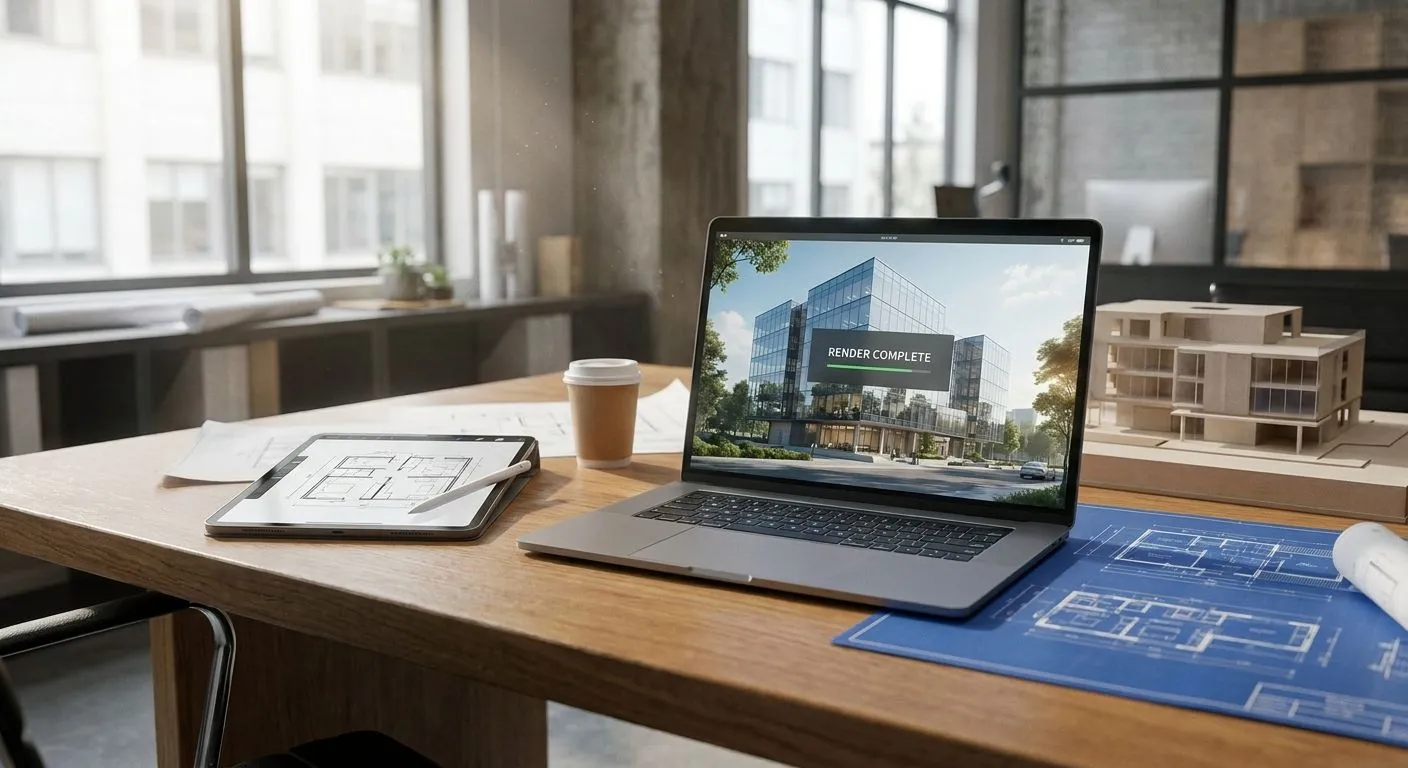
Investor decks live or die on how fast a reader understands the project, and a photorealistic render does that in three seconds where a floor plan takes three minutes. Creating AI renders for a real estate investor pitch deck comes down to five steps: capture clean 3D model screenshots, upload them to an AI rendering tool, describe materials and lighting in plain text, generate multiple camera angles of the same design, and export at print resolution for the deck. The step that trips up most decks isn't image quality — it's consistency. Lighting, material tone, or camera style that shifts from slide to slide reads as an unfinished project, even when the underlying numbers are solid.
- Creating AI renders for investor pitch decks takes five steps: screenshot, upload, describe, generate, export.
- Consistency across every camera angle matters more to investors than photorealism on one hero shot.
- PromptRender turns SketchUp, Revit, Rhino, or Blender screenshots into photorealistic renders without a rendering engine.
- Export at print resolution before dropping renders into a deck — screen-resolution exports look soft on slides.
Why this matters for a pitch deck
Investors flip through a deck once before deciding whether to keep reading. A render answers three questions instantly: what does this look like finished, what's the finish level, and is this team organized enough to show it. A floor plan or a pro forma doesn't do any of that on its own.
Most sponsors raising capital in 2026 don't have a render budget or a render artist on staff — the deck gets built from whatever 3D model already exists in SketchUp, Revit, or Rhino. That's the gap PromptRender closes: a screenshot from the model you already built becomes a render you can put in front of a limited partner without hiring anyone.
How to create AI renders for investor pitch decks
Follow this sequence for every render that goes into the deck. Skipping a step is where inconsistency creeps in.
- Clean up the 3D model screenshot first. Turn off wireframe overlays, hide construction lines, and set the viewport to a plain sky or neutral background before capturing the screenshot. A cluttered screenshot forces the AI rendering tool to guess at details it should never see.
- Pick camera angles that match how investors read a deck. A three-quarter exterior hero shot, one or two interior key spaces, and a site-context aerial cover most decks. More than five or six renders per property starts to dilute attention rather than build it.
- Upload and describe materials and lighting in plain text. Name the facade material, glazing type, landscaping, and time of day directly. A description like brick facade, floor-to-ceiling glass, dusk lighting, warm interior glow gives an AI rendering tool enough to work with without a materials library.
- Generate every angle in the same pass or session. Rendering all camera angles for one property back to back keeps lighting direction, material tone, and sky condition matched across the set, which is what a fast rendering workflow for architecture pitches is built around.
- Export at print resolution, not screen resolution. A render that looks sharp on a laptop screen can look soft printed on a letter-size slide or projected on a conference room screen — export settings matter more for a pitch deck than for a social post.
PromptRender runs steps two through five from a single browser upload: a SketchUp, Revit, Rhino, Blender, or ArchiCAD screenshot goes in, a photorealistic render comes out, no rendering engine or GPU required on your end.
Turn your 3D model into a pitch-ready render
Upload a screenshot, describe the scene, get a photorealistic render back.
Which render types belong in an investor deck
Not every angle earns a slide. Here's how to prioritize when the deck has a page limit.
| Render type | What it proves to an investor | Verdict |
|---|---|---|
| Exterior hero shot (front three-quarter) | Scale, massing, finish level — the image that gets forwarded internally | Include |
| Primary revenue space interior | Unit quality, buyer or tenant appeal | Include |
| Aerial or site-context view | Location value, access, neighboring parcels | Optional |
| Night or dusk lighting shot | Ambiance for hospitality and mixed-use deals | Optional |
| Repeat interior detail shots per unit type | Adds slide count, not new information | Skip |
| Wireframe or clay model views | Right for internal design review, wrong tone for a raise | Skip |
The aerial view earns its slide when the deal's value rests on location — aerial and drone view perspectives do more for an infill land assemblage than for a single-lot rehab.
Why render quality varies from deck to deck
The same 3D model can produce a render that looks finished or one that looks obviously AI-generated, depending on a handful of inputs:
- Screenshot resolution — a low-resolution capture limits how much detail the AI rendering tool has to work with, no matter how good the description is.
- Camera angle choice — extreme close-ups or awkward crop angles expose geometry gaps that a wider shot would hide.
- Material and lighting description specificity — vague prompts produce generic results; naming the facade material and light source produces a specific one.
- Model completeness — a 3D model missing landscaping, site context, or surrounding structures forces the render to invent them, which sometimes looks inconsistent with the rest of the deck.
- Export settings — resolution and file format chosen at export time determine whether the render holds up printed or projected at full size.
- Session discipline — angles generated days apart drift in lighting and tone, which is the single most visible flaw in a 2026 investor deck.
“Investors don't remember one great render. They remember when four renders in a row don't match.”
How many renders does an investor pitch deck need?
Most investor pitch decks need three to six renders total: one exterior hero shot, one or two interior spaces, and an optional aerial or site-context view. Beyond six, additional renders compete with the financial pages for attention rather than add information an investor actually uses.
Should renders show interior or exterior first in an investor deck?
The exterior hero shot goes first because it establishes scale and location before the investor has any other context. Interior renders land better a few slides later, after the deck has framed the unit mix, use type, or leasing strategy the interior is meant to illustrate.
Can AI renders replace professional photography for existing properties?
AI renders don't replace photography of a completed, occupied property — a photo of what already exists carries more weight than a render of it. For pre-construction, renovation, or repositioning deals where nothing photographable exists yet, an AI render built from the 3D model is the only visual option and works fine for that purpose in a 2026 pitch deck.
Where PromptRender fits
PromptRender is best for sponsors and small development teams who already have a 3D model and need pitch-deck renders in 2026 without hiring a visualization artist or installing a rendering engine. You upload the screenshot, describe the materials and lighting, and generate. Honest limits: it works from what the model shows, so a sparse 3D model with no site context still produces a render with invented surroundings, and complex geometry sometimes needs a second pass at a wider camera angle. It's an AI rendering tool, not a substitute for finishing the model.
FAQ
How do you create AI renders for investor pitch decks?
You capture a clean screenshot of the 3D model, upload it to an AI rendering tool, describe materials and lighting in plain text, generate every camera angle in one session for consistency, then export at print resolution for the deck.
What software works best for turning a 3D model into a pitch deck render?
Any AI rendering tool that accepts screenshots from SketchUp, Revit, Rhino, Blender, or ArchiCAD works. PromptRender converts a raw model screenshot into a photorealistic render without a separate rendering engine or GPU.
How many camera angles should an investor deck include?
Three to six renders covers most decks: one exterior hero shot, one or two interior spaces, and an optional aerial or site-context view. More than that starts competing with the financial pages for attention.
Do AI renders look convincing enough for a serious capital raise?
Yes, when the source screenshot is clean and the material and lighting description is specific. Vague descriptions produce generic-looking results; specific ones produce renders that read as finished construction photography.
What resolution should renders be exported at for a pitch deck?
Export at print resolution rather than screen resolution. A render that looks sharp on a laptop can look soft on a printed slide or a projector screen in a pitch meeting.
Should every unit type get its own render in the deck?
No. Render the primary revenue-driving space such as the typical unit, the lobby, or the anchor retail bay, since repeat interior shots add slide count without adding new information.
Can you render a project that only exists as a Revit or SketchUp model?
Yes. A screenshot straight from Revit, SketchUp, Rhino, or ArchiCAD is exactly what an AI rendering tool needs, and no completed construction or site visit is required.
Is it better to render at dusk or in daylight for an investor deck?
Daylight for the hero shot, because it shows materials and massing clearly. Dusk works as a second image for hospitality, mixed-use, and retail deals where ambiance drives the revenue story.
One last thing
The render that gets forwarded past the first meeting is almost never the most detailed one — it's the one shot at the angle a broker or lender already expects to see for that asset type: three-quarter exterior for multifamily, lobby-forward for hospitality, storefront-level for retail. Match the convention before you match the detail. That single choice does more for a 2026 raise than another hour of prompt tuning.