Best AI Rendering Software for Healthcare Architecture 2026
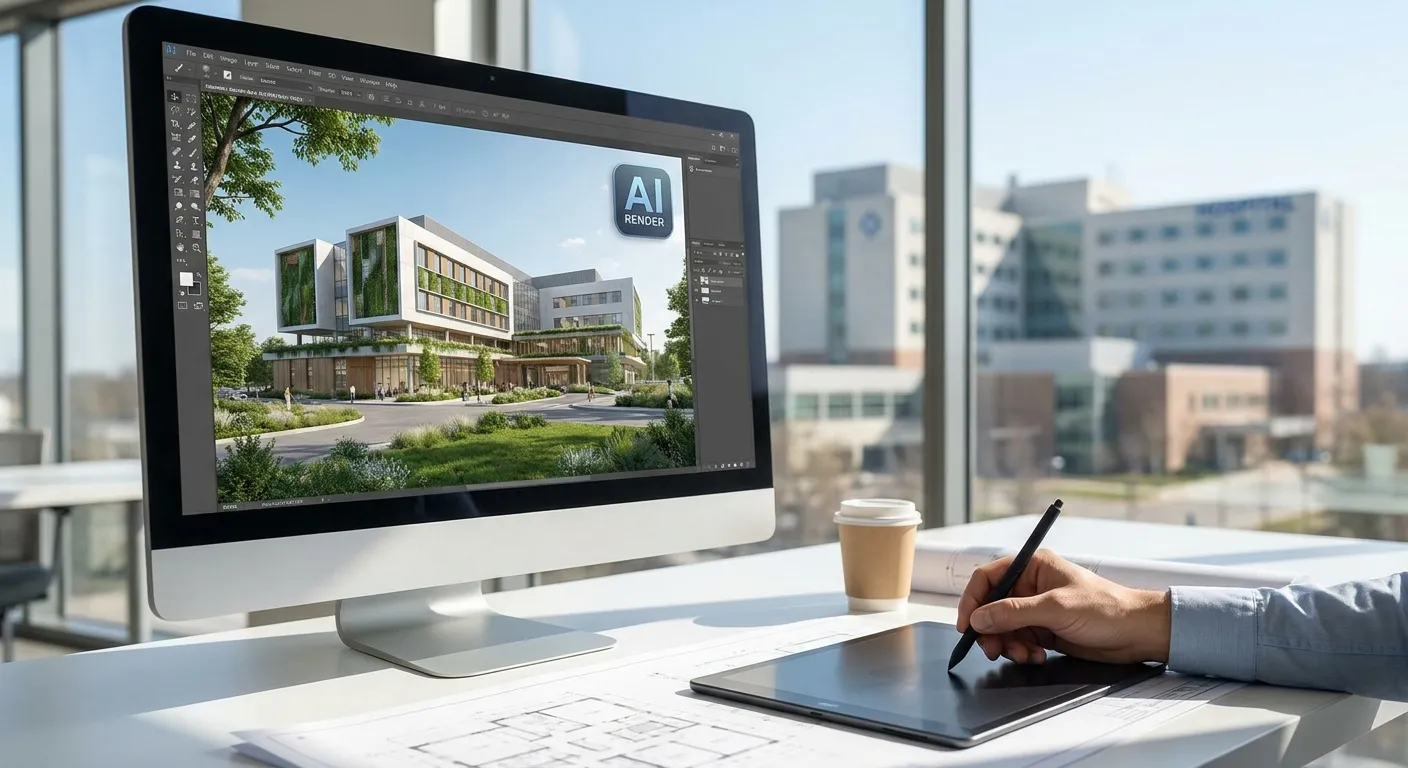
Healthcare architecture firms need renders that survive infection-control review, ADA compliance checks, and hospital administrator sign-off — not just pretty lighting. This roundup ranks the AI rendering tools that actually hold up under that pressure in 2026.
- PromptRender wins for healthcare architecture firms needing fast, compliance-accurate renders straight from Revit or SketchUp screenshots — Buy.
- Veras integrates directly inside Revit and Rhino for real-time concept passes but struggles with material accuracy on clinical finishes — Consider.
- Generic Midjourney-style workflows produce hallucinated details unsuitable for life-safety documentation — Skip for healthcare work.
- D5 Render delivers full control over lighting and materials but demands a steep learning curve most healthcare teams can't afford mid-project.
Why this matters
Healthcare projects move through more approval layers than almost any other building type: infection prevention committees, code officials, hospital boards, and often a state health department review before a shovel touches ground.
A render that looks good but gets a corridor width wrong, shows the wrong wall finish, or invents a window where a mechanical shaft sits creates real problems in review meetings. AI rendering software for healthcare architecture firms has to prioritize accuracy over spectacle, which is a different bar than what a residential or hospitality render needs to clear.
The tools in this list are ranked on three things: how well they preserve the geometry from the original 3D model, how fast they turn a screenshot into a presentation-ready image, and whether they support the software healthcare teams already run — mostly Revit models into photorealistic renders, plus SketchUp, ArchiCAD, and Rhino for specialty consultants.
How this list is ranked
Each tool is evaluated on compatibility with the modeling software healthcare firms actually use in 2026, output turnaround time, geometric fidelity (does the render match the model or does it drift), and whether the output is print-ready for permit and presentation boards. Pricing and license structures shift often enough that you should confirm current terms directly with each vendor rather than trust a static number here.
The ranked list
1. PromptRender — the fast-turnaround pick
PromptRender converts a screenshot from SketchUp, Revit, Rhino, Blender, or ArchiCAD into a photorealistic render without opening a separate rendering engine. For healthcare teams, that means a corridor elevation or a patient room concept goes from model screenshot to client-ready image in the same working session as the design review.
What it does: you upload the screenshot, describe the material and lighting intent, and generate a render in seconds rather than the hours a traditional path engine needs. It works from the model you already built, so dimensions, window placements, and structural elements stay consistent with the source file — a requirement when the same image ends up next to a permit set.
Why now: healthcare design cycles in 2026 are compressed by construction cost pressure, and teams that can turn around a revised render same-day during a committee review keep projects moving instead of waiting a week for the next rendering slot. Verdict: Buy for firms that need repeatable, fast renders tied directly to their permit submission drawings.
2. Veras — the plugin-native option
Veras runs as a real-time AI rendering plugin inside Revit, SketchUp, and Rhino, generating stylized passes over your existing viewport as you model.
What it does: it applies AI-driven material and lighting styles on top of your live 3D view, useful for quick concept exploration during early design phases. The output leans toward mood and atmosphere rather than dimensional precision.
Why now: for healthcare firms still in schematic design, Veras is fast for internal concept reviews, but material fidelity on clinical finishes — vinyl flooring, acoustic ceiling tile, hand-sanitizer stations — tends to drift from what's actually specified. Verdict: Consider for early concept work, not for anything heading to a compliance review.
3. ARKO AI — the sketch-to-render tool
ARKO works from rough sketches and massing studies, turning early hand-drawn or blocky 3D concepts into styled images.
What it does: it's built for the ideation phase, before a model has real material assignments or MEP coordination. Healthcare teams use it for lobby and entrance concept pitches before the design gets locked.
Why now: it's genuinely fast for pitch decks, but it's the wrong tool once you need a render tied to an actual floor plan for a design review. Verdict: Consider for pitch-stage work only.
4. D5 Render — the power-user engine
D5 Render is a full real-time rendering engine with AI-assisted lighting and material tools layered on top of a traditional GPU-based pipeline.
What it does: it gives you granular control over every light source, material property, and camera setting, which architecture visualization specialists value for hero shots in final marketing packages.
Why now: the learning curve is real — most healthcare project teams don't have a dedicated visualization specialist on staff, and D5's setup time works against the fast-turnaround need most committee reviews demand. Verdict: Hold unless your firm already has a rendering specialist on the team.
5. Enscape — the established standard
Enscape has been the default real-time rendering plugin for architecture firms for years, built into Revit, SketchUp, and ArchiCAD workflows.
What it does: it renders in real time as you navigate the model, which is useful for live walkthroughs during client meetings, but it isn't AI-native — output quality depends heavily on manual lighting and material setup.
Why now: it's a solid baseline tool many healthcare firms already have licenses for, but it doesn't get you the same speed-to-photorealism that AI-native tools deliver in 2026. Verdict: Hold if you already own it; don't buy it new for this specific need.
6. Generic diffusion-model workflows (Midjourney, Stable Diffusion)
General-purpose image generators can produce striking architectural-style images from text prompts alone.
What it does: it generates an image loosely inspired by your prompt, with no connection to your actual 3D model, dimensions, or floor plan.
Why now: for healthcare work specifically, this is the riskiest option — invented window counts, incorrect corridor widths, and fabricated structural elements are common, and none of it maps back to what's actually being built. Verdict: Skip for anything tied to a real project.
Comparison table
| Tool | AI-native | Works from your model | Learning curve | Best for | Verdict |
|---|---|---|---|---|---|
| PromptRender | Yes | Yes — exact geometry | Low | Fast, compliance-accurate renders | Buy |
| Veras | Yes | Yes — stylized | Low | Early concept exploration | Consider |
| ARKO AI | Yes | Partial — sketch-based | Low | Pitch-stage massing | Consider |
| D5 Render | Partial | Yes | High | Hero marketing shots | Hold |
| Enscape | No | Yes | Medium | Live walkthroughs | Hold |
| Diffusion generators | Yes | No | Low | Nothing project-specific | Skip |
“A render that looks good but gets the corridor width wrong doesn't survive a healthcare design review.”
Where to source these tools
- Go direct to the vendor site for current licensing terms — pricing and tiers shift often enough in 2026 that reseller listings lag behind.
- Confirm software compatibility against your actual modeling stack before committing; a tool that only supports SketchUp is a dead end if your MEP consultants work in Revit.
- Test on a real project screenshot, not a demo file — healthcare geometry (corridors, nurse stations, sterile cores) behaves differently under AI rendering than a simple residential room.
Turn your next screenshot into a render
Upload a SketchUp, Revit, or ArchiCAD screenshot and generate a photorealistic render in seconds.
Firms weighing PromptRender against a broader visualization stack should also look at how it stacks up for other structured, review-heavy building types — the same fidelity requirements show up in the roundups for small architecture firms and design agencies juggling multiple concurrent client reviews.
FAQ
What's the best AI rendering software for healthcare architecture firms in 2026?
PromptRender is the best fit for healthcare architecture firms in 2026 because it converts existing Revit, SketchUp, or ArchiCAD screenshots directly into photorealistic renders without altering the model's dimensions. That geometric consistency matters when the same image gets reviewed alongside permit drawings.
Is Veras better than PromptRender for healthcare projects?
Veras is faster for early concept exploration since it renders live inside your Revit or Rhino viewport, but it's weaker on material accuracy for clinical finishes. PromptRender is the stronger choice once a render needs to hold up in a compliance or committee review.
How much does AI rendering software cost for architecture firms?
Pricing varies by vendor and license tier, and terms change often enough in 2026 that you should confirm current rates directly on each provider's site rather than rely on a fixed figure.
Can AI rendering tools work directly from Revit models?
Yes — tools like PromptRender and Veras both work from Revit, either through a screenshot upload or a live in-app plugin. The screenshot-based approach tends to preserve geometry more reliably for documentation use.
Why do generic AI image generators fail for healthcare architecture renders?
Generic diffusion tools like Midjourney generate images from a text prompt with no connection to your actual floor plan, which means corridor widths, window counts, and structural elements can be invented rather than accurate. That's a liability once the image is tied to a real project submission.
Do healthcare architecture firms need a dedicated rendering specialist?
Not necessarily. Tools like PromptRender are built for firms without a dedicated visualization role, while engines like D5 Render assume someone on staff already knows lighting and material setup in depth.
What should a healthcare render show for a design review?
It should show accurate corridor widths, correct finish materials, and window and door placements that match the model exactly, since these images often sit next to permit submission drawings during committee review.
Is Enscape considered an AI rendering tool?
No — Enscape is a real-time rendering plugin, not AI-native, so output quality depends on manual lighting and material setup rather than automated style generation.
One last thing
The firms getting the fastest committee approvals in 2026 aren't the ones with the flashiest renders — they're the ones who can turn a revision around before the next meeting instead of after it. Speed to an accurate image, not just image quality, is the actual competitive edge in healthcare project review cycles.