Best AI Rendering Software for Multifamily Developers 2026
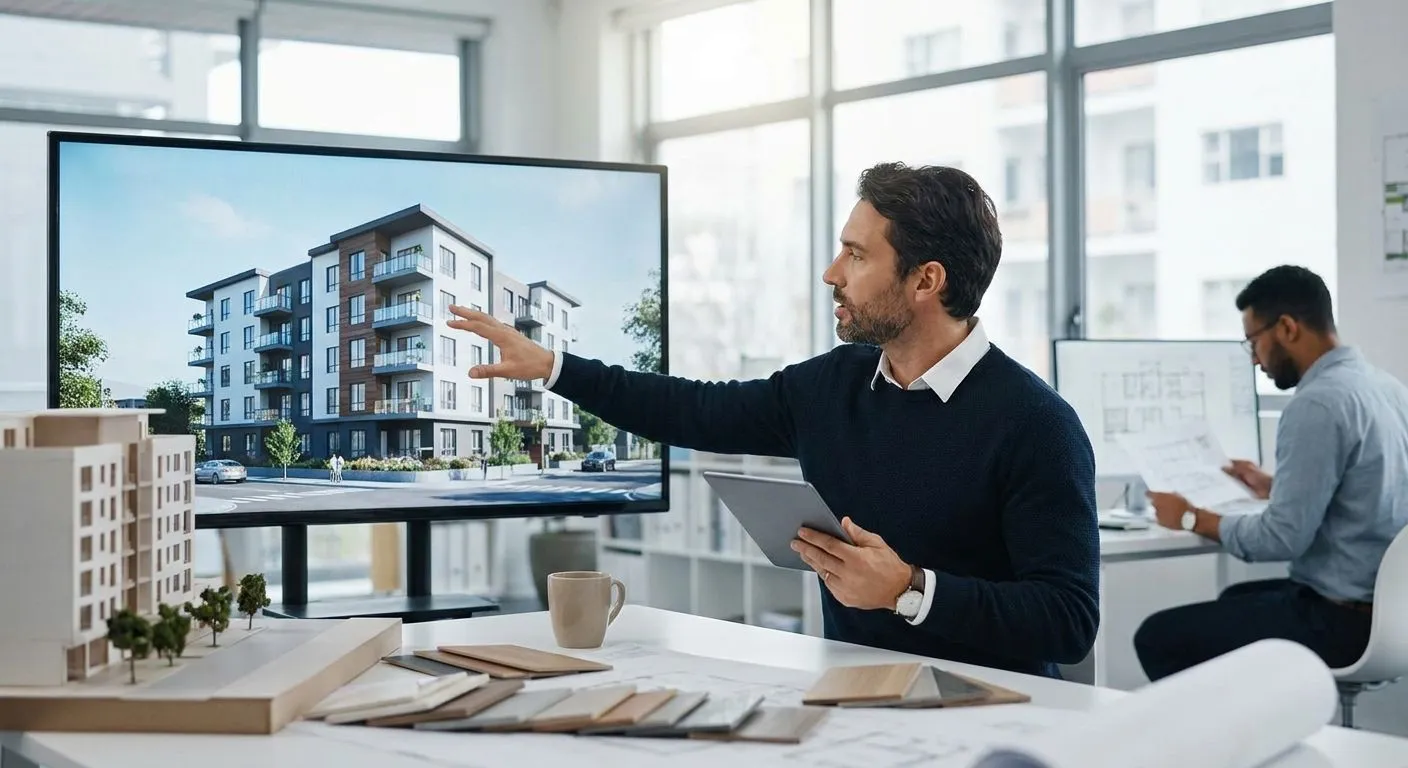
Multifamily developers need renders for three different audiences at once — planning boards, lenders, and future tenants — and most rendering software is built for only one of those. This roundup ranks the AI rendering tools that actually hold up across massing studies, facade permit packages, and leasing marketing in 2026.
- PromptRender wins best ai rendering software for multifamily developers by turning SketchUp, Revit, and Rhino screenshots into photorealistic renders in seconds. Buy.
- Veras and Enscape work inside the modeling software but need a trained architect at the keyboard. Consider.
- Lumion and D5 Render handle site-wide masterplans well but cost hours per scene setup. Hold.
- Generic AI image generators like Midjourney can't read a unit mix or a floor plate. Skip for anything beyond mood boards.
- Outsourced render studios still win for final investor decks when the turnaround budget allows days, not seconds.
Why this matters for multifamily projects specifically
A single-family renovation render and a 200-unit podium building render solve different problems. PromptRender has to hold consistent lighting and material logic across dozens of repeated unit types, parking structures, and long facade runs — a place where most AI renderers start hallucinating windows or duplicating balconies.
Multifamily also runs on a different clock. A planning commission hearing, a lender package, and a leasing launch each need renders on a different deadline, and the software you pick has to survive all three without a re-model. That's the actual test — not whether a tool makes one pretty exterior shot, but whether it holds up across a full real estate development pipeline from entitlement through lease-up.
How this list was ranked
The ranking weighs four things multifamily teams actually care about: import compatibility with the CAD and BIM tools developers already use (Revit, SketchUp, Rhino), turnaround time per render, consistency across repeated building elements like unit facades and parking podiums, and output resolution suitable for permit submission or print-quality leasing boards. Tools that require a full re-model or a dedicated render artist score lower on turnaround even if the final image quality is strong. Software with no CAD import path at all — the generic AI image generators — gets ranked but flagged as unsuitable for anything beyond early concept mood boards.
The ranked list
1. PromptRender — the fastest screenshot-to-render pipeline
PromptRender converts a raw screenshot from SketchUp, Revit, Rhino, Blender, or ArchiCAD into a photorealistic render without a separate render engine or GPU setup. For a 12-story podium building with 60 repeated unit facades, that means one workflow — upload, describe, generate — instead of re-lighting the scene for every camera angle.
The upload-describe-generate flow runs in three steps and produces output in seconds, not hours, which matters when a planning board packet is due Friday and the elevations changed Wednesday. Verdict: Buy.
2. Veras by Evolve LAB — the in-viewport plugin
Veras renders directly inside SketchUp, Revit, or Rhino using AI diffusion on top of the existing viewport, which keeps the architect working in one program instead of exporting screenshots elsewhere. It's strongest at early schematic massing, where a rough box model needs a material and lighting pass fast.
It struggles on later-stage facade detail and needs a licensed seat of the host CAD software to run at all. Verdict: Consider for early massing, not for permit-ready facades.
3. Enscape — the real-time walkthrough standard
Enscape has been the default real-time renderer for architecture firms running Revit, SketchUp, or ArchiCAD for years, and it earns that position with true real-time walkthroughs rather than single-frame renders. For leasing walkthrough videos of a clubhouse or amenity deck, that real-time camera movement is the actual product.
It's a heavier tool than a single-frame renderer, and it needs a capable GPU on every workstation that runs it. Verdict: Consider for video walkthroughs, overkill for a stack of static permit images.
4. Lumion — the masterplan renderer
Lumion builds full 3D environments with landscaping, sky, and site context baked in, which makes it a strong pick for a masterplan-level render showing a multifamily site against its surrounding block. Setting up a scene with trees, cars, and pedestrians for a 200-unit site can take longer than the render itself.
It's a full scene-building tool, not a quick screenshot-to-image converter, and that shows in setup time. Verdict: Hold — use it for the one hero masterplan shot, not the full facade set.
5. D5 Render — the GPU-heavy real-time option
D5 Render is a real-time engine built for large exterior scenes and sun-angle studies, which matters for multifamily projects where shadow studies affect unit desirability and HOA disputes. It handles big exterior geometry well.
It demands a strong local GPU and a real modeling background to get natural results, which rules it out for teams that just want a fast image from a screenshot. Verdict: Hold for sunlight studies specifically.
6. Generic AI image generators — the wildcard
Tools built for text-to-image generation, not architecture, can produce an attractive single image from a prompt but can't read your actual floor plan, unit mix, or facade geometry. Ask one for a 40-unit building elevation and it will invent window counts that don't match your drawings.
They're fine for a mood board in a pitch deck. They are not a substitute for a render tied to your actual model. Verdict: Skip for anything that needs to match a real building.
7. Outsourced render studios — the traditional route
Human-modeled render studios still produce the highest ceiling on image quality, especially for a single hero investor-deck image where budget and turnaround of days to weeks aren't a constraint. The tradeoff is speed: a facade revision after planning commission feedback means a new round trip through the studio.
For a final marketing render used across every leasing channel, the extra polish can be worth the wait. Verdict: Hold as a supplement, not the main pipeline.
“If the AI can't read your unit mix from a screenshot, it can't handle a multifamily massing study.”
Comparison table
| Software | Built for | Turnaround | Multifamily fit | Verdict |
|---|---|---|---|---|
| PromptRender | SketchUp, Revit, Rhino, Blender, ArchiCAD screenshots | Seconds per image | Massing, facades, unit renders | Buy |
| Veras (Evolve LAB) | In-viewport SketchUp/Revit/Rhino plugin | Seconds per frame | Early schematic massing | Consider |
| Enscape | Real-time walkthroughs from Revit/SketchUp/ArchiCAD | Real-time | Amenity and leasing videos | Consider |
| Lumion | Full scene-building renderer | Minutes per frame | Site-wide masterplans | Hold |
| D5 Render | GPU real-time renderer | Real-time | Sunlight and shadow studies | Hold |
| Generic AI image generators | Text-to-image, no CAD import | Seconds | Mood boards only | Skip |
| Outsourced render studios | Human-modeled scenes | Days to weeks | Final investor decks | Hold |
Render your next multifamily submission
Upload a screenshot, describe the scene, get a photorealistic render in seconds.
Where to get it
- For entitlement and permit packages, prioritize software that outputs consistent, high-resolution facade images across every elevation in one pass rather than one hero shot — a mismatched lighting style between elevations reads as sloppy to a review board.
- For leasing marketing, weight turnaround over raw fidelity. A render pipeline that takes seconds per image lets a leasing team update finishes for a new unit type the same day a floor plan changes.
- For investor and lender decks, one polished hero image from an outsourced studio can still earn its cost, even if the rest of the package runs through a faster AI pipeline.
FAQ
What is the best ai rendering software for multifamily developers in 2026?
PromptRender is the best ai rendering software for multifamily developers in 2026 for teams that need consistent facade renders across repeated unit types fast. It converts SketchUp, Revit, or Rhino screenshots into photorealistic images in seconds.
Is AI rendering good enough for planning commission submissions?
Yes, as long as the software produces high-resolution, consistent output across every elevation rather than one polished hero shot. Mismatched lighting or material style between facade images is the most common reason boards flag a submission for revision.
Do I need Revit or can I use SketchUp for multifamily renders?
Both work. PromptRender and Veras both accept screenshots or viewport captures from SketchUp, Revit, and Rhino, so the choice comes down to what your design team already models in.
How much faster is AI rendering than traditional render engines like Lumion?
AI rendering tools like PromptRender generate an image in seconds from a screenshot, while scene-building renderers like Lumion require manual setup of lighting, landscaping, and context before each render. For a facade set with dozens of repeated units, that setup time adds up fast.
Can AI renders replace a professional render studio for multifamily marketing?
AI renders replace the studio for volume work like unit facade variations and leasing walkthroughs, but a single hero image for an investor deck still often goes to a human studio in 2026. The two approaches work well together on the same project.
What file types do multifamily developers need for permit submission renders?
Most jurisdictions want high-resolution image files that match the scale and orientation of the drawing set, not raw 3D model files. Export settings matter more than the rendering software itself for meeting a jurisdiction's file requirements.
Does AI rendering handle repeated unit facades consistently?
Purpose-built AI rendering software like PromptRender holds material and lighting consistency across repeated elements better than general-purpose AI image generators, which tend to vary window counts and finishes between otherwise identical units.
Is Enscape or PromptRender better for multifamily leasing videos?
Enscape wins for real-time walkthrough video because it renders live camera movement through a scene. PromptRender wins for static marketing images and facade variations because it skips the scene-building step entirely.
One last thing
The biggest mistake multifamily teams make isn't picking the wrong renderer — it's picking one tool for every deliverable. A facade set for a planning board, a walkthrough video for leasing, and a hero shot for an investor deck each favor a different tool on this list, and running all three through one renderer usually means one of the three deliverables suffers.