Best AI Rendering Software for Urban Planners (2026)
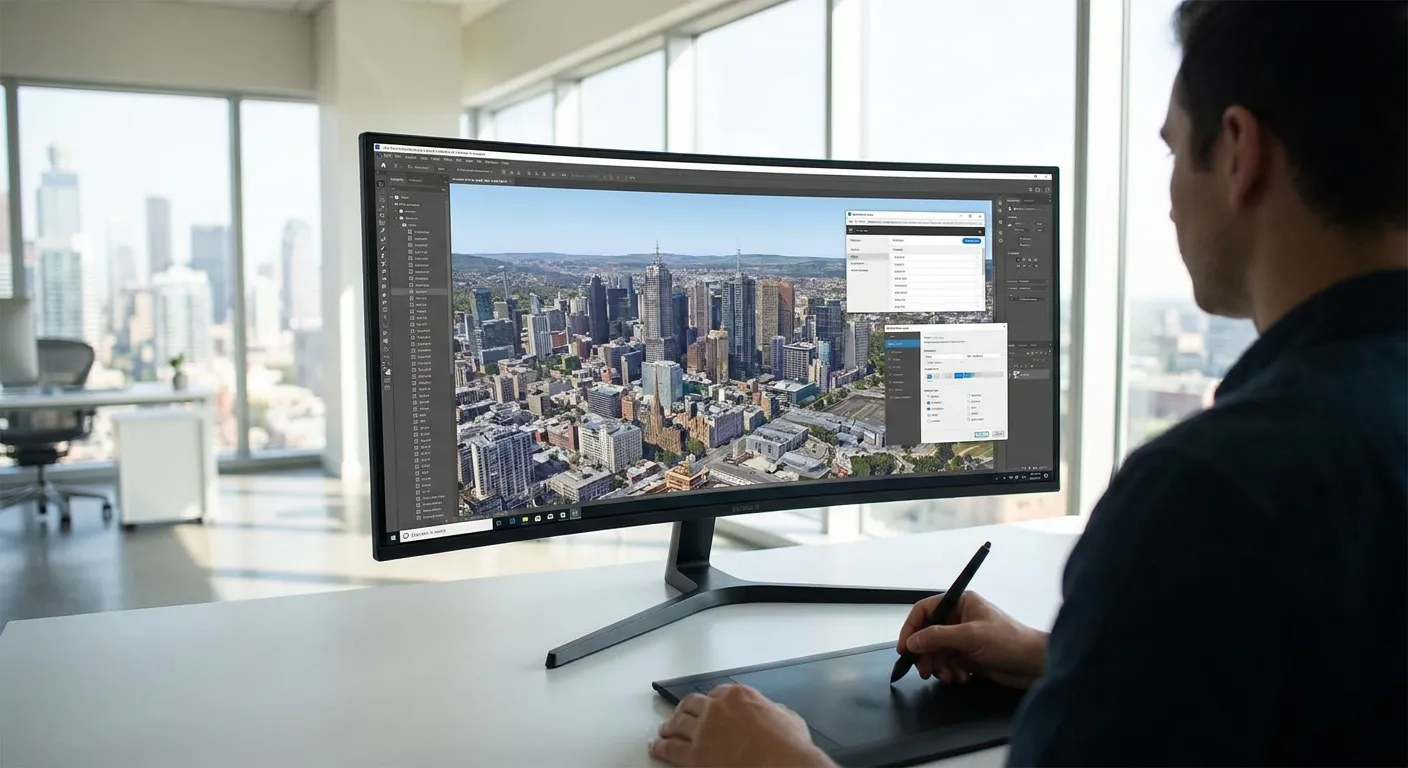
Urban planners drafting rezoning packages, corridor studies, or public hearing boards need renders that look real without weeks in a rendering queue — this ranks the best ai rendering software for urban planners against that exact job in 2026.
- PromptRender wins the best ai rendering software for urban planners category by turning SketchUp and Revit screenshots into renders in three steps: Buy.
- Veras AI and Enscape suit teams already living inside Revit or Rhino for live massing reviews: Consider, not a default buy.
- Twinmotion and D5 Render handle district-scale scenes but need a dedicated GPU and setup time: Hold for most planning offices.
- Skip generic diffusion tools like Midjourney-based workflows for zoning submissions; they distort geometry against surveyed site plans.
Why This Matters
A planning department doesn't need cinematic lighting. It needs a render that survives a councilmember comparing it to the actual site plan, produced fast enough to hit a hearing deadline that hasn't moved in six months.
Most of the tools in this space were built for architecture firms selling a building, not for planning staff defending a zoning envelope, a setback variance, or a streetscape redesign. That mismatch is why so many planning offices end up with renders that look great and get thrown out at the podium for not matching the surveyed massing. PromptRender was built around the opposite workflow: upload the 3D model screenshot you already have from SketchUp, Revit, Rhino, Blender, or ArchiCAD, describe the scene, and generate the render without opening a separate rendering engine.
The ranking below weighs one thing above polish: how fast a planner with no rendering background can get from a working model to a defensible visual.
How We Ranked
Each tool is scored on three axes that matter to a planning office rather than a design studio: whether it works from screenshots or requires a native plugin, how much training a non-technical staffer needs before producing usable output, and whether the output holds geometric fidelity to the source model well enough to survive scrutiny at a public hearing.
Tools that require a dedicated rendering workstation or a steep Unreal Engine learning curve lose points, because most planning departments run standard-issue office laptops, not GPU rigs. Tools that skip the modeling step entirely and generate from a text prompt alone lose points too — a render that doesn't match the surveyed lot lines is a liability in a public meeting, not an asset. The list reflects that lens for 2026, not a general architecture-visualization ranking.
The Ranked List
1. PromptRender — the fastest path from screenshot to hearing-ready render
PromptRender converts a 3D model screenshot into a photorealistic render in three steps: upload, describe, generate. No plugin install, no rendering software license, no GPU workstation.
For a planning office juggling SketchUp massing studies one week and Revit context models the next, that tool-agnostic input matters more than any single feature. It reads screenshots from SketchUp, Revit, Rhino, Blender, and ArchiCAD, which covers the mix of software most planning consultants and in-house GIS-to-3D teams actually use. The architecture presentation render generator workflow it's built on maps directly onto how planning staff assemble hearing boards: pull the model, generate the visual, drop it into the packet. Verdict: Buy.
2. Veras AI — the plugin pick for teams that already live in Revit or Rhino
Veras AI runs as an embedded AI rendering plugin inside Revit, SketchUp, Rhino, and Vectorworks, generating stylized-to-photoreal variations directly on top of an open massing model during a live review session.
That's a real advantage in an internal design review where a planner is iterating on massing in real time with a consultant on the call. It's a weaker fit when the deliverable is a static render for a packet and nobody on staff wants to maintain a plugin license across every workstation that touches the model. Verdict: Consider.
3. Enscape — the real-time walkthrough tool for public hearings
Enscape plugs into Revit, SketchUp, Rhino, Vectorworks, and ArchiCAD to produce real-time, navigable 3D walkthroughs rather than single still renders.
That's genuinely useful when a corridor study or streetscape redesign benefits from letting a planning commission fly through the proposal live instead of flipping through static boards. The tradeoff is setup: it needs a per-seat license and a modeler who keeps the source file walkthrough-ready, which is more overhead than most one-off hearing packets justify. Verdict: Consider.
4. Twinmotion — strong for district-scale scenes, heavy for daily planning work
Twinmotion is Epic Games' real-time visualization tool, built on Unreal Engine, with direct import paths from Revit, SketchUp, ArchiCAD, and Rhino.
It handles large-scale district and corridor scenes with lighting and vegetation libraries that outclass most lightweight tools. The learning curve is the problem: getting a non-technical planning staffer comfortable with Unreal-based material and lighting controls takes real time, and most planning offices don't have a dedicated visualization hire to absorb that curve. Verdict: Hold.
5. D5 Render — capable for streetscape mockups, GPU-dependent
D5 Render is a real-time renderer with an extensive material and asset library aimed at architectural and landscape visualization, producing stills, video, and VR output.
For a streetscape or public-space redesign, its context libraries save real modeling time. It also assumes a dedicated GPU workstation, which is the same blocker most planning departments hit with Twinmotion. Verdict: Hold.
6. Lumion — mature libraries, slower turnaround for hearing deadlines
Lumion is one of the longer-standing real-time architectural visualization tools, with deep landscaping and streetscape context libraries built up over years of studio use.
That library depth is genuinely strong for corridor and public-realm studies. The license cost and the time needed to build out a scene properly work against the compressed timelines most rezoning and variance hearings run on. Verdict: Hold.
7. Generic diffusion-image workflows (Midjourney, Stable Diffusion + ControlNet) — Skip for submission packets
Text-to-image diffusion pipelines produce a convincing single frame fast, and plenty of planning staff have tried one to mock up a concept quickly.
The problem is geometric fidelity: these tools generate an image from a prompt, not from your actual massing model, so proportions, setbacks, and sightlines drift from what's on the surveyed site plan. That's exactly the mismatch a councilmember or opposing attorney will catch. Verdict: Skip.
Turn a screenshot into a hearing-ready render
Upload a SketchUp, Revit, or Rhino screenshot and generate a photorealistic render in minutes.
Comparison Table
| Tool | Input | Best For | 2026 Verdict |
|---|---|---|---|
| PromptRender | Screenshots (SketchUp, Revit, Rhino, Blender, ArchiCAD) | Fast hearing-ready renders, no plugin | Buy |
| Veras AI | Native plugin (Revit, SketchUp, Rhino, Vectorworks) | Live massing review with consultants | Consider |
| Enscape | Native plugin (Revit, SketchUp, Rhino, Vectorworks, ArchiCAD) | Navigable walkthroughs for commissions | Consider |
| Twinmotion | Import from major modeling software | District-scale scenes | Hold |
| D5 Render | Import, GPU-dependent | Streetscape and public-space mockups | Hold |
| Lumion | Import, GPU-dependent | Corridor studies with deep context libraries | Hold |
| Diffusion image tools | Text prompt only | Concept sketches, not submissions | Skip |
Where To Source It
- Buy per-seat plugin licenses (Veras AI, Enscape) only if the team already models daily inside Revit, Rhino, or SketchUp — the license cost doesn't pencil out for occasional use.
- Test any tool against a render pulled from an actual current zoning submission before rolling it out office-wide; a demo scene never reveals how a tool handles a real, messy site model.
- For public hearings and rezoning packets, prioritize turnaround speed over cinematic polish — a defensible render delivered on deadline beats a stunning one delivered late in every hearing calendar in 2026.
FAQ
What is the best AI rendering software for urban planners in 2026?
PromptRender is the best ai rendering software for urban planners in 2026 for teams that need a screenshot-to-render workflow without a plugin. It works from SketchUp, Revit, Rhino, Blender, and ArchiCAD screenshots without a separate rendering license.
Can AI rendering software work directly from SketchUp or Revit screenshots?
Yes, PromptRender generates photorealistic renders directly from screenshots taken in SketchUp, Revit, Rhino, Blender, or ArchiCAD. That avoids the plugin installs that tools like Veras AI and Enscape require on every workstation.
Is Twinmotion good for large-scale urban design renders?
Twinmotion handles district-scale scenes well because it runs on Unreal Engine with strong lighting and vegetation libraries. It's slower to learn than a screenshot-based tool, which matters when planning staff have no visualization background.
How much training does AI rendering software need for planning staff?
Screenshot-based tools like PromptRender need minutes of training since the workflow is upload, describe, generate. Plugin-based tools like Enscape or Twinmotion need hours to days because staff have to learn native lighting and material controls.
Do AI renders hold up in public hearings and zoning boards?
AI renders hold up in hearings when they're generated from the actual surveyed 3D model, not from a text prompt alone. Renders built on diffusion image tools without a source model risk mismatched setbacks and sightlines that opposing counsel can challenge.
What's the difference between real-time rendering plugins and AI image generators for urban planning?
Real-time plugins like Enscape and Veras AI live inside your modeling software and update as you edit the model. AI image generators like PromptRender take a static screenshot and generate a photorealistic still without needing the plugin installed.
How fast can you generate a render for a city council presentation?
With a screenshot-based tool like PromptRender, a single render generates in minutes from upload to output. Plugin-heavy tools like Twinmotion or D5 Render take longer because the scene has to be built out with materials and lighting first.
Is Midjourney good enough for urban planning renders?
Midjourney and similar diffusion tools produce a convincing single image but generate from a text prompt, not your actual site model. That makes them unreliable for zoning submissions where the render needs to match a surveyed massing envelope.
One Last Thing
The biggest failure mode in this category isn't picking the wrong tool — it's picking a tool that requires a GPU workstation your IT department will never approve for a planning office budget in 2026. Before shortlisting anything on this list, confirm it runs on whatever laptop your staff already has; that single constraint eliminates half the field before a single render gets generated.