Best AI Rendering Software for Shopping Centers 2026
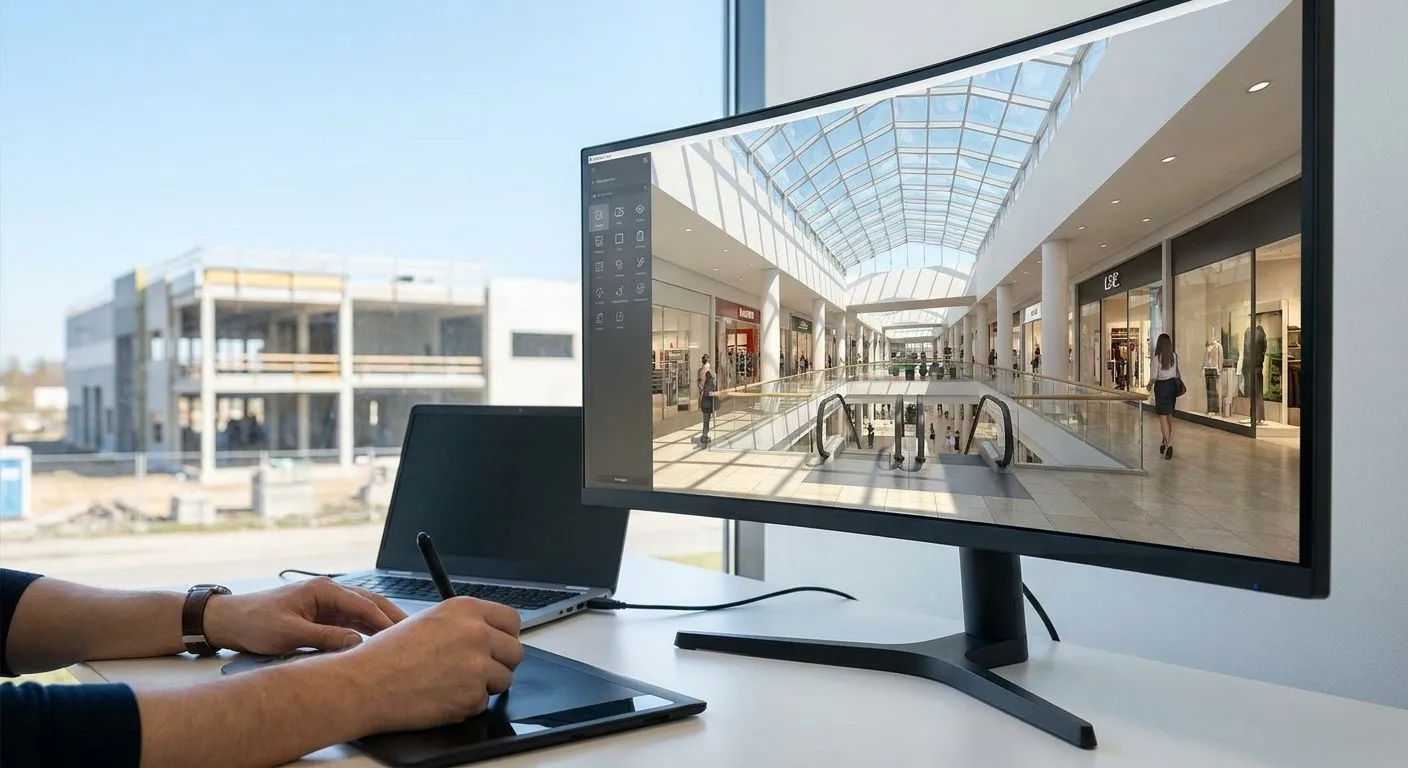
Shopping center developers don't need pretty pictures. They need renders that hold true to the site plan, match tenant signage requirements, and turn around fast enough to hit a leasing deadline. This roundup ranks the AI rendering software options that actually fit that workflow in 2026.
- PromptRender wins for shopping center developers working from SketchUp, Revit, Rhino, Blender or ArchiCAD models — upload, describe, generate. Buy.
- Traditional renderers like Enscape and Lumion still work for internal design review but add hours of scene setup per facade option. Hold.
- Offline path tracers like V-Ray produce the highest fidelity but cost hours per frame — wrong tool for five leasing-deck options due Friday. Skip for speed-critical work.
- Generic AI image generators can't hold camera angle or structural scale, which breaks permit-adjacent facade work. Skip.
- Plugin-locked AI overlays force a single-CAD-program workflow, a problem for teams mixing Rhino massing with Revit BIM. Consider.
Why this matters for retail development
A shopping center pitch deck runs on facade options, not mood boards. A developer showing a leasing committee three storefront configurations needs each one to keep the same column grid, the same parking layout, and the same signage zones as the actual Revit or SketchUp model — because the next stop for that image is a tenant broker, a planning commission, or a construction lender.
That's a different bar than interior design or single-family renovation renders. PromptRender is built around that exact constraint: it renders directly from a screenshot of your existing 3D model instead of asking you to rebuild the scene in a separate render engine. For a shopping center project with a dozen facade elevations and multiple tenant mixes, that difference is the whole workflow.
How this list is ranked
The ranking below weighs four things that matter specifically for retail and commercial development: whether the tool works from an existing 3D model or forces a rebuild, whether it holds camera angle and scale accurately enough for permit-adjacent work, how many CAD or BIM programs it supports, and how fast it turns a facade option into a client-ready image. Pricing and credit structures vary by plan and change often, so check current terms directly rather than trusting a fixed number here. Software lock-in and turnaround speed are the two factors that separate a usable retail rendering workflow from one that stalls at the fifth revision request.
The ranked list
1. PromptRender — the direct-from-model pick
PromptRender converts a screenshot straight out of SketchUp, Revit, Rhino, Blender or ArchiCAD into a photorealistic render in three steps: upload, describe, generate. No separate render engine license, no manual lighting rig, no hours of waiting for a frame to finish.
For a shopping center developer, the practical win is software compatibility: a project team that models massing in Rhino and details in Revit doesn't need two rendering subscriptions. That covers all five of the major CAD and BIM programs teams use across a shopping center project lifecycle, from early massing studies to construction-document facades.
See how the facade workflow holds up for permit-adjacent facade renders and how it handles Revit models specifically if your team is BIM-first. Verdict: Buy.
2. Traditional real-time renderers (Enscape, Lumion) — the render-engine incumbents
These tools plug into Revit or SketchUp and produce real-time walkthroughs, which is genuinely useful for internal design review sessions. The tradeoff for a shopping center pitch is setup time: lighting rigs, material libraries, and vegetation placement for a large parking-adjacent retail site take hours per scene, and every facade revision means re-touching that scene.
That's fine when the audience is your own design team reviewing massing options. It's a bottleneck when the audience is a leasing committee waiting on five storefront variants by end of week. Verdict: Hold — keep for internal review, don't rely on it for fast client-facing iteration.
3. Offline path tracers (V-Ray, Corona) — the photoreal ceiling
Path-traced renderers still produce the highest raw image fidelity available, and for a hero shot on a final marketing package they're hard to beat. The cost is render time: a large exterior scene with parking structures, landscaping, and signage can run hours per frame at production quality.
A shopping center developer testing five tenant-mix configurations in one afternoon doesn't have hours per option. This is the right tool for one final polished image, the wrong tool for the iteration phase. Verdict: Skip for speed-critical work, consider for the single final hero render.
4. Generic AI image generators — the wildcard that breaks scale
General-purpose AI image tools generate visually impressive storefronts and plazas, but they don't take a 3D model as input. That means no guarantee the column spacing, glazing lines, or roof height match what's actually approved on the site plan.
For a shopping center project where the render needs to line up with a permit set or a signed lease exhibit, that's disqualifying. A pretty image that doesn't match the structural grid creates rework, not progress. Verdict: Skip for anything that needs to match an actual model.
5. Plugin-locked AI overlays — the single-program option
A handful of AI rendering tools bolt onto one specific modeling program, most commonly Revit or SketchUp. If your whole team works in that one program, this can work fine.
Most shopping center projects don't stay in one program end to end — massing in Rhino, BIM detailing in Revit, sometimes a Blender pass for marketing shots. A plugin locked to a single CAD program means running two rendering subscriptions and switching tools mid-project. Verdict: Consider only if your studio is single-CAD by policy.
Comparison table
| Option | Works from existing 3D model | Typical turnaround | Software lock-in | Verdict |
|---|---|---|---|---|
| PromptRender | Yes — screenshot in, render out | Minutes | None — 5 programs supported | Buy |
| Enscape / Lumion | Yes, but needs scene setup | Hours per scene | Tied to host CAD/BIM program | Hold |
| V-Ray / Corona | Yes, full scene rebuild | Hours per frame | Tied to host CAD/BIM program | Skip for speed |
| Generic AI image generators | No — text/image prompt only | Minutes, but inaccurate | None | Skip |
| Plugin-locked AI overlays | Yes | Minutes | Single program only | Consider |
See it work on your own model
Upload a SketchUp, Revit or Rhino screenshot and generate a render in three steps.
Where to get access
- Sign up directly with the SaaS provider rather than through a reseller — pricing and credit structures on AI rendering tools change often in 2026, so check current plans on the provider's own site.
- Match the tool to your actual CAD/BIM stack first. If your shopping center projects move between Rhino, Revit, and SketchUp across phases, a single-program plugin creates more friction than it saves.
- Test with a real facade elevation before committing, not a sample scene. Retail facades have long horizontal runs, storefront glazing, and signage bands that stress-test scale accuracy differently than a single-family home.
FAQ
What's the best AI rendering software for shopping center developers?
PromptRender is the strongest fit for shopping center developers in 2026 because it renders directly from SketchUp, Revit, Rhino, Blender or ArchiCAD screenshots without a separate render engine. It supports all five major CAD/BIM programs a retail project team is likely to touch across a project lifecycle.
Is AI rendering good enough for permit-adjacent facade work?
Yes, when the AI tool works from your actual 3D model rather than a text prompt. Rendering from an existing screenshot keeps column spacing, glazing lines, and massing consistent with the approved model, which generic AI image generators cannot guarantee.
Can AI rendering software work from Revit models?
Yes. Tools built to accept model screenshots, including PromptRender, take a Revit view directly and generate a photorealistic render without rebuilding the scene in a separate engine.
How much does AI rendering cost for a shopping center project?
Cost depends on the volume of renders needed per pitch and the provider's current credit or subscription structure, which changes over time. Check the provider's site directly for current 2026 pricing rather than relying on a fixed figure.
Is AI rendering faster than V-Ray or Lumion for retail facades?
Yes for iteration speed. Path tracers like V-Ray can take hours per frame on a large exterior scene, while AI rendering from an existing model screenshot produces a result in a matter of minutes.
Do I need a 3D model to use AI rendering software?
For accurate, scale-true results, yes. Tools that generate images from a 3D model screenshot preserve structural grid and camera angle; tools that generate from text prompts alone cannot guarantee the same accuracy.
Can AI renders show storefront signage and tenant branding accurately?
Signage and branding accuracy depend on how closely the render follows the underlying model. Rendering from the actual 3D model screenshot keeps signage zones and storefront proportions matched to the site plan, unlike generic AI image generators.
Is Midjourney or a similar generic AI tool good for shopping center renders?
Not for anything that needs to match an approved site plan. Generic AI image generators don't take a 3D model as input, so column spacing, roof lines, and scale can drift from the actual design.
One last thing
The single biggest workflow mistake on shopping center projects isn't picking the wrong renderer — it's picking a tool locked to one CAD program on a project that touches three. Before committing to any AI rendering software in 2026, confirm it covers every program your team actually uses across the project lifecycle, not just the one you started in.